
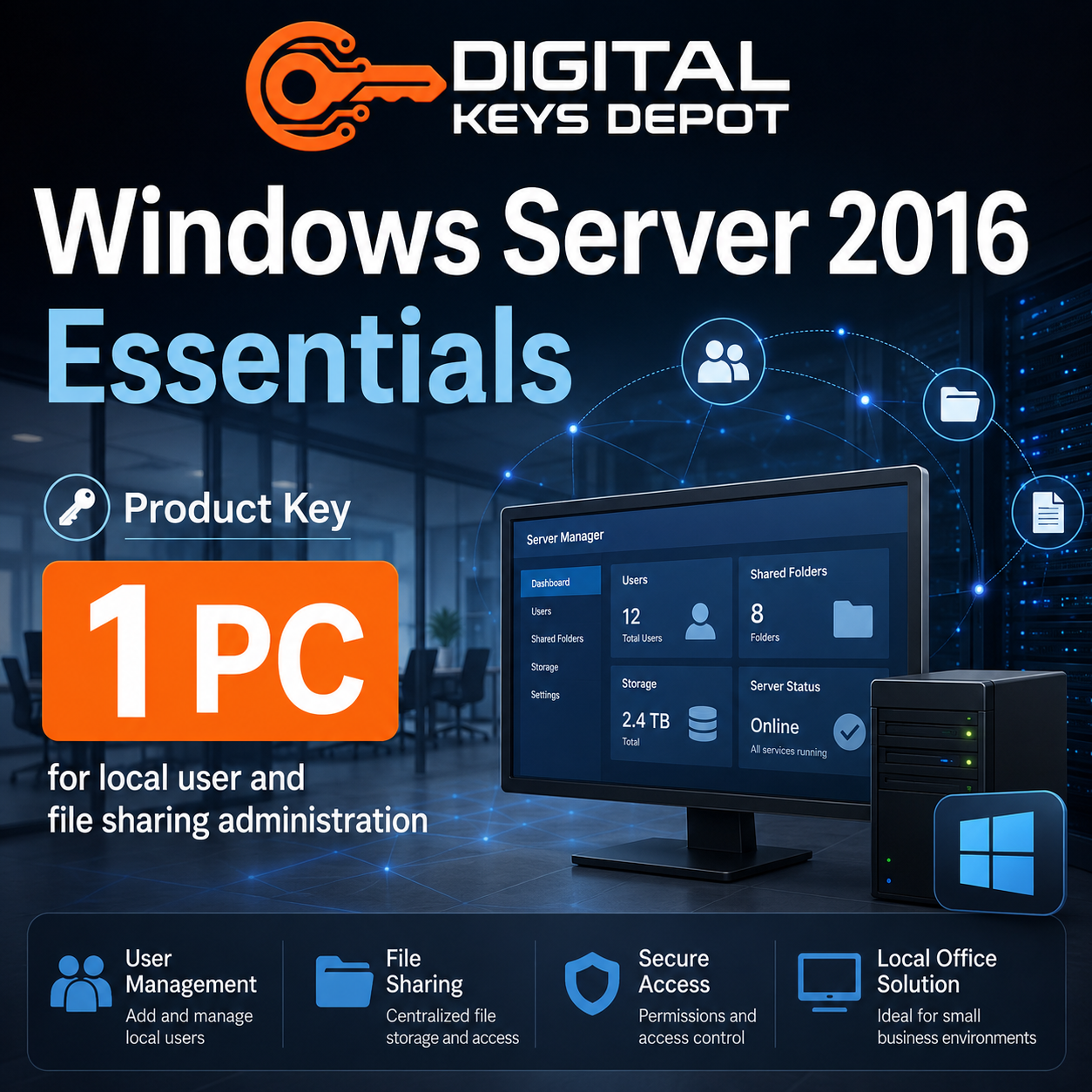
Microsoft Windows Server 2016 Essentials Product Key for 1 PC
Microsoft Windows Server 2016 Essentials is a server operating system edition designed for small business environments that need a practical server platform without the complexity of larger datacenter deployments. This product is intended for users who need a Windows Server 2016 Essentials product key for 1 compatible PC or server installation.
Essentials is commonly used for office server workflows such as user account management, shared files, local network access, device backup planning, and basic business infrastructure. It is a good fit for small teams that want a centralized server environment for daily administration and internal resources.
This edition is different from Standard and Datacenter because it focuses more on essential business server needs rather than virtualization-heavy or large infrastructure workloads. If your goal is to manage a small office server, organize shared resources, and support local users, Windows Server 2016 Essentials is usually the more focused choice.
What’s Included
- 1x Windows Server 2016 Essentials product key
- Activation for 1 compatible PC/server installation
- Support for Windows Server 2016 Essentials full edition
- Order details available through your Digital Keys Depot account dashboard
- Email order status notifications
- Friendly customer support for product and activation-related questions
Common Use Cases
Windows Server 2016 Essentials is built for small business server administration. It is not a regular desktop operating system, and it should be used in a compatible server setup where central management and local network services are required.
- Small business server deployment
- Local user and device management
- Shared folder and file access workflows
- Office network administration
- Basic server-based storage planning
- Small team collaboration infrastructure
- Local backup and server maintenance workflows
- Business application support for compatible server software
- Legacy office environments that require Windows Server 2016 Essentials
How Windows Server 2016 Essentials Fits Small Business Workflows
Many small businesses need a server that can support daily office operations without requiring a large IT infrastructure. Windows Server 2016 Essentials helps provide a central point for user access, file organization, device visibility, and basic administrative control.
For example, a small office may use this edition to manage shared folders, organize business documents, control access for staff members, and support compatible internal applications. It can also be useful for companies that need to maintain older workflows built around Windows Server 2016.
Essentials is especially suitable when the server will be used for practical business tasks rather than complex virtualization labs or high-density datacenter workloads. It gives small teams a structured server environment while keeping the focus on administration, reliability, and compatibility.
Essentials vs Standard vs Datacenter
Windows Server 2016 Essentials is best for small business environments with straightforward server needs. If you need broader server role flexibility, larger infrastructure planning, or more advanced configuration options, Windows Server 2016 Standard may be more suitable.
For virtualization-heavy infrastructure, private cloud planning, or advanced datacenter-style workloads, Windows Server 2016 Datacenter is the stronger edition to compare. Datacenter is usually selected for more complex server environments, while Essentials is focused on smaller office infrastructure.
If your setup needs remote desktop access for multiple users or devices, remember that Remote Desktop Services CALs are separate from the server product key. You may need to compare Windows Server 2016 RDS Device CAL or Windows Server 2016 RDS User CAL depending on whether access is assigned by device or by user.
Activation Information
This product is for Windows Server 2016 Essentials only. Before purchasing, confirm that your installed edition, server version, and required PC count match this product. A Windows Server 2016 Essentials key is not intended for Standard, Datacenter, Evaluation, desktop Windows editions, or other Windows Server versions.
After your order is processed, your order information can be accessed from your Digital Keys Depot account dashboard by visiting My Account and opening your order details. For more information about order access, you can review the delivery information page.
How to Convert Windows Server 2016 Evaluation to Full Essentials Edition
If your server is currently installed as the Evaluation edition, convert it to the full Essentials edition before entering your purchased product key. Follow the steps below carefully.
- Open Command Prompt as Administrator.
Right-click the Start button, then choose Command Prompt (Admin) or Windows PowerShell (Admin). - Enter the Windows Server 2016 Essentials generic product key and run the command below.
Generic key:JCKRF-N37P4-C2D82-9YXRT-4M63B
Command:dism /online /set-edition:ServerEssentials /productkey:JCKRF-N37P4-C2D82-9YXRT-4M63B /accepteula - Restart the server.
Follow the restart prompt. After restarting, Windows Server should be converted to the full Essentials edition but may still need activation. - Enter your purchased product key for activation.
Open Activation Settings, choose Change Product Key, enter your purchased key, then continue with activation.
System Requirements
- Compatible server hardware or supported virtual machine environment
- Windows Server 2016 Essentials full edition installation media
- 64-bit processor support
- Memory and storage capacity suitable for your server roles
- Internet connection may be required for activation and system updates
Hardware planning depends on how the server will be used. A basic file-sharing server may need fewer resources than a server running multiple business applications, backups, or storage-heavy workflows.
Compatibility & Purchase Notice
Please confirm the version, edition, and PC count before purchasing. This product is intended for Windows Server 2016 Essentials for 1 compatible PC/server installation. It is not intended for Windows Server 2016 Standard, Windows Server 2016 Datacenter, Windows Server 2019, Windows Server 2022, Windows Server 2025, or desktop Windows editions.
If you are unsure whether Essentials is the correct edition for your server environment, contact support through the contact us page before placing an order. For general store questions, the FAQ page may also help with common order and account topics.
Product-Specific FAQ
Is this product for Windows Server 2016 Essentials only?
Yes. This product is intended for Windows Server 2016 Essentials. It should not be used for Standard, Datacenter, Evaluation, or newer Windows Server versions unless the installed edition has been converted to the correct full Essentials edition.
Can this key activate more than one server?
This product package is for 1 compatible PC/server installation. Make sure the PC count matches your intended setup before purchasing.
Who should choose Windows Server 2016 Essentials?
Essentials is best for small business server workflows such as local user management, shared folders, basic office infrastructure, and centralized administration for smaller teams.
Is Essentials the same as Standard?
No. Essentials is focused on smaller business environments, while Standard is usually selected for broader server role flexibility and more advanced infrastructure needs.
Do I need RDS CALs with this product?
Only if your setup requires Remote Desktop Services access for users or devices. RDS CALs are separate products and should be selected based on your access model.
Do I need to convert the Evaluation edition first?
Yes. If your installation is currently the Evaluation edition, convert it to the full Essentials edition first, then enter your purchased product key for activation.
Related Products and Categories
If you are comparing Windows Server 2016 editions, review Windows Server 2016 Standard for broader server roles or Windows Server 2016 Datacenter for advanced infrastructure and virtualization-focused environments. For remote desktop access planning, compare the related Windows Server 2016 RDS Device CAL and Windows Server 2016 RDS User CAL.
You can also browse the wider Windows Server product keys category to compare different server generations, or visit the main Windows product keys category for desktop and server operating system options.
Reviews
There are no reviews yet.