
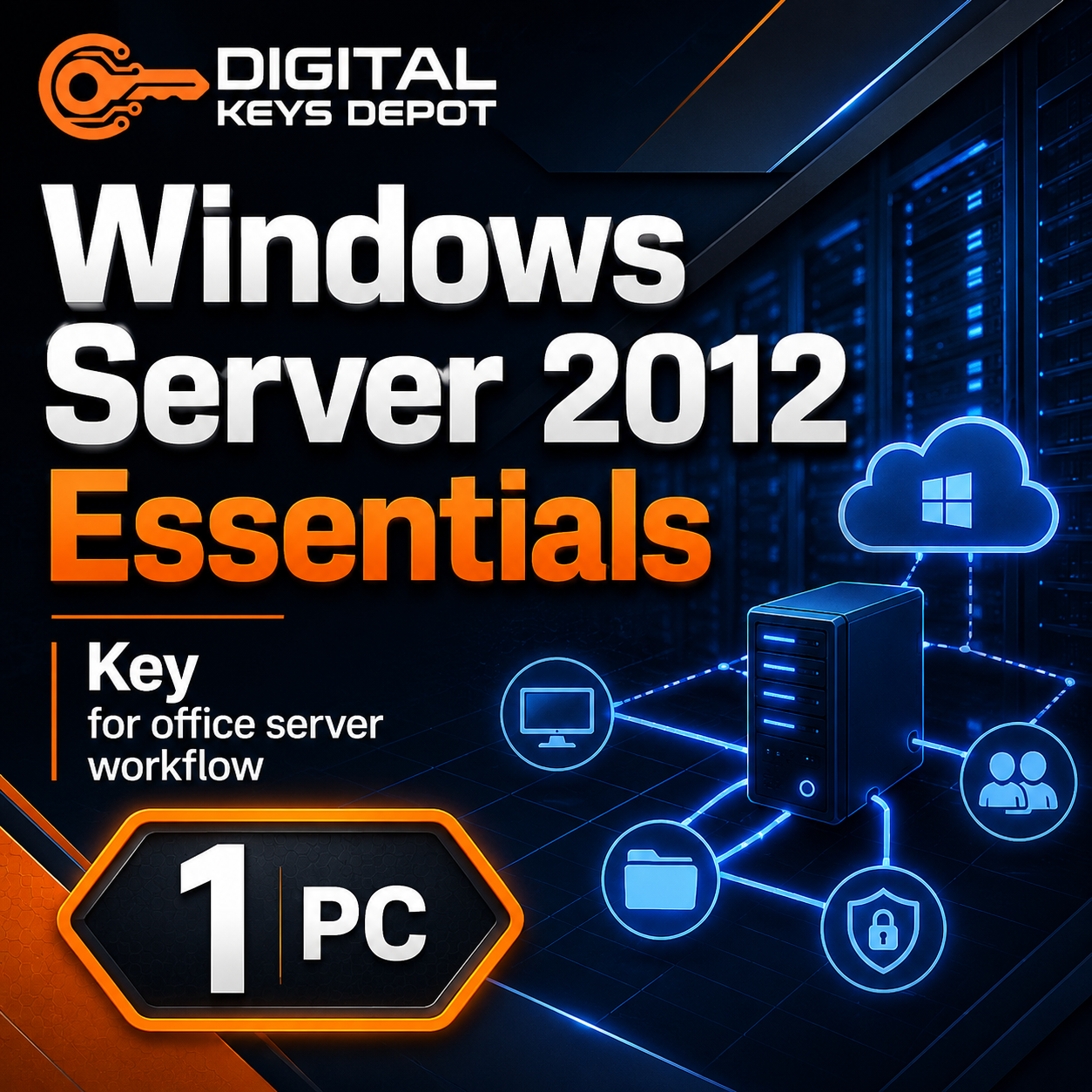
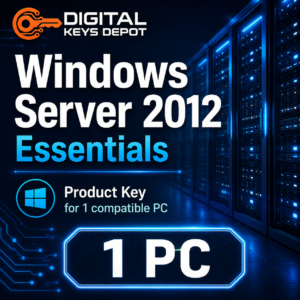
Microsoft Windows Server 2012 Essentials Product Key for 1 PC
Microsoft Windows Server 2012 Essentials is designed for small business server environments that need centralized management without the complexity of a larger enterprise server deployment. This edition is commonly used for office file storage, user account management, shared folders, basic backup planning, remote access configuration, and small network administration.
This product is suitable for users who need a Windows Server 2012 Essentials product key for one compatible server installation. It is a practical choice for legacy business workflows where older software, domain services, or established infrastructure still depends on the Windows Server 2012 generation.
If your setup requires a different edition, you may also compare it with Windows Server 2012 Standard or Windows Server 2012 Datacenter before ordering. For a wider selection of server editions, visit our Windows Server product keys category.
What’s Included
- 1x Windows Server 2012 Essentials product key
- Activation support for 1 compatible server installation
- Digital product access through your Digital Keys Depot account dashboard
- Order status notification sent to your email
- Friendly customer support if you need help before or after purchase
Common Use Cases
- Small office server setup for file sharing and centralized storage
- Legacy business server installation for older applications
- Office network administration with user and device management
- Shared folders for departments, teams, or back-office workflows
- Local backup and server-based data organization
- Remote access planning for a small business environment
- Replacing or reinstalling an existing Windows Server 2012 Essentials system
Why Choose Windows Server 2012 Essentials?
Windows Server 2012 Essentials is built for smaller organizations that need server functionality in a more approachable package. It is often selected when a business needs a central server for everyday office operations but does not need the broader virtualization or enterprise-scale features of higher editions.
For a small business, this edition can help organize important workflows such as shared document access, account control, workstation connectivity, and basic server administration. It works well in environments where the server is used as a central hub for office data instead of a complex datacenter platform.
Compared with Standard or Datacenter editions, Essentials is typically more focused on small business use. If your server role involves advanced virtualization, multiple server workloads, or a larger infrastructure plan, Windows Server 2012 Standard or Datacenter may be a better match. If your main goal is a compact business server for one environment, Essentials can be the more suitable edition.
Activation Information
You will receive one Windows Server 2012 Essentials key for one compatible server installation. Before ordering, make sure your installed edition matches Windows Server 2012 Essentials. A key for one edition will not activate a different edition such as Standard, Datacenter, or R2 unless the system is installed or converted to the correct edition first.
Your purchased product can be accessed from your account after the order is processed. You will receive an order status notification by email, then you can log in to your account and go to My Account > View Orders to see your purchased product details. You can also review the general delivery information page for how product access works through the dashboard.
Evaluation Edition Conversion Guide
If your server is currently using the Evaluation edition, it may need to be converted to the full Windows Server 2012 Essentials edition before your purchased key can be used for activation. Use the steps below only when you are working with an Evaluation installation and you understand the edition you are converting to.
- Open Command Prompt as Administrator.
Right-click the Start button and choose Command Prompt (Admin) or Windows PowerShell (Admin). - Enter the Windows Server 2012 Essentials generic product key and run the conversion command.
Generic key:HTDQM-NBMMG-KGYDT-2DTKT-J2MPV
Command:dism /online /set-edition:ServerEssentials /productkey:HTDQM-NBMMG-KGYDT-2DTKT-J2MPV /accepteula - Restart the server.
Follow the on-screen prompt to restart. After restart, Windows Server should be converted to the full Essentials edition but may still need activation. - Enter your purchased product key for activation.
Open the activation settings, choose Change Product Key, enter your purchased key, then continue with activation.
System Requirements
- Processor: 1.4 GHz 64-bit processor or faster
- Memory: Minimum 512 MB RAM; more recommended for business workloads
- Storage: Minimum 32 GB available disk space; more needed for files, updates, and server roles
- Architecture: 64-bit server hardware
- Edition required: Windows Server 2012 Essentials
- Internet connection may be required for activation and updates
Compatibility & Purchase Notice
Please check your required version, edition, and device count before ordering. This product is for Windows Server 2012 Essentials for 1 compatible server installation. It is not for Windows Server 2012 Standard, Windows Server 2012 Datacenter, Windows Server 2012 R2 Essentials, or Remote Desktop Services CAL products.
If you are not sure which server edition you need, compare related options such as Windows Server 2012 Standard, Windows Server 2012 Datacenter, or Windows Server 2012 R2 Essentials. For remote desktop licensing, you may need a separate RDS CAL product such as Windows Server 2012 RDS Device CAL or Windows Server 2012 RDS User CAL.
For purchase questions, edition confirmation, or activation guidance, you can contact our support team through the contact page before placing your order.
Product-Specific FAQ
Is this key for Windows Server 2012 Essentials only?
Yes. This product is intended for Windows Server 2012 Essentials. It is not for Standard, Datacenter, R2, or Remote Desktop Services CAL activation.
Can I use this for Windows Server 2012 R2 Essentials?
No. Windows Server 2012 and Windows Server 2012 R2 are different releases. If your installation is R2, choose the Windows Server 2012 R2 Essentials product instead.
Does this activate Remote Desktop Services CALs?
No. This product activates the Windows Server 2012 Essentials operating system edition. Remote Desktop Services CALs are separate products used for remote desktop access licensing.
Can I use this on more than one server?
This product is for 1 compatible server installation. If you need multiple installations or a different server edition, check the related Windows Server products before ordering.
What should I check before buying?
Confirm that your system is Windows Server 2012 Essentials, not Standard, Datacenter, R2, or Evaluation-only installation. Also check whether your workflow needs server OS activation or a separate RDS CAL product.
Related Products and Categories
For users comparing older server editions, Windows Server 2012 Standard may fit broader business server roles, while Windows Server 2012 Datacenter is aimed at more advanced server environments. If your infrastructure is based on the R2 release, consider Windows Server 2012 R2 Essentials.
If you are setting up workstations that connect to your server, you may also browse Windows product keys or productivity software options in the Office product keys category.
Reviews
There are no reviews yet.