
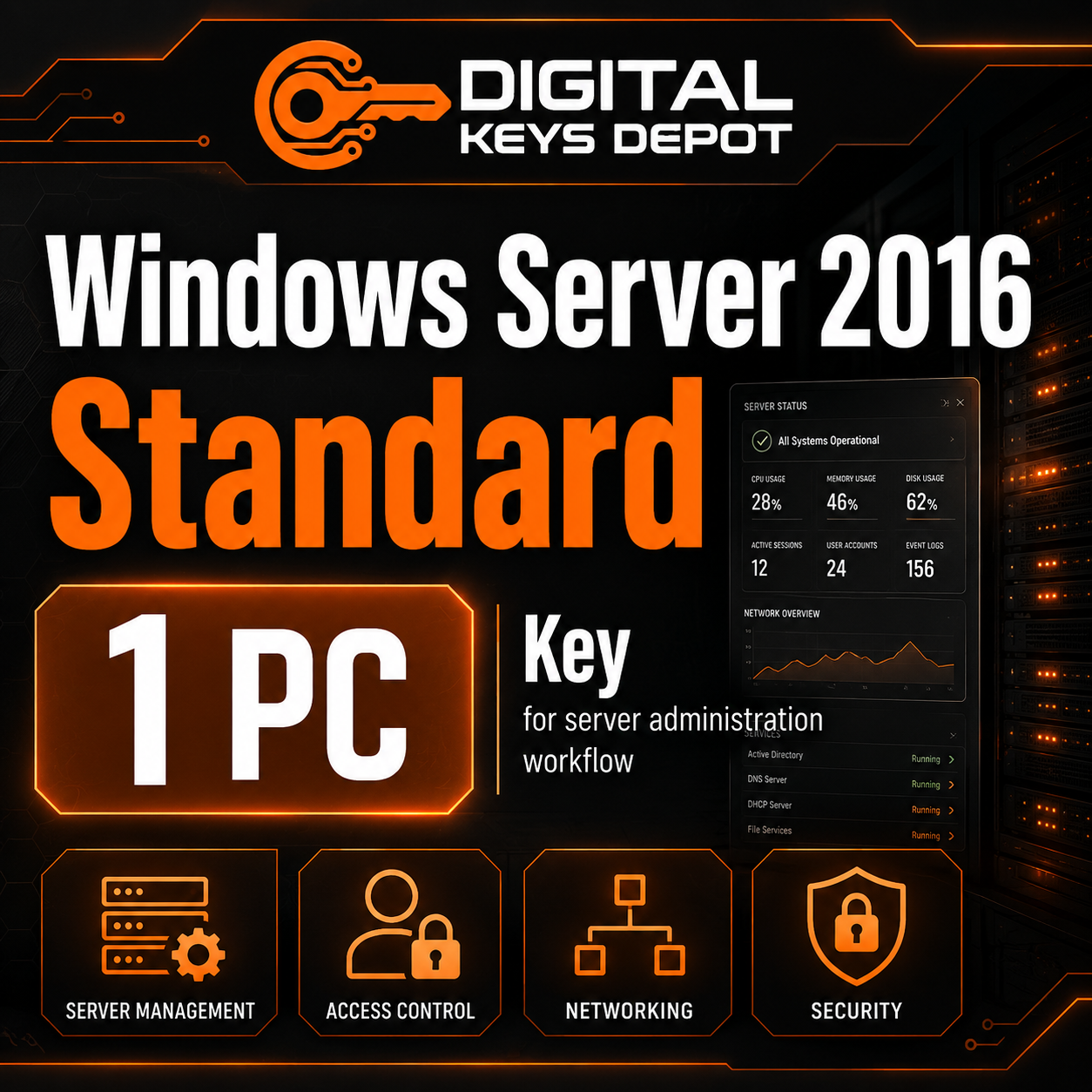
Microsoft Windows Server 2016 Standard Product Key for 1 PC
Microsoft Windows Server 2016 Standard is a server operating system edition built for business infrastructure, local network services, application hosting, and server administration. This product is intended for users who need a Windows Server 2016 Standard product key for 1 compatible PC or server installation.
This edition is commonly used by IT administrators, small business owners, and technical users who manage office server environments, shared resources, domain-based access, internal applications, and legacy business systems. It is a practical choice when your hardware, application stack, or business workflow specifically requires Windows Server 2016 Standard instead of a newer server release.
What’s Included
- 1x Windows Server 2016 Standard product key
- Activation for 1 compatible PC/server installation
- Support for Windows Server 2016 Standard full edition
- Access to order details through your Digital Keys Depot account dashboard
- Email order status notifications
- Friendly customer support for product and activation-related questions
Common Use Cases
Windows Server 2016 Standard is designed for server-side workloads, not regular desktop use. It is suitable for infrastructure and administration tasks such as:
- Small business server deployment
- Active Directory and domain controller setup
- File sharing and centralized storage access
- Print server management for office networks
- Internal business application hosting
- Local network user and permission management
- IT lab testing and server configuration practice
- Legacy server installation for older business software compatibility
How Windows Server 2016 Standard Fits Business Workflows
For many businesses, a server is the central point for user access, shared files, application hosting, network policies, and administrative control. Windows Server 2016 Standard gives administrators a familiar Microsoft server environment for managing these responsibilities in a structured way.
This edition is especially useful for offices that need a stable server platform for traditional workloads. For example, a company may use it to manage shared folders, control access permissions, run server-based applications, or support internal network services used by employees during daily operations.
Compared with desktop Windows editions, Windows Server 2016 Standard is built for infrastructure roles. It is not the best fit for normal home or office workstation tasks. Instead, it is intended for server administration, business network services, and managed environments where reliability, centralized control, and compatibility matter.
Standard Edition vs Other Windows Server Editions
The Standard edition is a good fit for general server workloads and smaller business infrastructure. If your environment requires a higher-scale server setup or broader virtualization rights, you may want to compare it with Windows Server 2016 Datacenter. For smaller business environments with simpler server needs, Windows Server 2016 Essentials may also be worth reviewing.
If your business needs remote desktop access for multiple users or devices, a server product key alone may not be enough. You may also need the correct Remote Desktop Services CAL product, such as Windows Server 2016 RDS Device CAL or Windows Server 2016 RDS User CAL, depending on whether access is assigned by device or by user.
Activation Information
This product is for Windows Server 2016 Standard only. Before purchasing, make sure your installed edition matches the product key edition. A Standard edition key is not intended for Datacenter, Essentials, Evaluation, desktop Windows editions, or other Windows Server versions.
After your order is processed, you can access your order details through your web store dashboard by visiting My Account and opening your order information. For more details about how orders are accessed, you can review the delivery information page.
How to Convert Windows Server 2016 Evaluation to Full Standard Edition
If your server is currently using the Evaluation edition, convert it to the full Standard edition before entering your purchased product key. Follow the steps carefully.
- Open Command Prompt as Administrator.
Right-click the Start button, then choose Command Prompt (Admin) or Windows PowerShell (Admin). - Enter the Windows Server 2016 Standard generic product key and run the command below.
Generic key:WC2BQ-8NRM3-FDDYY-2BFGV-KHKQY
Command:dism /online /set-edition:ServerStandard /productkey:WC2BQ-8NRM3-FDDYY-2BFGV-KHKQY /accepteula - Restart the server.
Follow the restart prompt. After restarting, the server should be converted to the full Standard edition but may still need activation. - Enter your purchased product key for activation.
Open Activation Settings, choose Change Product Key, enter your purchased key, then continue with activation.
System Requirements
- Compatible server hardware or supported virtual machine environment
- Windows Server 2016 Standard full edition installation media
- 64-bit processor support
- Memory and storage capacity suitable for your intended server workload
- Internet connection may be required for activation and system updates
Hardware requirements depend on how the server will be used. A basic file server usually requires fewer resources than a server running database services, business applications, remote sessions, or multiple server roles at the same time.
Compatibility & Purchase Notice
Please check the version, edition, and PC count before purchasing. This product is intended for Windows Server 2016 Standard for 1 compatible PC/server installation. It is not intended for Windows Server 2016 Datacenter, Windows Server 2016 Essentials, Windows Server 2019, Windows Server 2022, Windows Server 2025, or desktop Windows editions.
If you are unsure whether this product matches your server environment, you can contact support through the contact us page before placing an order. For general store questions, the FAQ page may also help clarify common order and account topics.
Product-Specific FAQ
Is this product for Windows Server 2016 Standard only?
Yes. This product is intended for Windows Server 2016 Standard. It should not be used for Datacenter, Essentials, Evaluation, or newer Windows Server versions unless your installed system is the correct full Standard edition.
Can this key activate more than one server?
This product package is for 1 compatible PC/server installation. Make sure the PC count matches your intended use before purchasing.
Can I use this for Windows Server 2019 or Windows Server 2022?
No. Windows Server keys are version and edition specific. If your installation uses a newer server version, choose the matching product listing from the Windows Server category.
Do I need to convert the Evaluation edition first?
Yes. If your server is running the Evaluation edition, convert it to the full Standard edition first, then enter your purchased key for activation.
Is this suitable for business server administration?
Yes. Windows Server 2016 Standard is suitable for business server workflows such as domain services, file sharing, print services, local network administration, and application hosting.
Related Products and Categories
If you are comparing server options, you may also review Windows Server 2016 Datacenter for higher-scale server environments or Windows Server 2016 Essentials for smaller office server needs. For remote desktop access, compare the related Windows Server 2016 RDS Device CAL and Windows Server 2016 RDS User CAL.
You can also browse the wider Windows Server product keys category to compare different server generations, or visit the main Windows product keys category for desktop and server operating system options.
Reviews
There are no reviews yet.