
Microsoft Windows 10/11 Education Product Key for 5 PCs
Microsoft Windows 10/11 Education Product Key for 5 PCs is designed for users who need to activate the Education edition across multiple compatible computers. It is a practical option for study environments, training rooms, academic workstations, computer labs, tutors, small learning centers, or households that manage several study-focused PCs.
The Education edition is commonly chosen when a device needs a Windows environment that supports productivity, research, remote learning, classroom software, Microsoft Office workflows, browser-based learning platforms, document editing, presentations, and general academic tasks. This 5-PC option is especially useful when you want the same edition across several machines instead of purchasing separate single-PC keys one by one.
What’s Included
- 1x Windows 10/11 Education product key
- Activation support for up to 5 compatible PCs
- Suitable for Windows 10 Education or Windows 11 Education edition
- Order status notification sent to your email
- Product details accessible from My Account > View Orders
- Customer support for setup and activation guidance
Best Use Cases
- Academic workstations for students, teachers, tutors, or learning centers
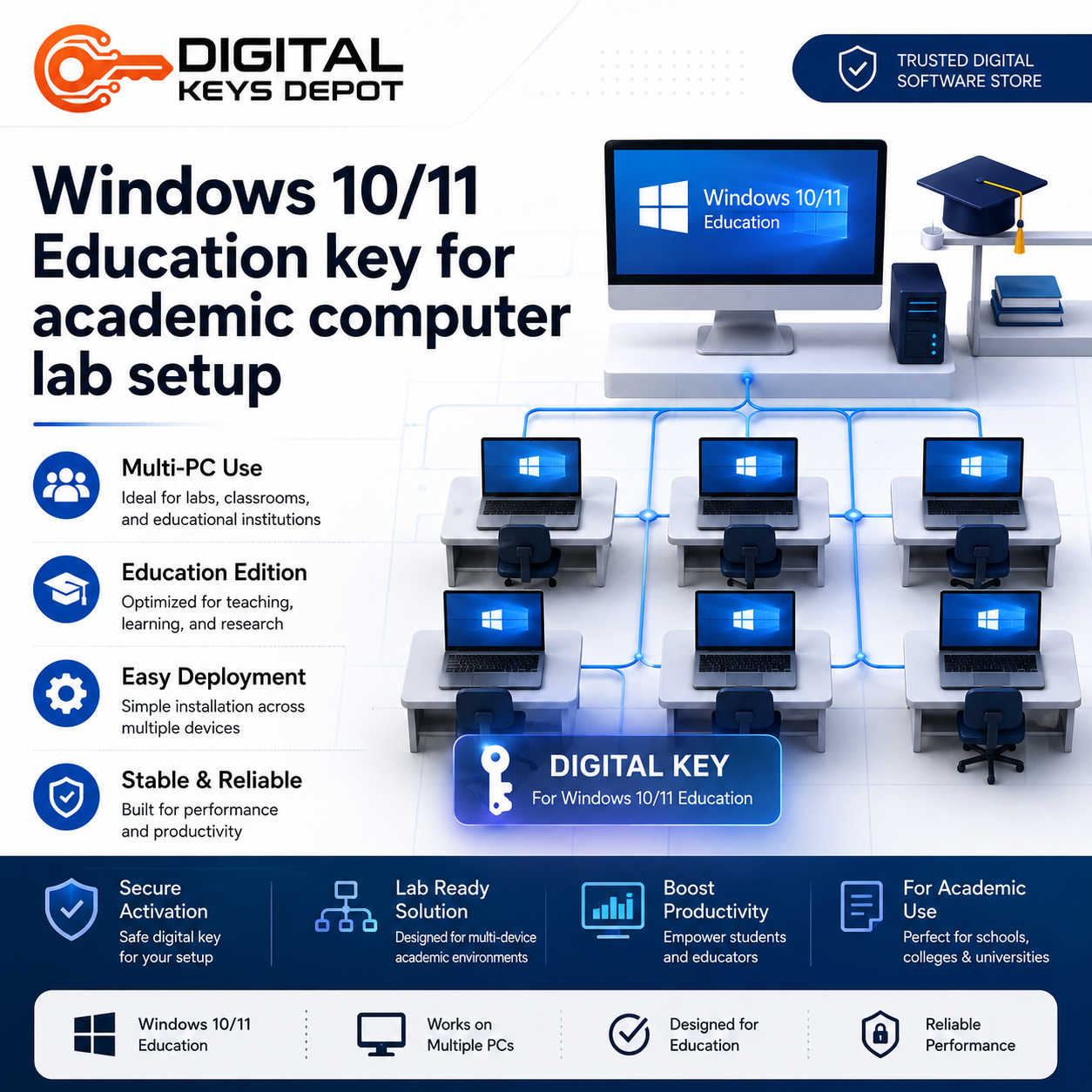
- Small computer labs that need a consistent Windows Education setup
- Training rooms used for document editing, presentations, research, and web-based tools
- Multi-PC study setups where several devices need the same Windows edition
- Home learning environments with multiple compatible desktops or laptops
- General productivity systems used for coursework, spreadsheets, assignments, and online platforms
Education Edition Workflow Fit
Windows Education is often used in learning-focused environments where users need a stable operating system for productivity and academic workflows. It supports everyday computing tasks such as writing reports, preparing presentations, managing spreadsheets, browsing learning portals, attending online sessions, storing local files, and running compatible desktop applications.
For users managing several machines, the 5-PC format helps keep the setup simple. Instead of mixing editions across devices, you can prepare a consistent Windows environment for multiple PCs used by students, staff, family members, or small teams. This can make device management easier when software compatibility, interface familiarity, and edition consistency matter.
This product is not intended for Mac, server operating systems, or non-Education editions. Before ordering, make sure your installation media and target devices match the correct Windows 10/11 Education edition. If you need a different edition for home use, you may prefer Windows 10/11 Home for 1 PC. For business-oriented features, compare it with Windows 10/11 Pro for 1 PC.
Activation Information
You will receive a Windows 10/11 Education key for up to 5 compatible PCs. The key can be used on the same PCs again after Windows is reinstalled, provided the edition and device conditions remain suitable.
Activation should be completed on the correct Windows Education edition. If your PC is currently running Home, Pro, Enterprise, or another edition, you may need to install or switch to the matching Education edition before activation. Always check the edition first to avoid ordering the wrong product type.
System Requirements
System requirements depend on whether you are installing Windows 10 Education or Windows 11 Education. In general, you should confirm that your hardware supports the version you plan to install, including processor, memory, storage, firmware, display, and security requirements.
- Device count: Up to 5 compatible PCs
- Edition: Windows 10/11 Education
- Platform: PC only
- Not for: Mac, Windows Server, or non-Education editions
- Installation: Requires matching Windows Education installation media
Compatibility & Purchase Notice
Please confirm the correct Windows edition, device count, and installation plan before placing your order. This product is for users who specifically need Windows 10/11 Education activation for up to 5 PCs. If you only need one device, see Windows 10/11 Education Product Key for 1 PC. For a larger multi-device setup, you can compare it with Windows 10/11 Education Product Key for 20 PCs.
After purchase, order information can be checked from your account dashboard. You can also review the store’s delivery information page for how product access is handled through your account area. For general purchase terms, please review the policy page before ordering.
FAQ
Is this key for Windows 10 or Windows 11 Education?
This product is intended for Windows 10/11 Education edition. Make sure the installed edition on each PC matches the Education edition before activation.
How many PCs can this product activate?
This product is for up to 5 compatible PCs. It is useful for small learning spaces, training setups, or multi-device study environments.
Can I use this on Windows Home or Pro?
No. This product is for the Education edition. If your device is running a different edition, choose the matching product instead or prepare the correct Education installation first.
Is this suitable for a computer lab?
Yes, it can be suitable for small academic or training environments where up to 5 compatible PCs need Windows Education edition.
What should I check before buying?
Confirm the Windows edition, PC count, hardware compatibility, and whether your installation media matches Windows 10/11 Education. For additional questions, you can contact support through the store before ordering.
Related Products & Helpful Categories
If you are comparing Windows editions, the main Windows product keys category is the best place to browse available options. For modern personal or work devices, you may also want to compare Windows 10 product keys and Windows 11 product keys.
For productivity software to use after Windows setup, explore the Office product keys category. If your workflow involves documents, spreadsheets, presentations, and study materials, Office products can pair naturally with Windows Education devices.
Reviews
There are no reviews yet.