
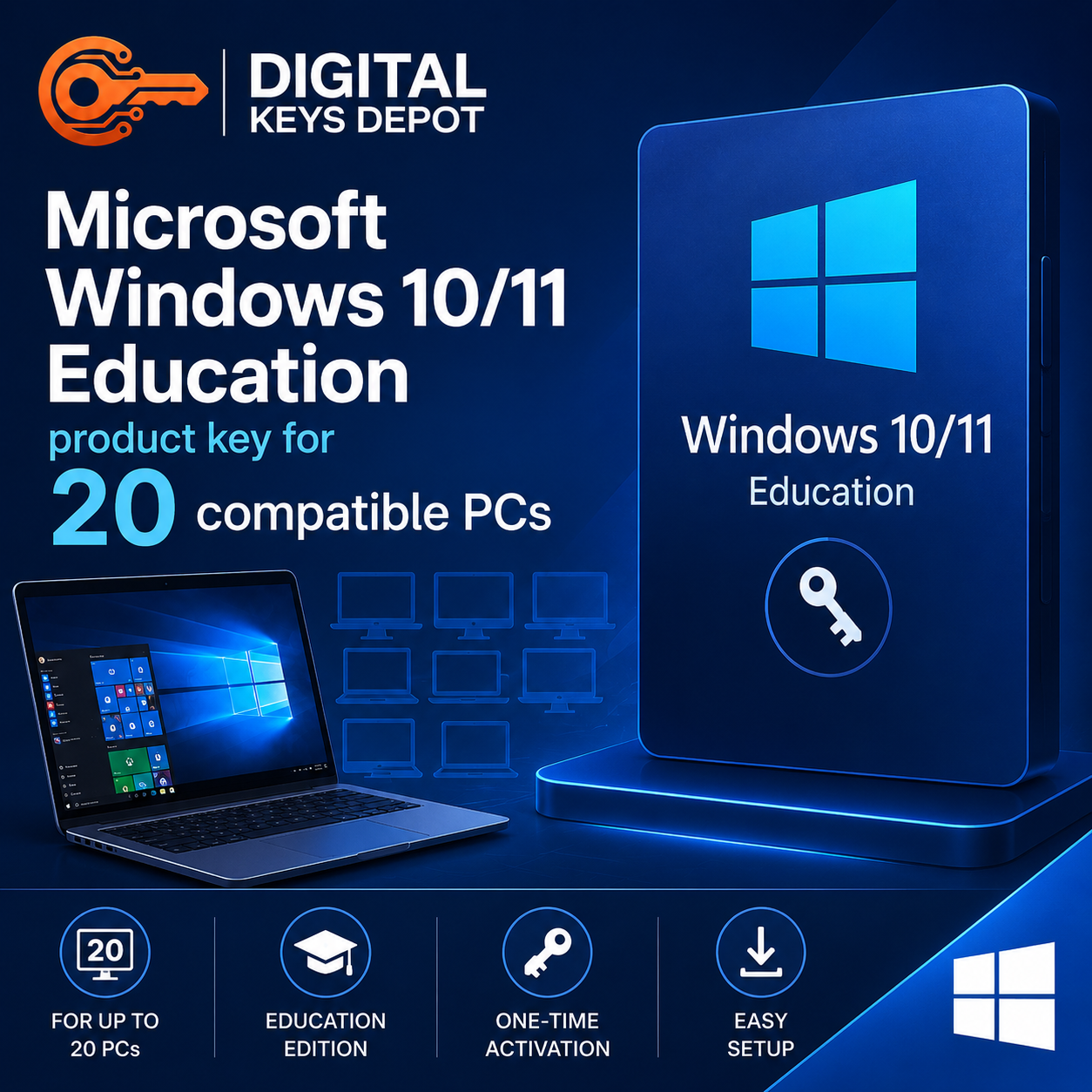
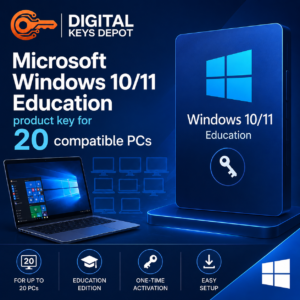
Microsoft Windows 10/11 Education Product Key for 20 PCs
Microsoft Windows 10/11 Education Product Key for 20 PCs is a practical option for academic environments, training spaces, and multi-device setups that need Windows Education activated across several compatible computers. This edition is commonly used in classrooms, computer labs, student workstations, school administration areas, and training centers where multiple PCs need a consistent operating system environment.
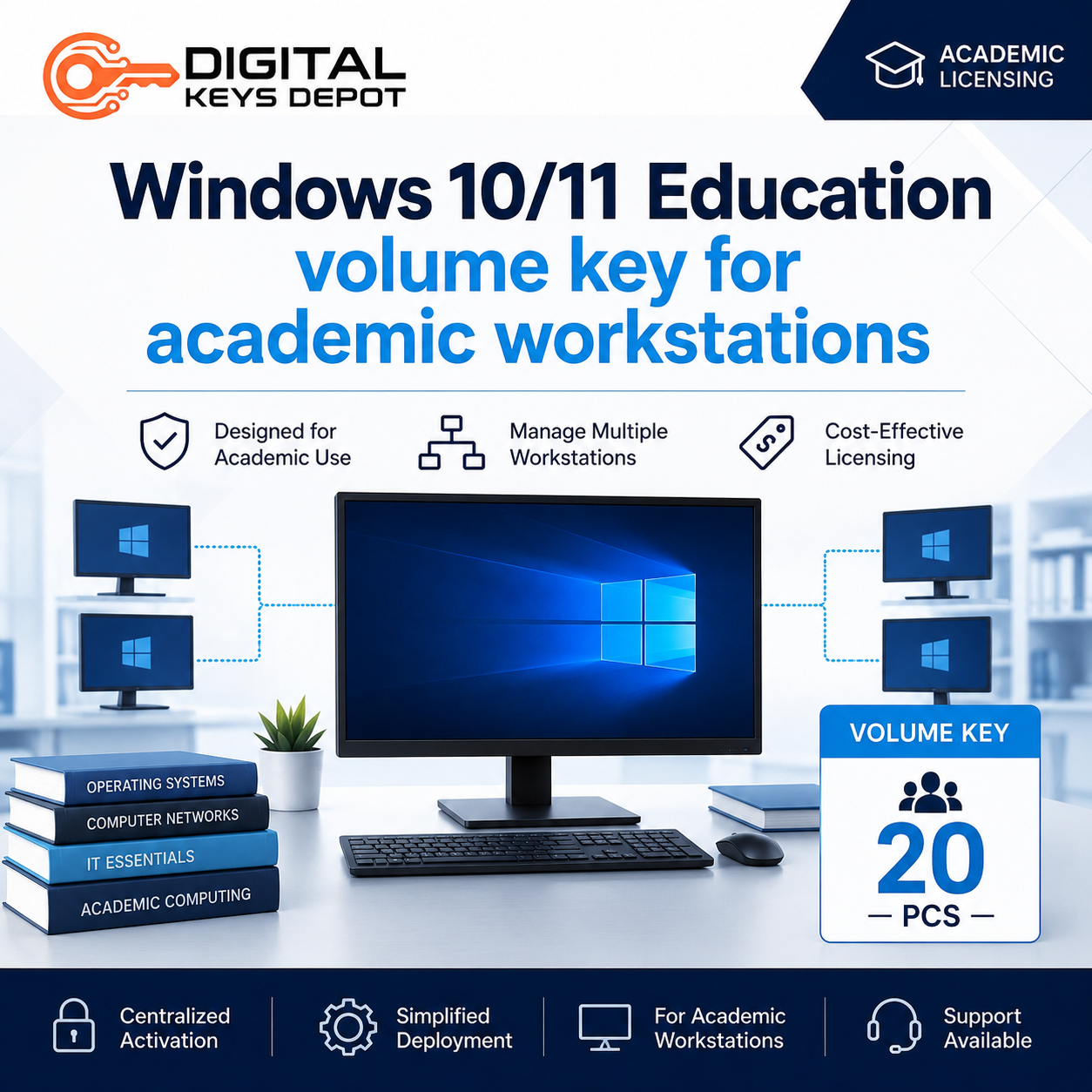
This product is intended for customers who need one Windows 10/11 Education volume key for up to 20 PCs. It is especially useful when you are setting up several devices for learning, assessment, research, office productivity, browser-based education platforms, and general desktop use.
What’s Included
- 1x Microsoft Windows 10/11 Education volume product key
- Activation support for up to 20 compatible PCs
- Suitable for Windows 10 Education or Windows 11 Education edition installation
- Order status notification sent by email
- Product access through your Digital Keys Depot account dashboard
- Support assistance if you need help with product details after purchase
Who Is This Product For?
Windows Education is built for learning-focused and academic device environments. It is suitable for users who need Windows features beyond basic home use while keeping the setup aligned with educational productivity, device access, and classroom workflows.
- School computer labs with multiple desktop PCs
- Training rooms and course-based learning stations
- Student-access computers used for assignments and research
- Academic administration computers used for documents and web apps
- IT maintenance teams preparing multiple learning devices
- Multi-PC setups that need the same Windows Education edition across devices
Windows Education Workflow Benefits
Windows 10/11 Education is commonly chosen for academic and structured learning environments because it supports modern desktop workflows while remaining suitable for school, college, and training use. It can help create a consistent operating system experience across multiple computers, making it easier for users to access familiar desktop tools, browsers, productivity apps, online learning platforms, file management, and classroom software.
For a computer lab or training center, consistency matters. When each compatible PC runs the same Windows edition, it becomes easier to prepare devices, guide users, install supported applications, and maintain predictable classroom workflows. This is helpful for environments where different users share the same devices throughout the day.
Common Use Cases
- Computer lab setup: Prepare multiple PCs for classroom sessions, practical training, or student assignments.
- Academic workstations: Support research, writing, presentations, spreadsheets, and browser-based learning tools.
- Training environments: Use Windows Education for structured courses, certification classes, or internal learning spaces.
- Multi-PC deployment: Activate up to 20 compatible PCs with one volume key for a more organized setup.
- Device standardization: Keep learning devices on the same Windows Education edition for easier user guidance.
Edition and Compatibility Notes
This product is for Windows 10/11 Education edition only. Before ordering, check that your installed Windows edition matches the product you intend to activate. A Windows Education key is not the same as Windows Home, Windows Pro, Windows Enterprise, Windows N, or LTSC editions.
If you only need a smaller quantity, you may prefer the Windows 10/11 Education Product Key for 5 PCs or the Windows 10/11 Education Product Key for 1 PC. For users who need a different edition for business or general desktop environments, the Windows 10/11 Pro Product Key for 1 PC may be a better match.
Activation Information
You will receive one Windows 10/11 Education volume key that can activate up to 20 compatible PCs. Product information is provided through your web store account area after purchase. You will also receive order status updates by email, then you can visit My Account > View Orders to access your purchased product details.
Please make sure the correct Windows edition is installed before activation. If the current system is running a different edition, you may need to install or switch to the matching Windows Education edition first.
System Requirements
- Compatible PC hardware for Windows 10 or Windows 11
- Windows 10 Education or Windows 11 Education edition
- Internet connection for online activation and system updates
- Microsoft account may be required for some Windows features
- Administrator access may be required during setup or activation
Purchase Notice
Please review the edition, device count, and system compatibility carefully before placing your order. This product is intended for Windows Education edition and supports up to 20 compatible PCs. If you are unsure which Windows edition you need, you can check the store FAQ page or contact support through the contact page before ordering.
For more information about how product access is provided after checkout, you can review the delivery information page.
Frequently Asked Questions
Is this product for Windows Home or Windows Pro?
No. This product is for Windows 10/11 Education edition. It is not intended for Windows Home, Pro, Enterprise, N, or LTSC editions.
How many PCs can this key activate?
This product is designed for up to 20 compatible PCs. It is suitable for users who need a multi-PC Windows Education setup.
Is this suitable for a school computer lab?
Yes, this product is suitable for classroom labs, training rooms, and academic workstations where multiple compatible PCs need Windows Education edition.
Can I use this on only one PC?
You can, but this product is designed for a 20-PC requirement. If you only need one activation, consider the Windows 10/11 Education Product Key for 1 PC.
What should I check before buying?
Confirm that your device supports Windows 10 or Windows 11 and that you need the Education edition. Also make sure the selected product quantity matches your number of PCs.
Related Windows Product Options
For smaller Education setups, you may want to compare this product with the 5-PC Education key or the 1-PC Education key. If your environment needs Pro features instead of academic-focused licensing, browse the Windows 10 product keys and Windows 11 product keys categories.
For server environments, remote desktop usage, or business infrastructure, the Windows Server product keys category may be more relevant than a desktop Education edition.
Reviews
There are no reviews yet.