
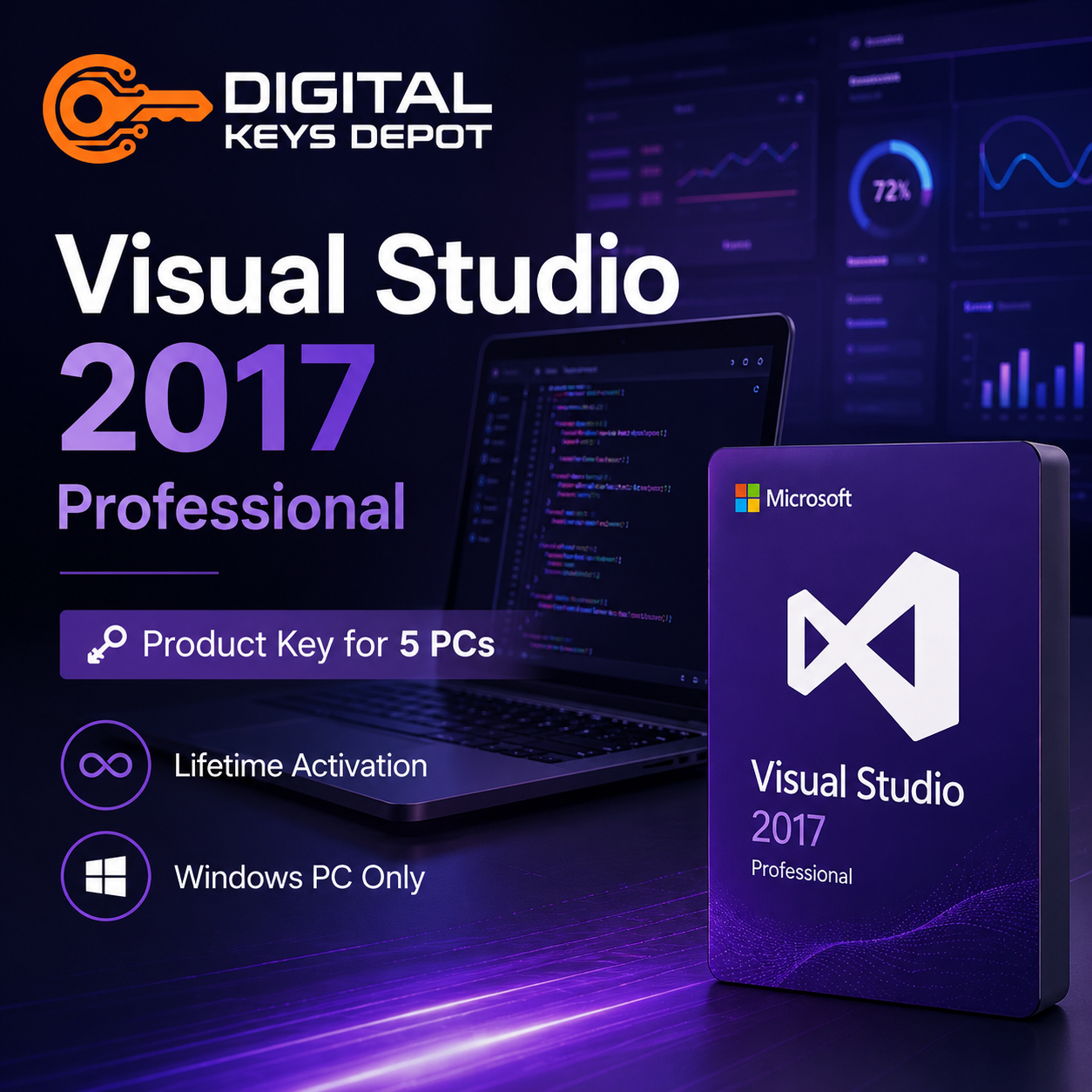
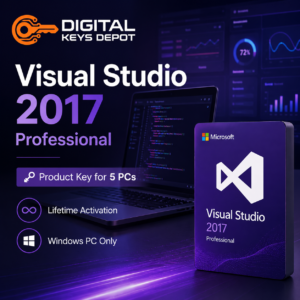
Microsoft Visual Studio 2017 Professional Product Key for 5 PCs
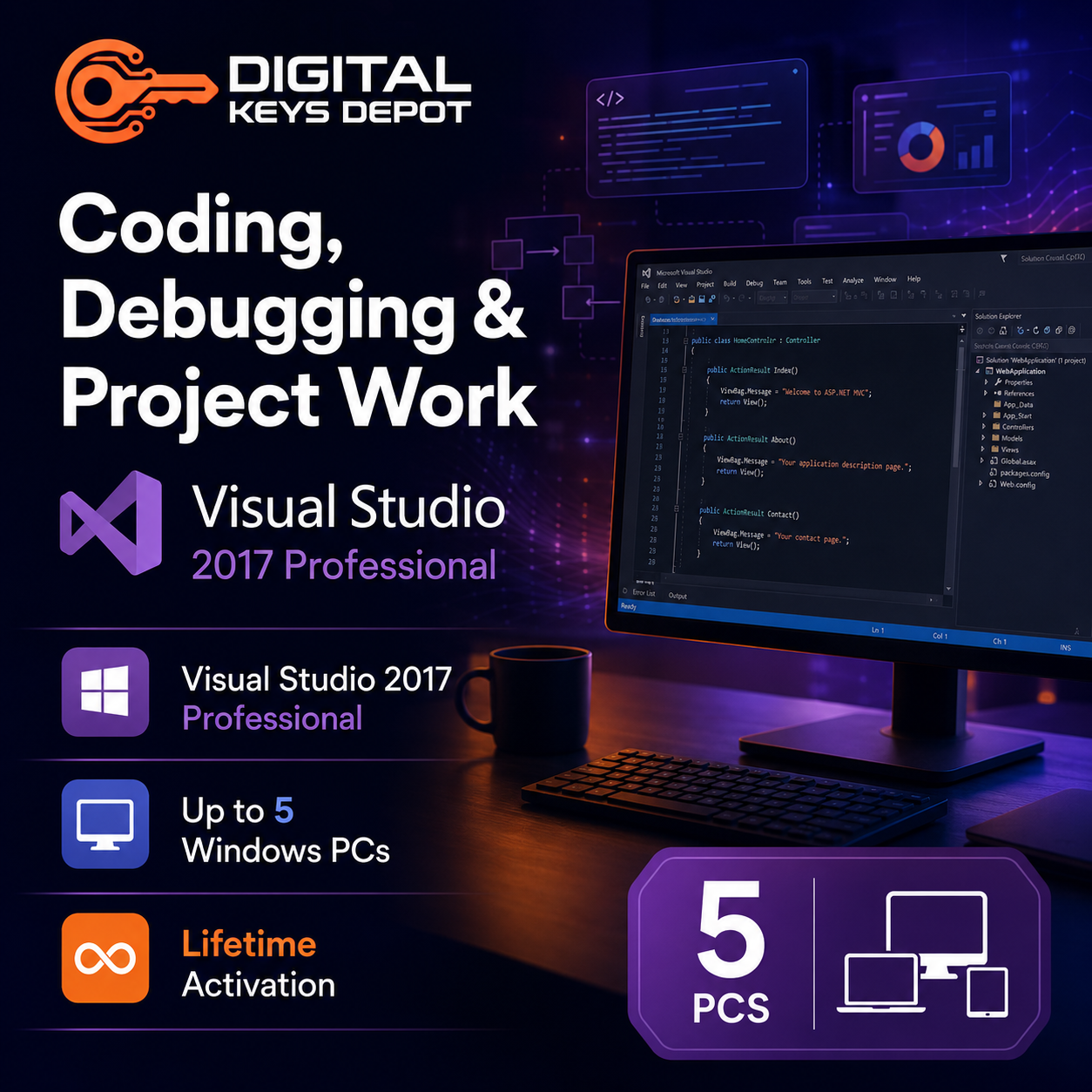
Microsoft Visual Studio 2017 Professional is an integrated development environment (IDE) designed for coding, debugging, software testing, and application development across Windows-based systems.
This version is commonly used by developers, software engineering students, technical departments, and development teams requiring a structured workspace for building desktop applications, web applications, APIs, cloud-connected projects, and .NET-based software environments.
The 5-PC activation option is suitable for users managing multiple development workstations, shared coding environments, training devices, classroom systems, or collaborative software development setups.
Organizations working with newer Microsoft development ecosystems may also compare more recent environments such as Visual Studio 2022 Professional or larger enterprise-focused editions like Visual Studio 2026 Enterprise.
💻 What’s Included
- 1x Microsoft Visual Studio 2017 Professional product key
- Activation for up to 5 PCs
- Same-PC reactivation support after reinstallation
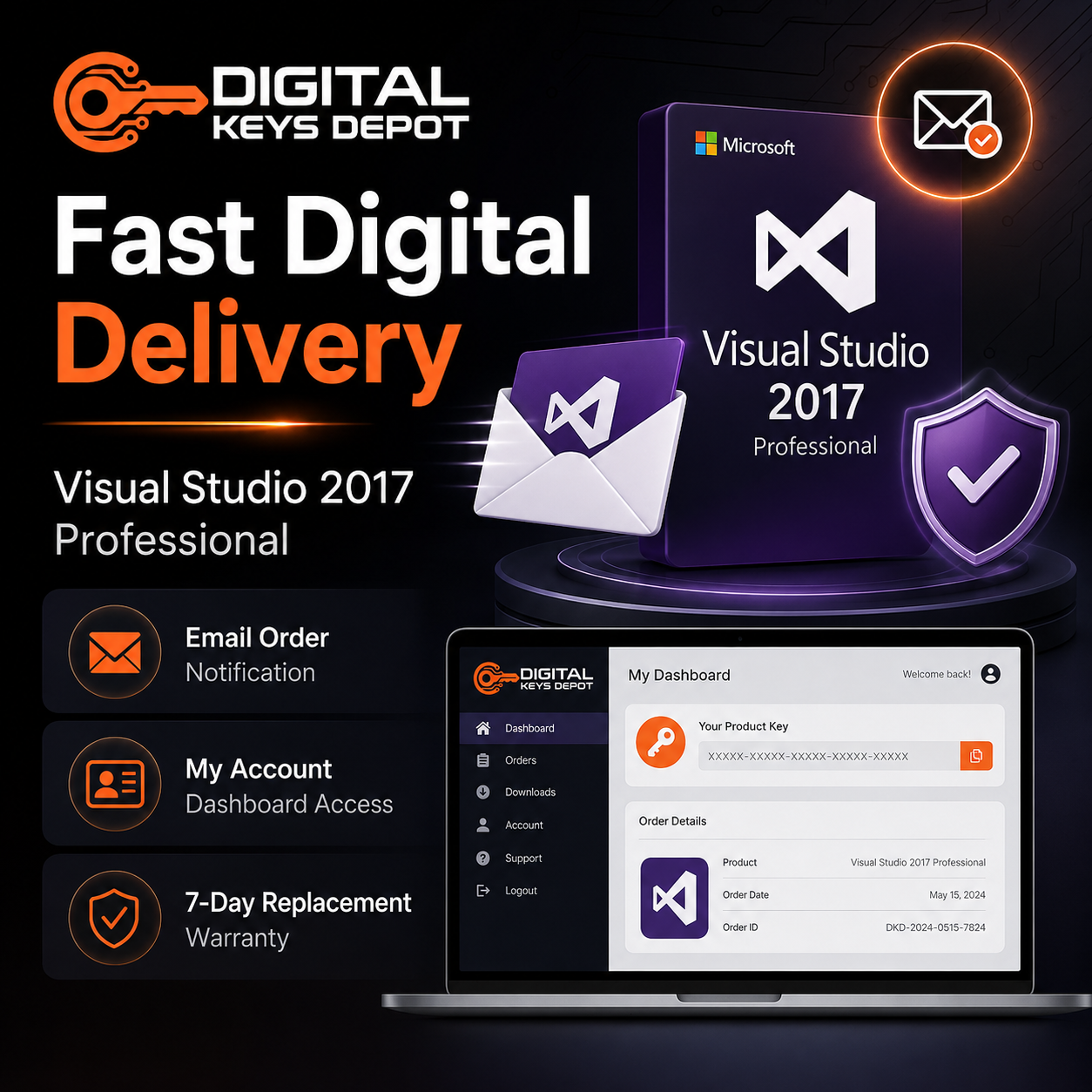
- Digital delivery through your account dashboard
- Email order status notifications
- Customer support assistance
- 7-day replacement support for eligible activation-related issues
⚡ Common Development Use Cases
Visual Studio 2017 Professional is commonly used for:
- C# and .NET application development
- Desktop software programming
- ASP.NET web application projects
- API and backend development workflows
- Software debugging and code testing
- Business software environments
- Educational coding laboratories
- Multi-device development workstations
- Internal software engineering projects
- Legacy application maintenance
- Windows-based development environments
- Developer collaboration workflows
🧩 Multi-PC Development Environment for Teams and Technical Workflows
The 5-PC activation option is useful for development teams, training environments, software classrooms, IT departments, and users maintaining several coding workstations with the same development environment version.
Visual Studio Professional helps developers organize source code, manage project structures, debug applications, test software behavior, and streamline application deployment workflows from a centralized IDE environment.
Visual Studio 2017 remains widely used in compatibility-focused development environments where older frameworks, plugins, SDKs, or enterprise software projects still depend on earlier Microsoft development toolchains.
Teams developing database-connected applications may also integrate development workflows with SQL Server Product Keys for backend infrastructure and structured database environments.
🖥️ Professional Edition Workflow Advantages
Professional editions are commonly selected for standard software development workflows requiring coding tools, debugging utilities, testing environments, and project management capabilities without the larger enterprise-scale management systems included in Enterprise editions.
This version is suitable for:
- Independent developers
- Development classrooms
- Software training environments
- Small and medium technical teams
- Business application developers
- Multi-device developer workstations
- Organizations maintaining older software projects
Users requiring enterprise-scale testing laboratories, advanced architecture validation, or large collaborative development systems may also compare Visual Studio Enterprise editions.
🔄 Same-PC Reactivation Support
This product key supports reactivation on the same activated devices after operating system reinstallation or Visual Studio reinstallation.
This may be useful for users rebuilding development workstations, replacing storage devices, upgrading systems, or maintaining long-term development environments across multiple PCs.
⚙️ System Requirements
- Operating System: Windows 10, Windows 8.1, or Windows 7 SP1
- Processor: 1.8 GHz or faster processor
- Memory: 2 GB RAM minimum
- Storage: Available disk space required for installation
- Display: 720p or higher resolution recommended
- Internet Connection: Required for activation and selected online features
⚠️ Compatibility Information
This software is designed for Windows environments only and is not compatible with Mac systems.
This purchase includes Microsoft Visual Studio 2017 Professional only. It does not include Windows operating systems, Microsoft Office applications, SQL Server, Azure subscriptions, or third-party development frameworks.
Users preparing development workstations may also explore compatible Windows Product Keys for deployment and testing environments.
❓ Frequently Asked Questions
What is Visual Studio 2017 Professional mainly used for?
It is commonly used for software development, debugging, application testing, .NET programming, desktop application projects, API development, and coding workflows across Windows-based development systems.
Why choose the 5-PC version?
The 5-PC option is suitable for teams, classrooms, training environments, and users managing multiple development workstations with the same Visual Studio version.
Can I reactivate after reinstalling Windows?
Yes. The key supports same-device reactivation after reinstalling Windows or reinstalling Visual Studio on previously activated systems.
Is Visual Studio 2017 still useful for development workflows?
Yes. Many organizations and developers continue using Visual Studio 2017 for compatibility-focused projects, older frameworks, enterprise applications, and legacy development environments.
What is the difference between Professional and Enterprise editions?
Professional editions focus on core software development workflows, while Enterprise editions include larger-scale testing, enterprise collaboration, advanced diagnostics, and organizational development management tools.
📚 Additional Information
Please review our Delivery Information and FAQ pages for additional setup and order-related information.
You can also browse our Visual Studio Product Keys category to compare Professional and Enterprise editions across multiple Visual Studio generations.
Reviews
There are no reviews yet.