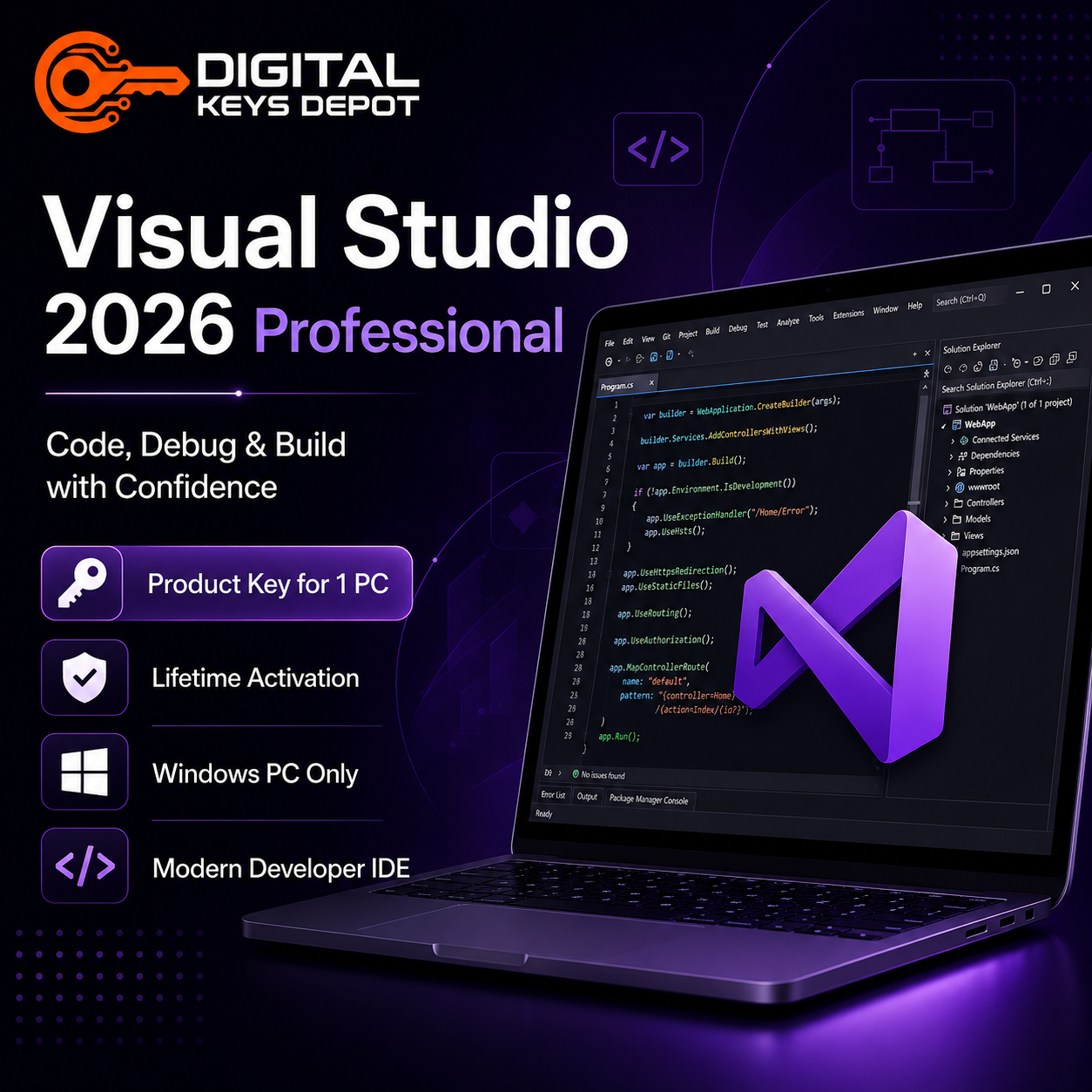
Microsoft Visual Studio 2026 Professional Product Key for 1 Windows PC
Microsoft Visual Studio 2026 Professional is a modern Windows-based integrated development environment for users who need tools for coding, debugging, testing, building applications, and managing software projects from one computer.
This product includes 1 Microsoft Visual Studio 2026 Professional Product Key that can activate 1 Windows PC. It is suitable for developers, students, freelancers, IT users, technical users, and professionals who need Visual Studio 2026 Professional on a single Windows device.
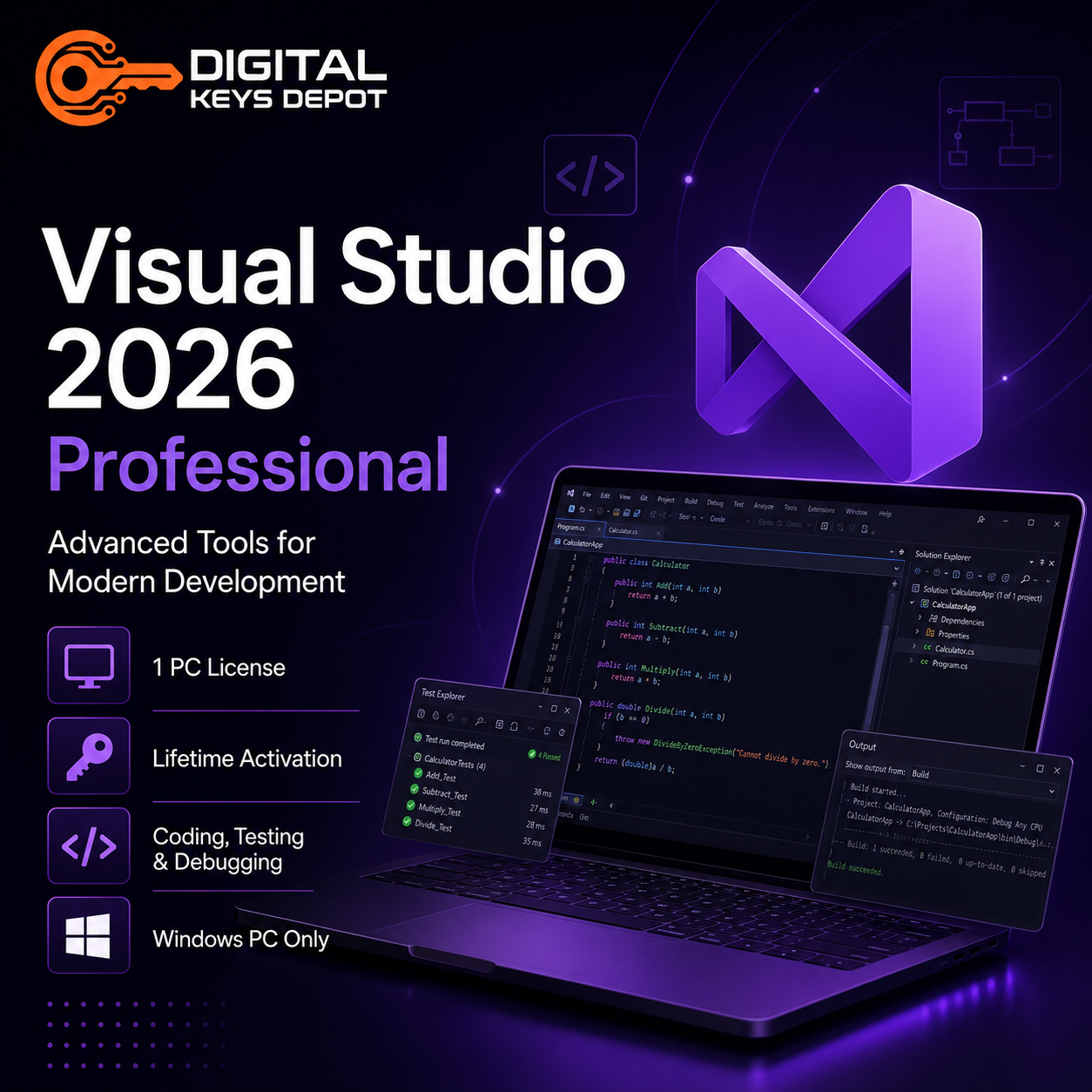
With Visual Studio 2026 Professional, users can work with code editing tools, debugging features, testing tools, project templates, build workflows, source control integration, and supported development workloads from one desktop IDE.
This key is valid for Windows PC only and is not compatible with Mac, iPhone, iPad, Android devices, Chromebook, Visual Studio for Mac, or cloud-only development environments.
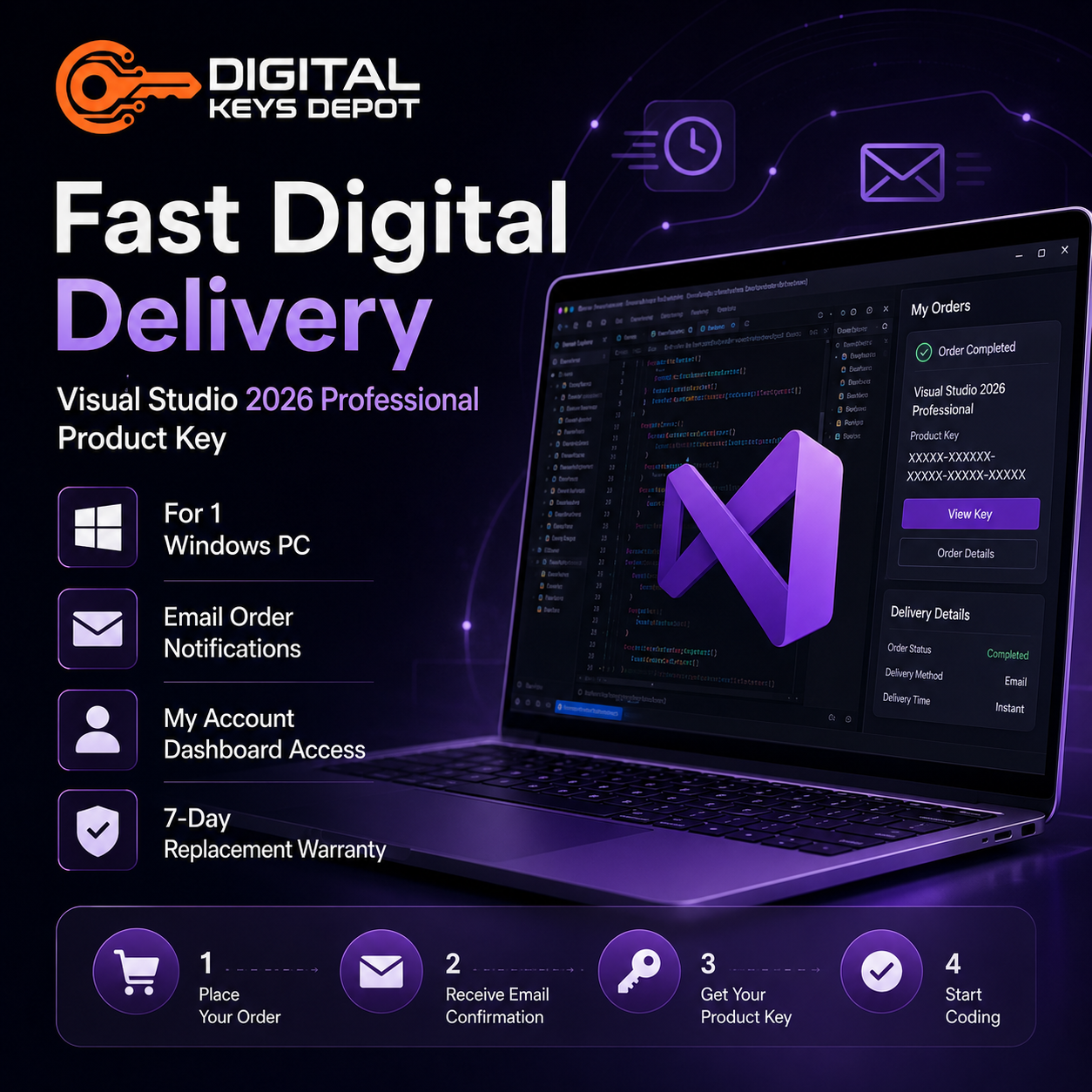
After purchase, your product details will be delivered through your Digital Keys Depot account dashboard. You will also receive order status notifications by email.
What’s Included
Your purchase includes:
- 1 Microsoft Visual Studio 2026 Professional Product Key
- Activation for 1 Windows PC
- Lifetime activation
- Reactivation support on the same PC after reinstallation
- Digital delivery through your Digital Keys Depot account dashboard
- Order status notification by email
- Installation and activation guidance
- Friendly and professional customer support
- 7-day one-to-one replacement warranty for eligible activation issues
What Is Visual Studio 2026 Professional Used For?
Microsoft Visual Studio 2026 Professional is used for software development, coding, debugging, testing, project management, and application maintenance from a Windows desktop environment.
You can use Visual Studio 2026 Professional for:
- Writing and editing code
- Debugging applications
- Testing code during development
- Managing software projects
- Building desktop applications
- Working with supported web development workloads
- Maintaining existing software projects
- Working with project templates and build tools
- Managing development workflows from one IDE
- Supporting projects that require Visual Studio 2026 compatibility
- Setting up a dedicated Visual Studio 2026 environment on one Windows PC
This product includes Microsoft Visual Studio 2026 Professional only. It does not include Microsoft Office, Windows, SQL Server, Microsoft 365, Azure subscriptions, GitHub services, or any other Microsoft product.
Visual Studio 2026 Professional for One Developer Workstation
This 1 PC product is suitable for users who need Visual Studio 2026 Professional on one main Windows computer.
It can be useful for:
- A personal development laptop
- A dedicated coding workstation
- A student development PC
- A freelancer work device
- An office development computer
- A testing or learning environment
- A Windows PC used for maintaining Visual Studio 2026 projects
- A single-device workflow for coding, debugging, and project development
If you need Visual Studio 2026 Professional for multiple Windows PCs, please choose the correct multi-PC product if available.
Modern Developer IDE for Coding, Debugging, and Testing
Visual Studio 2026 Professional gives developers a modern Windows-based IDE for building and maintaining software projects.
It helps users write code, navigate project files, debug issues, manage builds, test applications, and work with supported development workloads in one workspace. This makes it useful for software developers, students, freelancers, IT professionals, and users maintaining software solutions that require Visual Studio 2026.
Visual Studio 2026 may be a better choice than older Visual Studio versions for users who need a newer development environment while keeping the familiar Visual Studio workflow.
Newer Visual Studio Generation
Visual Studio 2026 is a newer generation than Visual Studio 2022, Visual Studio 2019, and Visual Studio 2017.
Microsoft describes Visual Studio 2026 as a release with deeper platform integration of AI, stronger fundamentals, and improved performance. Microsoft release notes also show ongoing Visual Studio 2026 updates, including the May 2026 update version 18.6.0.
This makes Visual Studio 2026 Professional suitable for users who want a more current Visual Studio environment for supported development workflows.
Suitable for Visual Studio 2026 Compatibility
Visual Studio 2026 may be required for specific software projects, courses, extensions, plugins, frameworks, or development workflows.
This product may be suitable for:
- Visual Studio 2026 project compatibility
- Newer Windows-based development environments
- Existing software maintenance
- Course or training requirements
- Development workflows that require Visual Studio 2026
- Testing project files or extensions
- Maintaining applications built with Visual Studio 2026-era tools
- Users who need a stable Visual Studio 2026 setup on one Windows PC
If your project specifically requires Visual Studio 2022, Visual Studio 2019, Visual Studio 2017, Enterprise edition, or another development environment, choose the correct version before placing an order.
Support and Servicing Notice
Visual Studio 2026 follows Microsoft’s Modern Lifecycle Policy.
Microsoft states that Visual Studio starting with version 2026 offers 2 years of support for each new annual release. The first year provides new features, platform updates, security updates, functionality fixes, and quality improvements. The second year provides security updates to the Long Term Servicing Channel.
Buyers should still make sure Visual Studio 2026 Professional is the correct version and edition for their project, workload, extensions, and development requirements before placing an order.
Activation for 1 Windows PC
This Microsoft Visual Studio 2026 Professional Product Key can activate 1 Windows PC.
It is suitable for users who need Visual Studio 2026 Professional on one Windows computer, such as a developer workstation, office PC, personal laptop, study device, or testing computer.
Please make sure you only use this product on 1 Windows PC.
Lifetime Activation
This Microsoft Visual Studio 2026 Professional Product Key provides lifetime activation for the activated Windows PC.
After successful activation, you can use Microsoft Visual Studio 2026 Professional on the activated device without a monthly or yearly subscription.
This product is a one-time purchase product and is not a Microsoft 365 subscription.
Reactivation on the Same PC After Reinstallation
This key can be used on the same PC to reactivate Microsoft Visual Studio 2026 Professional after reinstallation.
If you reinstall Visual Studio 2026 Professional or reinstall Windows on the same activated computer, the key may be used again on that same PC for reactivation.
Please note that this does not mean the key can be freely moved to a different device. Reactivation support applies to the same PC only.
PC Only – Not for Mac
This Microsoft Visual Studio 2026 Professional Product Key is valid for Windows PC only.
It is not compatible with:
- Mac
- iPhone
- iPad
- Android devices
- Chromebook
- Visual Studio for Mac
- Cloud-only development environments
- More than 1 PC
Please make sure you are purchasing the correct version, edition, and PC count for your needs before placing an order.
Important Compatibility Notice
Please read this carefully before purchasing.
This product includes Microsoft Visual Studio 2026 Professional only. It does not include Windows, Microsoft Office, Microsoft 365, SQL Server, Azure subscriptions, GitHub services, or any other Microsoft product.
Before buying, make sure your Windows device, project requirements, extensions, workloads, and development environment are compatible with Visual Studio 2026 Professional.
If your software project requires Visual Studio 2022, Visual Studio 2019, Visual Studio 2017, Enterprise edition, or a different development environment, please choose the correct version before placing an order.
How to Activate Microsoft Visual Studio 2026 Professional
Follow these general steps to activate Microsoft Visual Studio 2026 Professional:
- Install Microsoft Visual Studio 2026 Professional on your Windows PC.
- Open Visual Studio 2026 Professional.
- Go to the activation or product key section when prompted.
- Enter your Visual Studio 2026 Professional product key.
- Follow the on-screen instructions to complete activation.
- Restart Visual Studio if required.
- Start using Visual Studio 2026 Professional on your Windows PC.
Make sure you install the correct Visual Studio edition before entering your product key.
Digital Delivery Information
Experience fast and convenient product delivery through our web store dashboard.
After your order is processed, you will receive an order status notification directly to your email. You can then visit your account dashboard to view your purchased product.
To access your order:
- Go to My Account.
- Open View Orders.
- Select your order.
- View your purchased product and activation details.
Please make sure your email address is correct before completing your purchase.
Warranty Policy
Digital Keys Depot provides a 7-day one-to-one replacement warranty for eligible activation issues.
The warranty may apply if:
- The product key does not work during first activation
- The activation issue happens before successful activation
- There is a verified delivery-related issue
- The buyer follows the installation and activation instructions correctly
The warranty does not apply if:
- The product has already been successfully activated
- The buyer tries to use the key on more than 1 PC
- The buyer uses the key on Mac or another unsupported device
- The buyer installs the wrong product or edition
- The buyer expects Windows, Microsoft Office, SQL Server, Microsoft 365, Azure, GitHub services, or other software from this product
- The buyer purchases the wrong version, edition, or PC count
- The buyer needs Enterprise edition after purchasing Professional edition
- The buyer needs a multi-PC product after purchasing the 1 PC version
- The buyer needs an older Visual Studio version after purchase
- The issue is caused by unsupported Windows versions, modified systems, third-party software conflicts, project compatibility issues, extension problems, workload compatibility issues, or incorrect installation
Returns and Exchanges
Please make sure you are purchasing the correct version, edition, and PC count for your needs before placing an order.
We do not accept returns or exchanges for incorrect orders after delivery.
If you are unsure whether this product is suitable for your device, project, development workload, or activation needs, please contact us before purchasing. Our support team will be happy to help you choose the correct product.
Refund Policy
Because this is a digital product key, refunds, returns, or exchanges are not available once the product key has been delivered or viewed.
Please read the product description, compatibility information, activation method, warranty policy, and refund policy carefully before purchasing.
Who Is This Product For?
Microsoft Visual Studio 2026 Professional Product Key for 1 PC is suitable for Windows users who need Visual Studio 2026 Professional on one computer for software development, project maintenance, learning, testing, or modern development workflows.
This product is ideal for:
- Developers using one Windows PC
- Students with one development device
- Freelancers working from one Windows computer
- IT users maintaining software projects
- Software users who need Visual Studio 2026 compatibility
- Users who want a newer Visual Studio version than Visual Studio 2022
- Users who need a dedicated IDE for coding and debugging
- Users who need Visual Studio 2026 Professional on 1 Windows PC
- Users who need same-PC reactivation after reinstallation
- Users who need a one-time product key instead of a recurring subscription
Important Notice Before Purchase
Please read this before purchasing:
- This product activates 1 Windows PC only.
- This product is not for Mac.
- This product includes Microsoft Visual Studio 2026 Professional only.
- This product does not include Windows, Microsoft Office, SQL Server, Microsoft 365, Azure, or GitHub services.
- This key can be used on the same PC to reactivate after reinstallation.
- This key is not intended for activation on multiple PCs.
- Make sure your device, project, workloads, extensions, and development requirements support Visual Studio 2026.
- Make sure you choose the correct product version, edition, and PC count.
- Returns and exchanges are not accepted for incorrect orders after delivery.
- Contact us before purchase if you are unsure which product you need.
Quick Summary
Microsoft Visual Studio 2026 Professional Product Key from Digital Keys Depot is a digital product key for activating Visual Studio 2026 Professional on 1 Windows PC.
This product is designed for users who need a modern Windows-based development IDE for coding, debugging, project management, application development, testing, or Visual Studio 2026 compatibility on one computer.
This key is valid for PC only and is not compatible with Mac. It can be used on the same PC to reactivate Visual Studio after reinstallation.
Frequently Asked Questions
Is this key for Windows or Mac?
This key is for Windows PC only. It is not compatible with Mac.
How many PCs can I activate with this key?
This key can activate 1 Windows PC only.
What edition is included?
This product includes Microsoft Visual Studio 2026 Professional.
Does this product include Windows or Microsoft Office?
No. This product includes Microsoft Visual Studio 2026 Professional only. It does not include Windows, Microsoft Office, Microsoft 365, SQL Server, Azure, GitHub services, or other Microsoft products.
Can I use this key again after reinstalling Visual Studio?
Yes. This key can be used on the same PC to reactivate Microsoft Visual Studio 2026 Professional after reinstallation.
Can I move this key to another PC?
This product is intended for activation on 1 Windows PC. Reactivation is supported on the same PC after reinstallation, but use on a different device is not guaranteed.
Is Visual Studio 2026 newer than Visual Studio 2022?
Yes. Visual Studio 2026 is newer than Visual Studio 2022 and may be a better choice for users who want a more current Visual Studio development environment.
What can I use Visual Studio 2026 Professional for?
Visual Studio 2026 Professional can be used for coding, debugging, project management, building applications, testing, and maintaining software projects that support Visual Studio 2026.
Is this a Microsoft 365 subscription?
No. This is not a Microsoft 365 subscription. It is a Microsoft Visual Studio 2026 Professional product key for 1 Windows PC.
How will I receive my product?
Your product will be delivered through your Digital Keys Depot account dashboard. You will receive order status notifications by email, then you can visit My Account > View Orders to see your purchased product.
Is there a warranty?
Yes. Digital Keys Depot provides a 7-day one-to-one replacement warranty for eligible activation issues.
Can I return or exchange the product if I ordered the wrong version?
No. We do not accept returns or exchanges for incorrect orders after delivery. Please make sure you purchase the correct version, edition, and PC count before placing your order.
Explore More Microsoft Products
Need Visual Studio 2026 Professional for multiple Windows PCs? Compare this product with Microsoft Visual Studio 2026 Professional Product Key for 5 PCs.
Need advanced Enterprise development tools? You can also check Microsoft Visual Studio 2026 Enterprise Product Key for 1 PC or Microsoft Visual Studio 2026 Enterprise Product Key for 5 PCs.
Prefer an earlier Visual Studio generation? Browse Microsoft Visual Studio 2022 Professional Product Key for 1 PC, Microsoft Visual Studio 2022 Professional Product Key for 5 PCs, Microsoft Visual Studio 2019 Professional Product Key for 1 PC, or Microsoft Visual Studio 2017 Professional Product Key for 1 PC.
Need older multi-PC Professional editions? Compare Microsoft Visual Studio 2019 Professional Product Key for 5 PCs or Microsoft Visual Studio 2017 Professional Product Key for 5 PCs.
Need Enterprise edition from an earlier generation? Browse Microsoft Visual Studio 2022 Enterprise Product Key for 1 PC or Microsoft Visual Studio 2019 Enterprise Product Key for 1 PC.
Looking for another developer tool? Browse our Visual Studio Product Keys category to compare available Visual Studio editions.
Need a database product for development or testing? Browse our SQL Server Product Keys category to compare available SQL Server versions.
Need productivity software instead? Browse our Office Product Keys category to compare Microsoft Office editions for Windows PC.
Before purchasing, please read our Delivery Information, Refund Policy, and FAQ pages to understand digital delivery, activation support, and product limitations.
If you are unsure whether Microsoft Visual Studio 2026 Professional Product Key for 1 PC is compatible with your device or development project, contact us before placing your order.


Reviews
There are no reviews yet.