
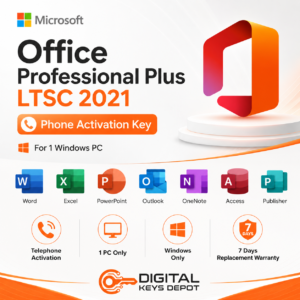
Microsoft Office 2021 Professional Plus LTSC Product Key – Telephone Activation for 1 PC
Microsoft Office 2021 Professional Plus LTSC is a desktop productivity suite for users who need Office applications in a stable, fixed-feature environment on one compatible PC. It is suitable for document creation, spreadsheet work, business presentations, email management, calendar planning, desktop databases, note organization, and publishing layouts.
This product uses the telephone activation method. It is intended for buyers who specifically need to activate Office through the Office activation wizard using the Installation ID and Confirmation ID process.
The LTSC edition is useful for users who prefer a consistent Office 2021 desktop setup rather than a frequently changing app environment. It is a practical option for business workstations, administrative PCs, professional desktops, offline-focused workflows, and users who need a familiar Office application set with Word, Excel, PowerPoint, Outlook, Access, OneNote, and Publisher.
What’s Included
- 1x Microsoft Office 2021 Professional Plus LTSC product key
- Telephone activation method for 1 compatible PC
- One-time activation format
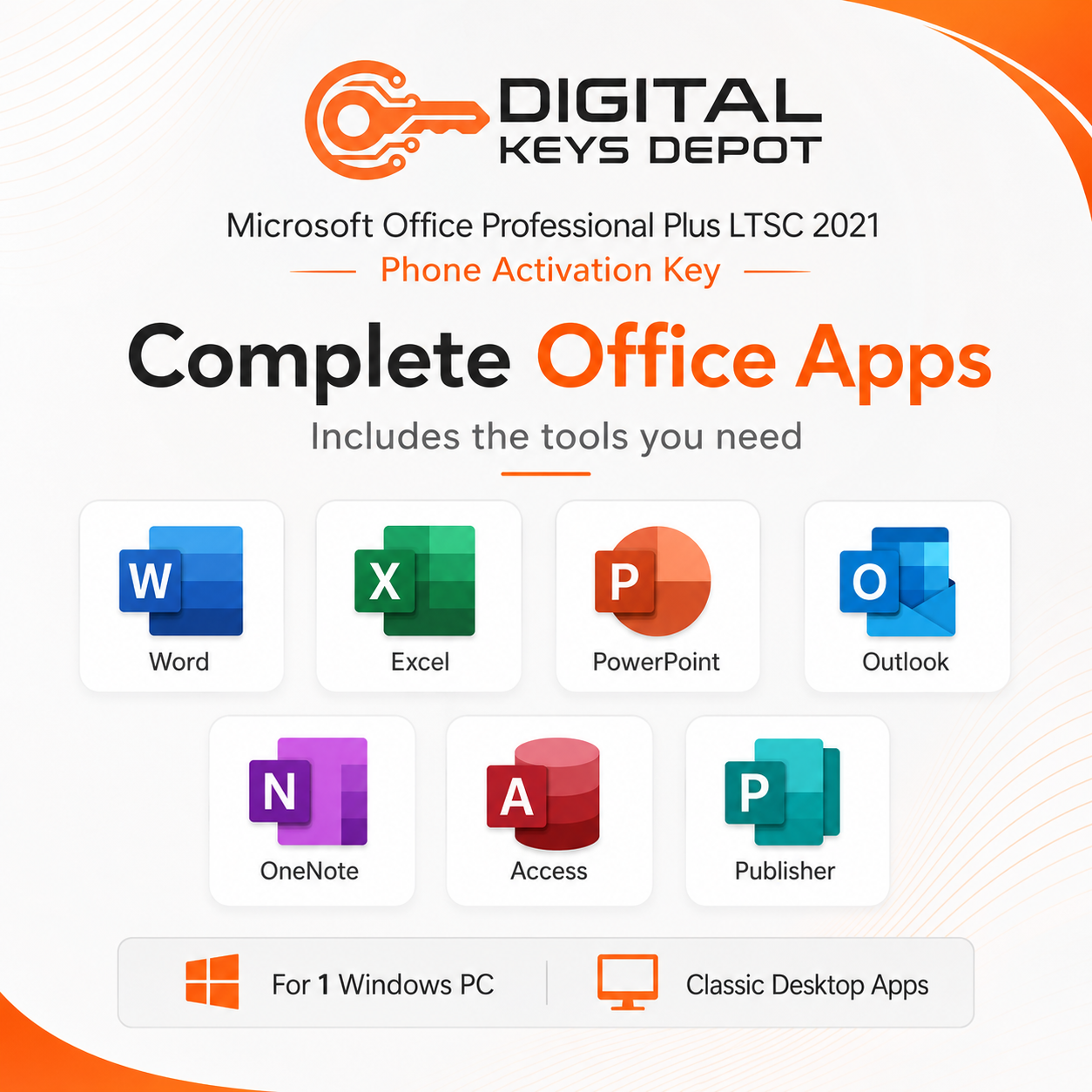
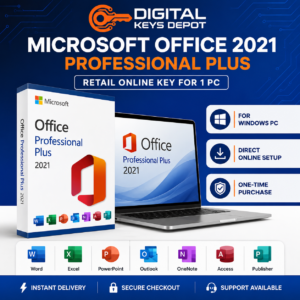
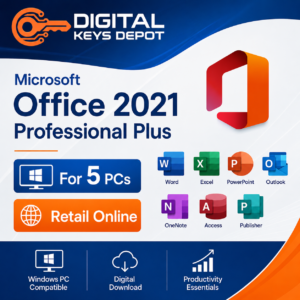
- Microsoft Word, Excel, PowerPoint, Outlook, Access, OneNote, and Publisher
- Activation through the Office activation wizard
- Installation ID and Confirmation ID process
- Not a Microsoft account BIND Key
- Not for Mac
- Customer support assistance for order and activation guidance
- Product access through your Digital Keys Depot account dashboard
- 7-day one-to-one replacement support window
Included Office Applications
- Word for documents, reports, letters, resumes, proposals, forms, manuals, and formatted writing
- Excel for spreadsheets, budgets, formulas, tables, charts, schedules, dashboards, and data tracking
- PowerPoint for presentations, training slides, meeting decks, visual reports, and project briefings
- Outlook for email, calendars, contacts, meeting schedules, and communication workflows
- Access for desktop databases, records, tables, forms, queries, reports, and small business data tools
- OneNote for notes, research, checklists, meeting points, and organized reference content
- Publisher for flyers, brochures, newsletters, labels, cards, and simple print layouts
Common Use Cases
- Creating business documents, reports, proposals, contracts, templates, and structured files
- Managing Excel spreadsheets for budgets, inventory, calculations, schedules, charts, and reporting
- Preparing PowerPoint presentations for meetings, lessons, training, proposals, and client communication
- Handling email, calendar planning, contacts, and meeting schedules with Outlook
- Building desktop database workflows using Access tables, forms, queries, and reports
- Organizing notes, research, project references, and meeting summaries in OneNote
- Designing simple publishing materials such as flyers, brochures, cards, newsletters, and labels
- Setting up a consistent Office 2021 LTSC productivity environment on one compatible PC
Professional Plus LTSC Workflow for Stable Office Productivity
Office 2021 Professional Plus LTSC is designed for users who want a dependable desktop Office environment with a familiar application set. Word supports document-heavy workflows such as business letters, contracts, manuals, reports, proposal files, academic documents, and formatted templates. Excel helps manage structured data through formulas, charts, budgets, schedules, tables, trackers, and operational worksheets.
PowerPoint is useful for turning information into visual communication. It can be used for business meetings, classroom slides, internal training, sales proposals, status reports, and client-facing presentations. Outlook supports communication workflows by combining email, calendars, contacts, and meeting planning in one desktop application.
The Professional Plus LTSC edition also includes Access and Publisher. Access is useful for local database-style tasks such as customer records, inventory data, forms, simple queries, and reports. Publisher helps create basic print and layout materials such as flyers, brochures, cards, labels, newsletters, and simple marketing documents.
Compared with lighter Office editions, Professional Plus LTSC is better suited for users who need a broader business application set. If you need a non-LTSC telephone activation option, compare Office 2021 Professional Plus Telephone Activation. If you prefer direct product key activation instead, review Microsoft Office 2021 Professional Plus Product Key for 1 PC.
Telephone Activation Workflow
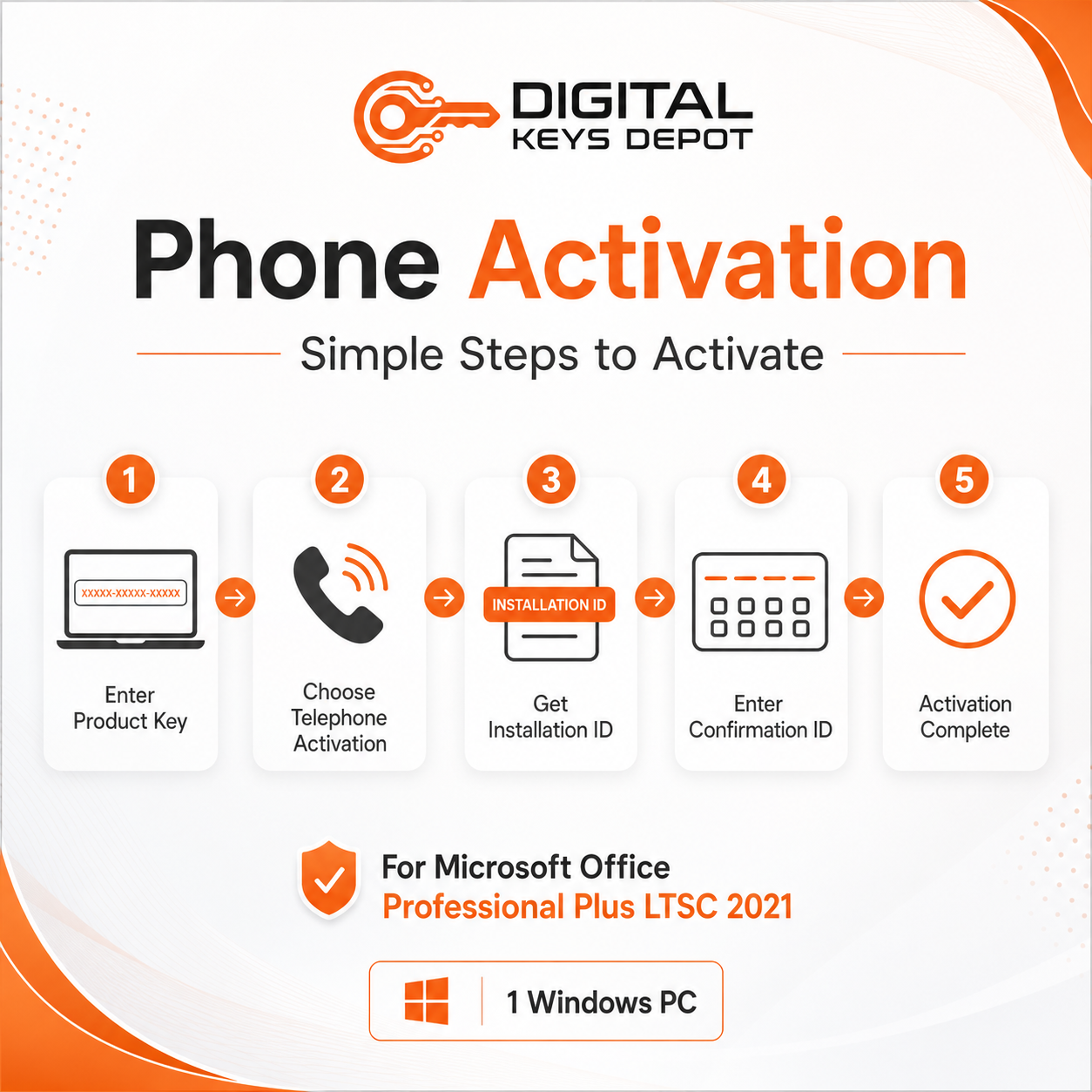
This product is activated through the telephone activation workflow inside the Office activation wizard. After installing the matching Office 2021 Professional Plus LTSC edition, open an Office application such as Word or Excel, enter the product key when prompted, and select the telephone activation option.
The activation wizard will display an Installation ID. That Installation ID is used to receive a Confirmation ID, which is entered back into the activation wizard to complete the activation process.
You can follow the phone instructions shown in the wizard, or use the Digital Keys Depot Get CID page to receive the Confirmation ID automatically by entering the Installation ID.
How to Activate by Telephone
- Install the matching Microsoft Office 2021 Professional Plus LTSC edition.
- Open an Office application, such as Word or Excel.
- Go to File > Account, or Help in some Office layouts.
- Select Activate Product.
- Enter your product key when prompted.
- Choose the option to activate by telephone.
- Select your country or region from the dropdown list.
- Use the Installation ID shown on your screen.
- Receive the Confirmation ID by phone or through Digital Keys Depot Get CID.
- Enter the Confirmation ID into the activation wizard.
- Complete the wizard to finish activation.
Activation Information
- Activation type: telephone activation
- Activation format: one-time activation
- PC count: 1 compatible PC
- Uses Installation ID and Confirmation ID process
- Microsoft account binding: not supported for this product
- Redeem method: not for setup.office.com
- Device compatibility: PC only, not for Mac
- Edition compatibility: Office 2021 Professional Plus LTSC only
This product is best used on a stable single-PC setup. Formatting the PC or making major hardware changes may affect future activation availability, so please choose this option only if the telephone activation method matches your intended use.
After your order is processed, product details are available from your Digital Keys Depot account area. You will receive order status notifications by email, then you can visit My Account > View Orders to access your purchased product information. For more details about how product access works, visit the Delivery Information page.
System Requirements
- Compatible Windows PC environment
- Windows 10 or Windows 11 recommended
- 1.6 GHz or faster processor recommended
- 4 GB RAM recommended for smoother multitasking
- At least 4 GB available disk space recommended
- 1280 x 768 screen resolution or higher recommended
- Administrative permission for installation
- Matching Office 2021 Professional Plus LTSC installer required
- Phone access or online CID assistance may be needed for telephone activation
Compatibility & Purchase Notice
Please confirm the correct Office version, edition, activation method, and device type before placing your order. This product is for Microsoft Office 2021 Professional Plus LTSC with telephone activation and is intended for one compatible PC only.
This edition is different from a direct product key, Microsoft account BIND Key, Office for Mac product, Office 365 account product, and non-LTSC Professional Plus edition. If you prefer Microsoft account redemption, compare Office 2021 Professional Plus BIND Key. If you need the same release year without LTSC positioning, review Office 2021 Professional Plus Telephone Activation.
If you are unsure which product matches your device or workflow, review the store FAQ page and purchase policy before ordering.
Office 2021 Professional Plus LTSC vs Other Office Options
Office 2021 Professional Plus LTSC is suitable for users who need a stable desktop Office suite with Word, Excel, PowerPoint, Outlook, Access, OneNote, and Publisher. It is broader than Home & Student because it includes Outlook, Access, and Publisher. It is also different from Home & Business because Professional Plus includes database and publishing tools.
If you need the same Office generation with direct activation, compare Office 2021 Professional Plus Product Key for 1 PC. If you need Office across several compatible PCs, review Office 2021 Professional Plus Product Key for 5 PCs.
For users comparing by release year, browse the Office 2021 Product Keys category. For newer LTSC-related options, compare Office 2024 Professional Plus LTSC Telephone Activation.
For broader Office comparisons, visit the main Office Product Keys category. If you are preparing a compatible device for Office installation, the Windows Product Keys category may also be useful.
FAQ
What is Microsoft Office 2021 Professional Plus LTSC used for?
It is used for document creation, spreadsheets, presentations, email, calendars, desktop databases, note-taking, and publishing workflows in a stable Office 2021 desktop environment.
How many PCs can this product activate?
This product is intended for one compatible PC.
Which Office apps are included?
This edition includes Word, Excel, PowerPoint, Outlook, Access, OneNote, Publisher, and related Office tools.
What does LTSC mean in this product context?
LTSC refers to a fixed-feature Office release style that is commonly chosen for stable desktop environments where users prefer a consistent Office setup.
What does telephone activation mean?
Telephone activation means Office is activated through the Office activation wizard using an Installation ID and Confirmation ID process.
What is the Installation ID?
The Installation ID is the code displayed by the Office activation wizard when telephone activation is selected. It is used to receive a Confirmation ID.
What is the Confirmation ID?
The Confirmation ID is entered into the Office activation wizard to complete the activation process.
Is this a Microsoft account BIND Key?
No. This product uses telephone activation and does not bind to a Microsoft account.
Can I redeem this key at setup.office.com?
No. This product is not designed for setup.office.com redemption.
Is this product for Mac?
No. This product is intended for compatible PC environments only and is not for Mac.
Does this include Access and Publisher?
Yes. Professional Plus LTSC includes Access for desktop database workflows and Publisher for simple publishing layouts.
Who should choose this product?
This option is suitable for users who need Office 2021 Professional Plus LTSC on one compatible PC and specifically need the telephone activation method.
Related Microsoft Software
If you prefer direct product key activation, compare Office 2021 Professional Plus Product Key for 1 PC. If you need the same edition for multiple compatible PCs, review Office 2021 Professional Plus Product Key for 5 PCs.
Users comparing telephone activation formats can review Office 2021 Professional Plus Telephone Activation. If you want a newer LTSC-related release, compare Office 2024 Professional Plus LTSC Telephone Activation.
For account-based multi-device options, browse Office 365 A3 Account for 5 Devices or Office 365 E3 Account for 5 Devices.
Reviews
There are no reviews yet.