
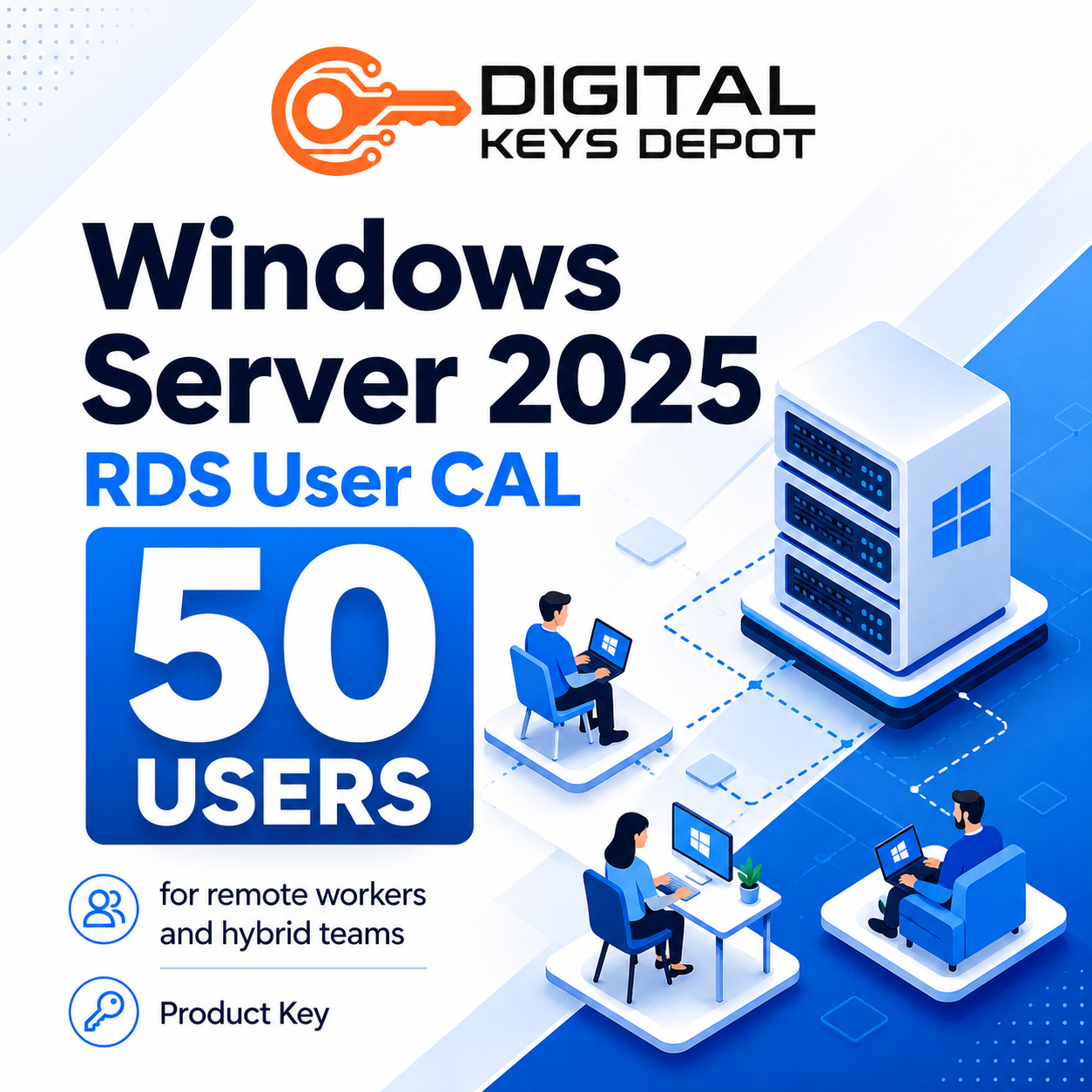
Microsoft Windows Server 2025 Remote Desktop Services (RDS) User CAL – 50 Users
Microsoft Windows Server 2025 Remote Desktop Services User CAL is designed for organizations that need user-based access to a Windows Server 2025 Remote Desktop Services environment. This product provides RDS User CAL capacity for 50 users, allowing assigned users to connect to a properly configured Remote Desktop deployment.
This product is not a Windows Server operating system activation key. It does not activate Windows Server 2025 Standard or Datacenter. Instead, it adds Remote Desktop Services User CAL capacity to an existing activated Windows Server 2025 environment where RDS roles, RD Session Host, and RD Licensing are already configured.
A User CAL is useful when access follows the person rather than the device. For example, one employee may connect from an office desktop, a laptop, a home computer, or another approved endpoint. In that workflow, licensing the user can be more practical than licensing each device separately.
If your server still needs the base operating system first, review Windows Server 2025 Standard Product Key or Windows Server 2025 Datacenter Product Key before adding RDS CALs.
What’s Included
- 1x Windows Server 2025 Remote Desktop Services User CAL
- Access licensing for 50 users
- User-based CAL model, not device-based CAL model
- Designed for Windows Server 2025 Remote Desktop Services environments
- Support assistance for product key and activation-related questions
- 7-day one-to-one replacement warranty for eligible activation issues
Common Use Cases
- Remote workers: provide assigned users with access to remote desktops or remote applications from approved locations.
- Hybrid teams: support employees who switch between office computers, laptops, and home workstations.
- Finance and accounting users: allow team members to access server-hosted accounting, ERP, or internal business applications.
- IT administrators: support users who need Remote Desktop access across multiple approved devices.
- Business application delivery: centralize applications through Remote Desktop instead of installing the same software on every endpoint.
- Multi-device access: license people who may connect from more than one computer during their work routine.
Built for User-Based Remote Desktop Workflows
Remote Desktop Services helps organizations deliver remote desktops, session-based applications, and server-hosted resources from a centralized Windows Server environment. This can make application management more efficient because software can be maintained on the server side instead of being installed separately on every local machine.
A User CAL works best when the same person needs access from different devices. This is common for managers, finance staff, remote employees, support teams, administrators, and hybrid workers who move between office and remote locations.
This product fits Windows Server 2025 RDS deployments where 50 named users need access to remote sessions or published applications. A typical setup may include RD Session Host, RD Licensing, RD Gateway, RD Web Access, RemoteApp publishing, and user access policies managed by the server administrator.
User CAL vs Device CAL: Which One Should You Choose?
Choose a User CAL when each person may connect from multiple devices. This model is often better for hybrid work, remote access, mobile staff, IT administrators, and employees who use both office and home computers.
Choose a Device CAL when many people share the same fixed computers. Device CALs are usually more suitable for reception desks, classrooms, labs, warehouse terminals, call center seats, kiosk-style systems, and shift-based workplaces.
This product is specifically for 50 users. If your Remote Desktop environment is based on shared devices instead of named users, compare it with Windows Server 2025 Remote Desktop Services Device CAL – 50 Devices.
Activation Information
This listing provides Windows Server 2025 Remote Desktop Services User CAL capacity for 50 users. It is intended for an existing activated Windows Server 2025 environment with Remote Desktop Services configured.
After your order has been processed, your product details can be accessed through your Digital Keys Depot account. You will receive order status updates by email, then you can log in and go to My Account > View Orders to view your purchased product. For more information about product access, please review the delivery information page.
If you are not sure whether your deployment needs User CALs or Device CALs, please contact us before placing an order. This helps make sure the server version, CAL type, and user count match your actual Remote Desktop setup.
Basic RDS Setup Requirements
- An activated Windows Server 2025 installation
- Remote Desktop Services role configured
- RD Session Host for remote desktop or application sessions
- RD Licensing server for managing RDS CALs
- Correct licensing mode selected for User CALs
- User accounts prepared for Remote Desktop access
- Network access between users and the RDS environment
- Administrator access to configure Remote Desktop Services settings
This product does not configure the RDS environment automatically. Your server administrator should install the required RDS roles, configure the licensing server, add the CAL pack, and set the deployment to use the correct user-based licensing mode.
System & Compatibility Notes
- This product is for Windows Server 2025 Remote Desktop Services User CAL.
- It is for 50 users, not 50 devices.
- It does not activate Windows Server 2025 itself.
- It is not a Windows 10, Windows 11, Office, SQL Server, or Visual Studio product key.
- It should be used with a compatible Windows Server 2025 RDS deployment.
- Windows Server 2025 RDS CALs should be installed on a compatible RD Licensing server.
- Please confirm your server version, CAL type, and user count before ordering.
If your RDS environment still needs the base server operating system, review Windows Server 2025 Standard or Windows Server 2025 Datacenter. If you are managing an older Remote Desktop environment, compare with Windows Server 2022 RDS User CAL – 50 Users.
For Remote Desktop environments that deliver database-backed applications, Windows Server and RDS provide the access layer while database software is separate. If your deployment also needs Microsoft database software, browse the SQL Server product keys category.
Because this is a digital product, please review the version, CAL type, and user count carefully before purchase. General store questions are available on the FAQ page, and digital product terms can be reviewed on the refund policy page.
Product-Specific FAQ
Is this a Windows Server 2025 activation key?
No. This product is for Windows Server 2025 Remote Desktop Services User CALs. It cannot activate the Windows Server operating system.
What does 50 Users mean?
It means the CAL is intended for 50 users who will access a compatible Windows Server 2025 Remote Desktop Services environment.
When should I choose User CAL instead of Device CAL?
Choose User CAL when each person may connect from multiple devices, such as an office desktop, laptop, home computer, or another approved endpoint.
When should I choose Device CAL instead?
Choose Device CAL when multiple people share the same physical computers, such as front-desk PCs, lab computers, training-room workstations, warehouse terminals, or shift-based devices.
Do I need Windows Server 2025 installed first?
Yes. You need an existing activated Windows Server 2025 environment with Remote Desktop Services configured before this product can be used correctly.
Does this include Windows Server CALs?
This product is specifically for Remote Desktop Services User CALs. Depending on your environment, Windows Server CAL requirements may also apply separately. Review your full deployment plan before ordering.
Can I use this with Windows Server 2022?
This product is intended for Windows Server 2025 RDS environments. If your deployment uses an older server version, check the correct RDS CAL version and RD Licensing server compatibility before ordering.
Related Products You May Need
If your deployment is based on shared devices rather than named users, compare this product with Windows Server 2025 RDS Device CAL – 50 Devices. For the base server operating system, you may need Windows Server 2025 Standard Product Key or Windows Server 2025 Datacenter Product Key.
You can also browse the full Windows Server product keys category to compare server editions, RDS CALs, and related infrastructure options for your environment.
Reviews
There are no reviews yet.