
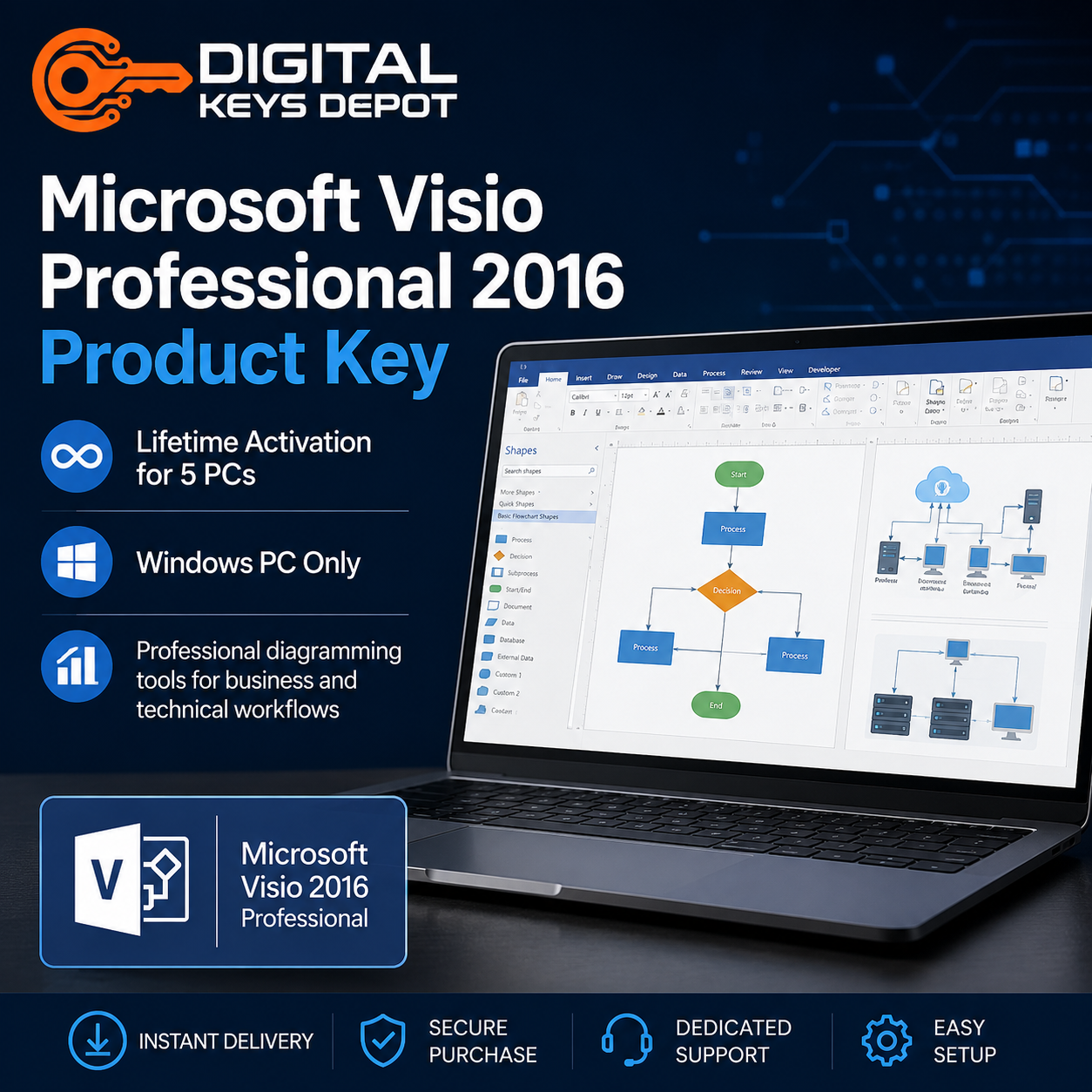

Microsoft Visio Professional 2016 Product Key for 5 PCs
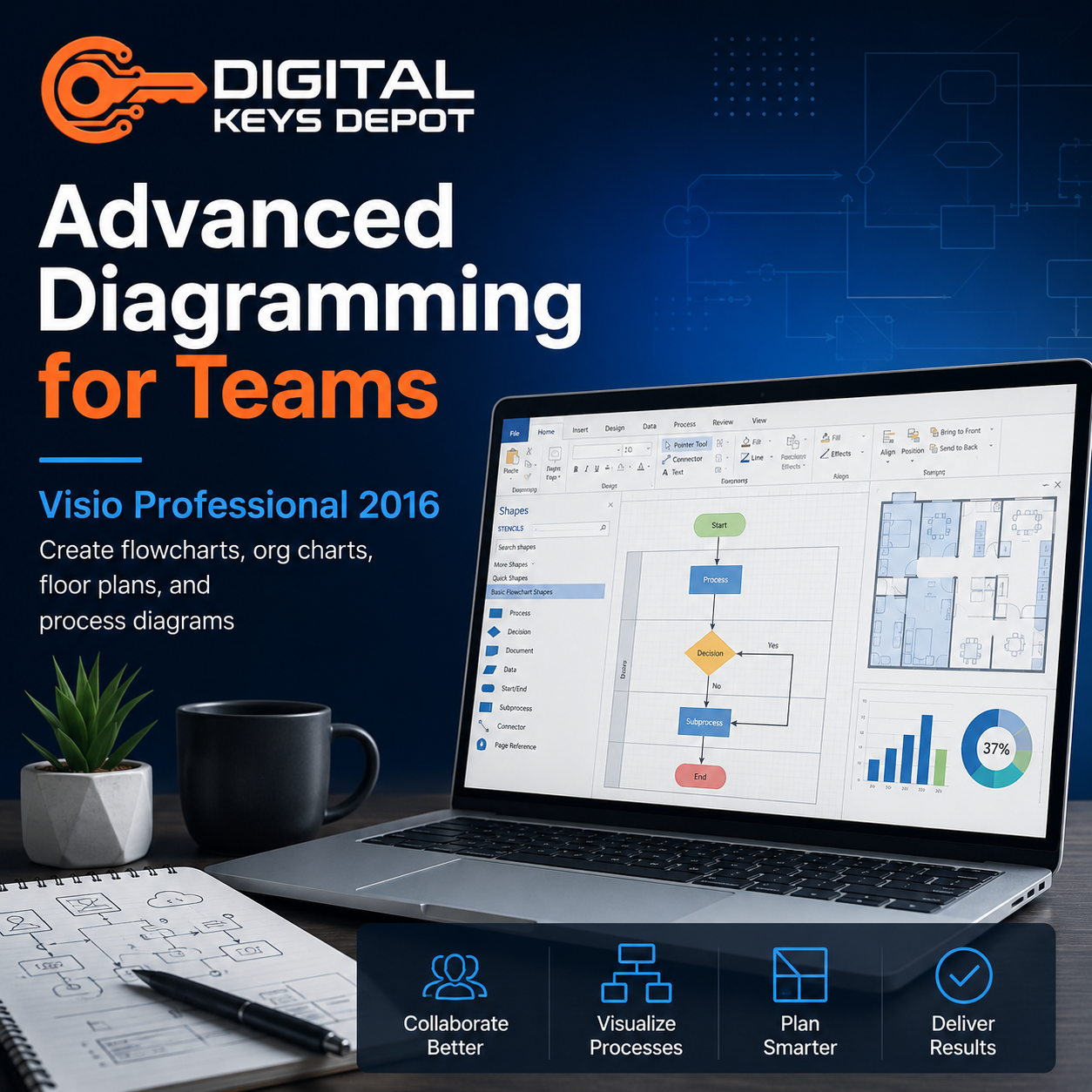
Microsoft Visio Professional 2016 is an advanced diagramming application designed for creating flowcharts, technical diagrams, process maps, infrastructure layouts, organizational charts, and business visualization documents.
This edition is commonly used by IT administrators, engineering teams, project departments, system analysts, architects, operational managers, and organizations that rely on structured visual communication for technical and business workflows.
Visio Professional 2016 introduced improved collaboration functionality, enhanced shape libraries, cleaner diagram organization tools, and stronger integration with modern Microsoft productivity environments compared to older Visio releases.
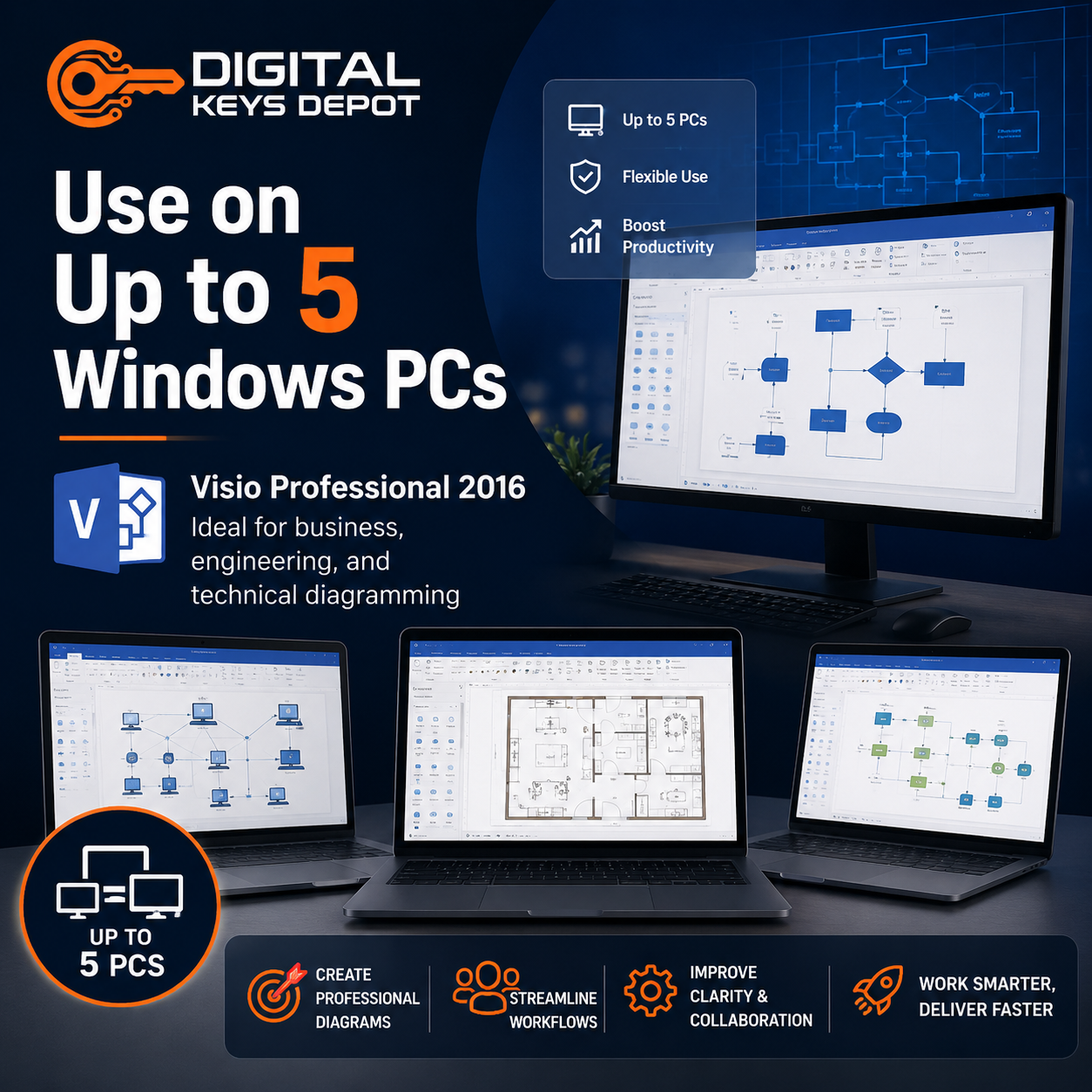
The 5-PC activation option is suitable for businesses, collaborative departments, operational teams, educational environments, consulting firms, and organizations deploying diagramming tools across multiple workstations.
What’s Included
- 1x Microsoft Visio Professional 2016 product key
- Activation for 5 PCs
- Reinstallation support on the same devices
- Compatible with Visio Professional 2016 edition
- Customer support assistance
- Order tracking through your account dashboard
Common Use Cases
- Business workflow mapping
- IT infrastructure visualization
- Network topology diagrams
- Engineering documentation
- Process flowchart creation
- Operational planning diagrams
- Organizational structure charts
- Technical procedure documentation
- System architecture planning
- Facility layout visualization
- Training documentation workflows
- Project communication diagrams
Diagramming Workflows for Teams & Organizations
Visio Professional 2016 is designed for environments where teams need consistent visual documentation across technical, operational, and administrative workflows.
IT departments frequently use Visio to document server environments, virtualization structures, cloud deployments, cybersecurity layouts, and enterprise network infrastructures.
Business operations teams commonly create workflow diagrams, approval structures, process optimization maps, reporting hierarchies, and procedural documentation to improve collaboration between departments.
Engineering environments may use Visio Professional 2016 for equipment planning, infrastructure layouts, maintenance workflows, production visualization, and technical documentation management.
The Professional edition is especially useful for organizations requiring advanced templates, expanded diagram libraries, collaborative visualization tools, and more detailed documentation capabilities compared to Standard editions.
The 5-PC option helps standardize documentation workflows across multiple users while maintaining consistent diagram formats and organizational structures within the same operational environment.
Version Comparison & Workflow Suitability
Organizations maintaining older infrastructure compatibility may also compare Visio Professional 2013.
Businesses seeking newer productivity integration and updated diagramming environments may consider Visio Professional 2019 or Visio Professional 2021.
Users requiring lighter diagramming environments for basic documentation tasks may also review Visio Standard 2016.
Professional Edition Features
Visio Professional editions include additional templates, technical diagram tools, advanced visualization capabilities, and collaboration-oriented functionality designed for business and enterprise documentation workflows.
This edition is particularly beneficial for organizations managing infrastructure planning, operational mapping, technical communication, and structured documentation processes across multiple departments.
Activation Information
- Activation valid for 5 PCs
- Keys can be reused after reinstalling on the same devices
- Compatible with Visio Professional 2016
- One-time activation setup
System Requirements
- Compatible Windows operating system
- Internet connection may be required during activation
- Administrative installation permissions
- Compatible Microsoft Office environment recommended
Compatibility & Deployment Information
Visio Professional 2016 remains widely used in professional environments requiring structured diagramming and compatibility-focused business documentation systems.
This version balances modern usability improvements with broad compatibility for organizations operating mixed Office ecosystems and long-term workflow infrastructures.
Before installation, ensure your operating system environment supports Visio Professional 2016 compatibility requirements.
Users preparing workstation environments may also browse Windows Product Keys.
Related Microsoft Software
Visio is commonly integrated into larger productivity and operational ecosystems for documentation, planning, and technical communication.
Organizations managing scheduling and operational coordination may also explore Project Product Keys.
Businesses building productivity-focused software environments may also review Office Product Keys.
Development and technical teams documenting software infrastructure may also browse Visual Studio Product Keys.
FAQ
What is Visio Professional 2016 used for?
Visio Professional 2016 is used for creating flowcharts, technical diagrams, infrastructure maps, workflow documentation, organizational charts, and business visualization projects.
Who is the 5-PC version suitable for?
The 5-PC option is ideal for teams, departments, engineering groups, operational environments, consulting businesses, and organizations deploying Visio across multiple workstations.
Can the product key be reused after reinstalling Windows?
Yes. The key can be reused on the same PCs after reinstallation.
What is the difference between Professional and Standard editions?
The Professional edition includes expanded templates, advanced diagramming functionality, enhanced collaboration capabilities, and additional technical visualization tools.
Is Visio Professional 2016 suitable for IT infrastructure documentation?
Yes. Many organizations use Visio Professional 2016 for network diagrams, infrastructure planning, server layouts, and technical documentation workflows.
Where can I find setup and delivery information?
You can visit our FAQ page or review the Delivery Information section for additional information.
Reviews
There are no reviews yet.