
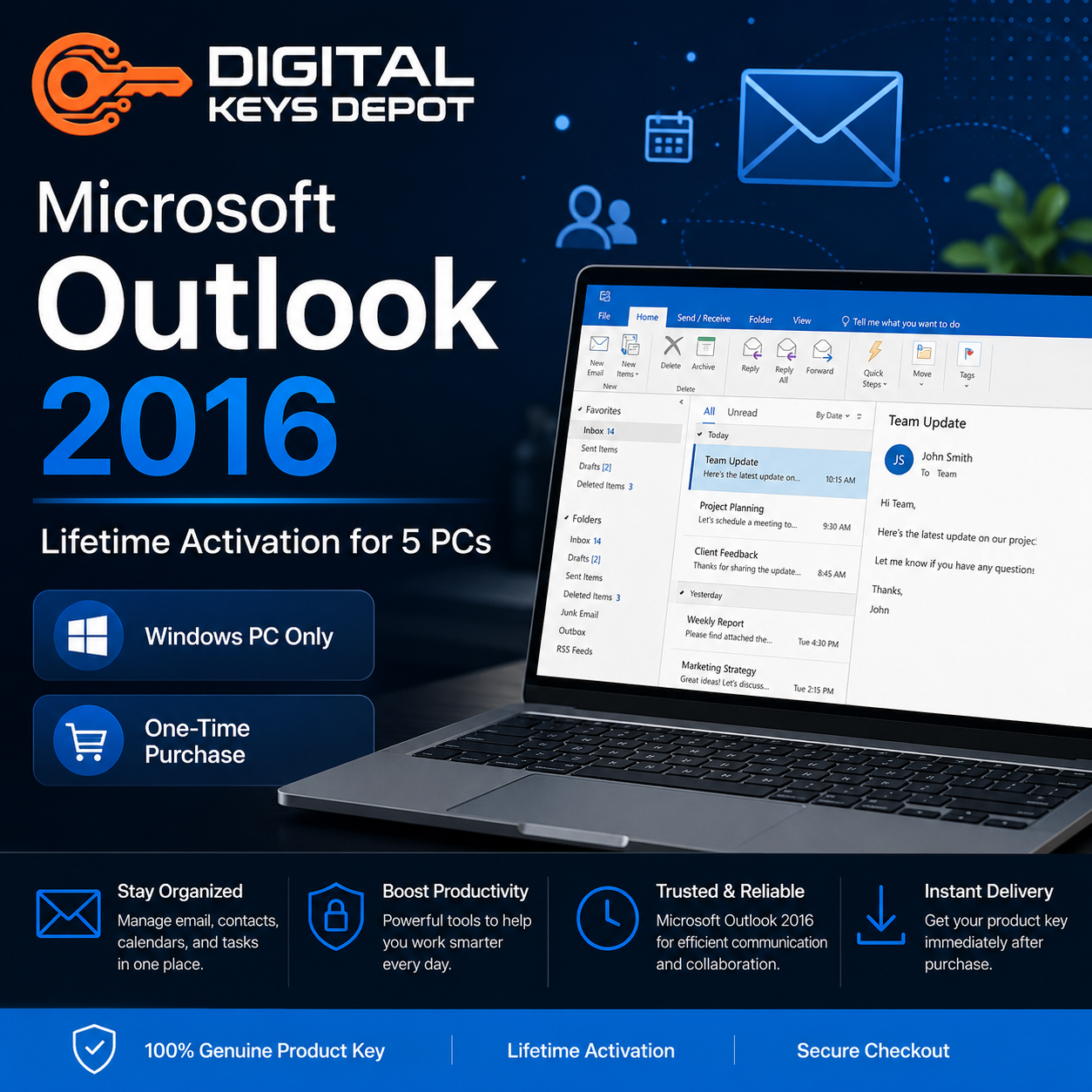
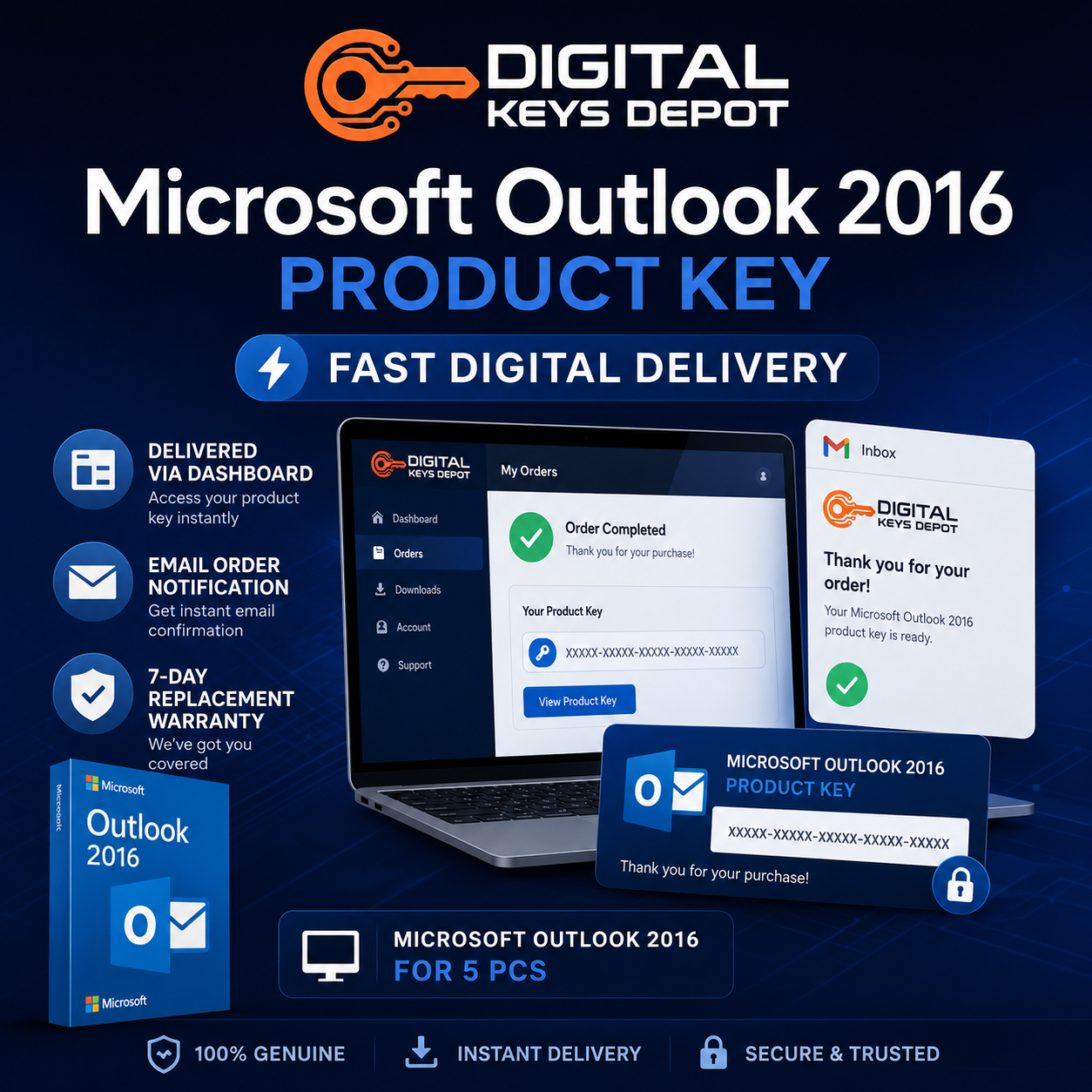
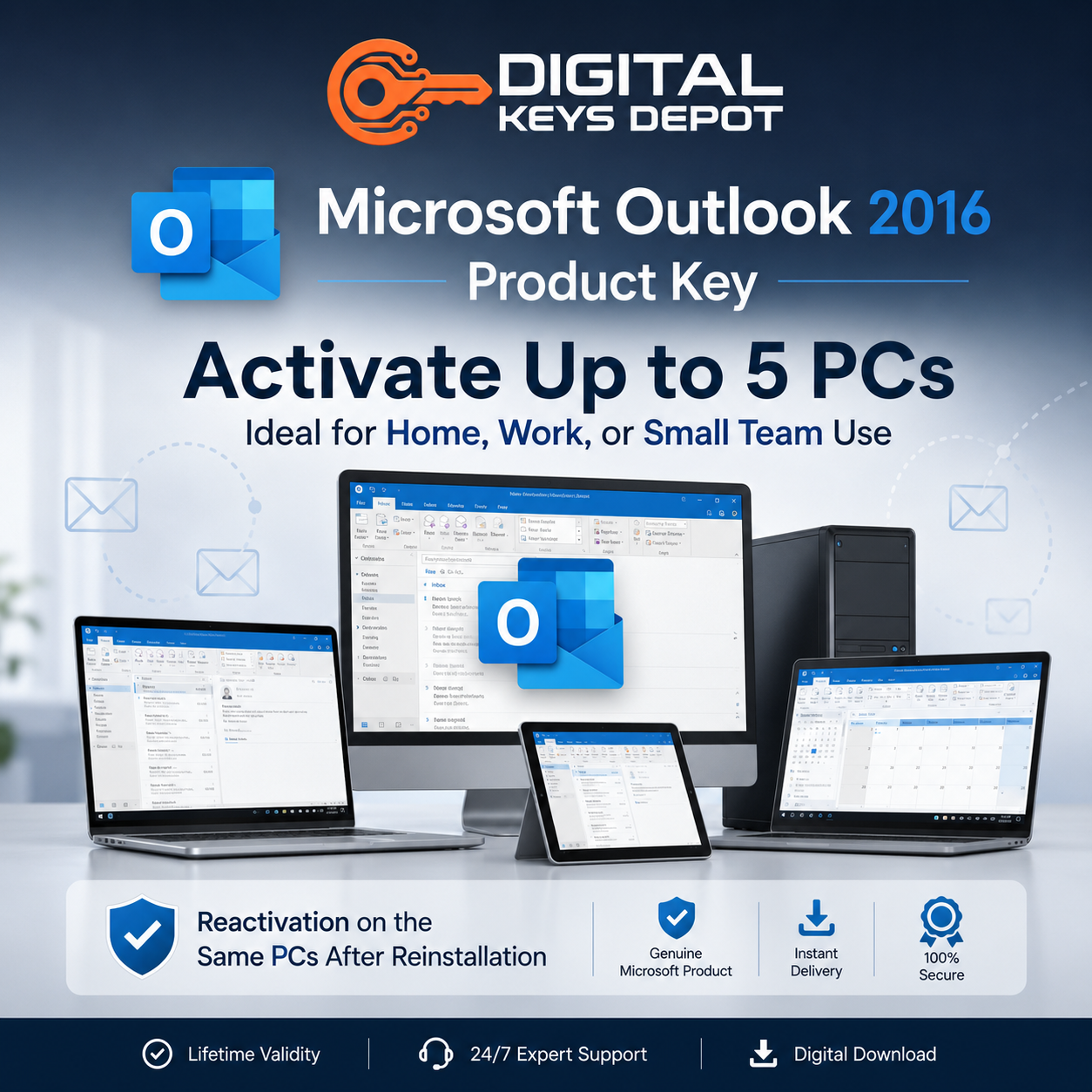
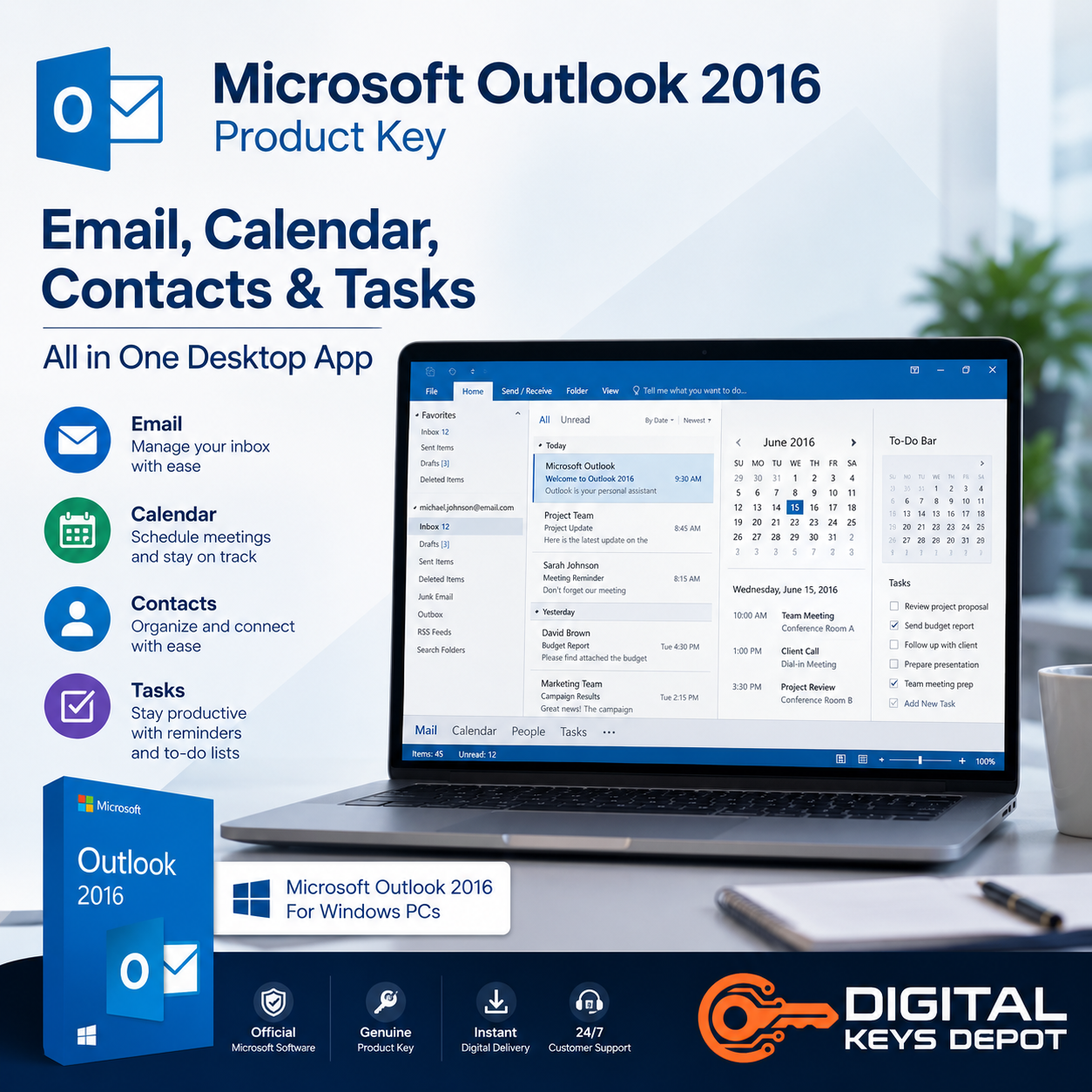
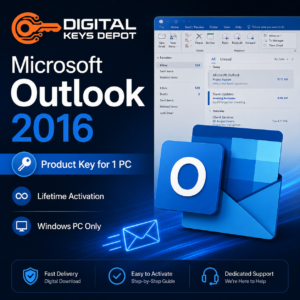
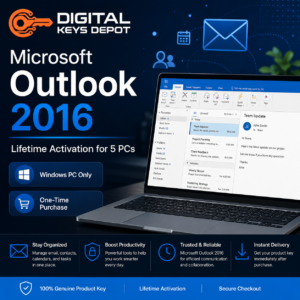
Microsoft Outlook 2016 Product Key – Lifetime Activation for 5 PCs
Microsoft Outlook 2016 is a business-focused email and communication application designed for managing email workflows, scheduling systems, contact organization, task tracking, and office productivity environments.
This version is commonly used in administrative departments, office communication systems, educational environments, small business workstations, and organizations maintaining compatibility-focused Microsoft productivity ecosystems.
The 5-PC activation option is suitable for teams managing multiple office systems, shared workstations, administrative departments, technical classrooms, or business environments requiring the same Outlook version across several devices.
Users building newer communication environments may also compare Outlook 2021 for 5 PCs, while organizations maintaining older Office-based infrastructures may continue using Outlook 2016 for long-term compatibility workflows.
📧 What’s Included
- 1x Microsoft Outlook 2016 product key
- Activation for up to 5 PCs
- Same-PC reactivation support after reinstallation
- Digital delivery through account dashboard
- Email order notifications
- Customer support assistance
- 7-day replacement support for eligible activation-related issues
💼 Common Outlook Workflows
Microsoft Outlook 2016 is commonly used for:
- Email management and organization
- Business communication workflows
- Calendar scheduling and meeting coordination
- Shared mailbox environments
- Task and reminder management
- Administrative office workflows
- Contact organization systems
- Department communication management
- Internal office productivity environments
- Compatibility-focused Office workflows
- Multi-PC office deployments
- Business scheduling systems
🧩 Built for Office Communication Environments
Outlook 2016 remains a practical option for organizations maintaining stable communication workflows across older Microsoft Office ecosystems and compatibility-focused office infrastructures.
This version is commonly selected for environments where consistent email management, calendar scheduling, contact tracking, and shared office communication systems are more important than newer cloud-focused productivity features.
The 5-PC version is especially suitable for administrative teams, front-office departments, educational offices, small business workstations, and organizations standardizing productivity tools across multiple systems.
Users building complete office environments may also explore compatible Office Product Keys for Word, Excel, PowerPoint, and broader productivity workflows.
⚡ Outlook 2016 vs Newer Outlook Versions
Compared to newer Outlook generations, Outlook 2016 focuses on stable desktop-based communication workflows and compatibility-oriented productivity environments.
Outlook 2019 and Outlook 2021 provide newer interface improvements, updated mailbox management tools, and expanded integration for more modern collaboration environments.
Organizations prioritizing long-term compatibility, familiar workflow structures, and older Office ecosystems may still find Outlook 2016 suitable for day-to-day communication and scheduling operations.
Users seeking newer account-based deployment environments may also compare Outlook 2024 Bind Key.
🔄 Same-PC Reactivation Support
This product key supports reactivation on the same activated devices after Windows reinstallation or Outlook reinstallation.
This may be useful for organizations rebuilding office systems, upgrading storage devices, replacing workstations, or maintaining long-term communication environments across multiple PCs.
⚙️ System Requirements
- Operating System: Windows 10 or compatible Windows environments
- Processor: 1 GHz or faster processor
- Memory: 2 GB RAM minimum
- Storage: Available disk space required for installation
- Internet Connection: Required for activation and selected online features
⚠️ Compatibility Information
This software is intended for Windows-based systems only and is not compatible with Mac environments.
This purchase includes Microsoft Outlook 2016 only. It does not include Microsoft Office suites, Windows operating systems, Exchange Server, or Microsoft 365 subscriptions.
Organizations preparing compatible office systems may also browse Windows Product Keys for workstation deployment and productivity environments.
❓ Frequently Asked Questions
What is Outlook 2016 mainly used for?
Outlook 2016 is commonly used for email management, calendar scheduling, office communication workflows, contact organization, and administrative productivity tasks.
Who is the 5-PC version suitable for?
The 5-PC option is suitable for office departments, administrative teams, educational environments, shared workstations, and organizations managing multiple communication systems.
Can I reactivate Outlook after reinstalling Windows?
Yes. The product key supports same-device reactivation after reinstalling Windows or reinstalling Outlook on previously activated systems.
Is Outlook 2016 still suitable for office environments?
Yes. Outlook 2016 remains suitable for many office communication environments, especially systems prioritizing compatibility-focused productivity workflows and stable desktop-based email management.
What is the difference between Outlook 2016 and newer versions?
Newer Outlook versions include updated interface improvements, modern collaboration features, and expanded integration capabilities, while Outlook 2016 focuses more on traditional desktop productivity workflows.
📚 Additional Information
Please review our FAQ and Delivery Information pages for additional setup and order-related information.
You can also browse our Outlook Product Keys category to compare Outlook 2016, 2019, 2021, and Outlook 2024 deployment options for office communication environments.
Reviews
There are no reviews yet.