Office Product Keys
Explore Office product keys and Office 365 account options for everyday productivity, business documents, spreadsheets, presentations, email, notes, and database workflows. This category includes Office 2010, Office 2013, Office 2016, Office 2019, Office 2021, Office 2024, and Office 365 Accounts. Choose the edition that fits your device, application needs, setup method, and workflow.

Showing 25–34 of 34 results
Showing 25–34 of 34 results
Microsoft Office Product Keys for Productivity, Documents, Spreadsheets, and Business Workflows
The Office Product Keys category brings together Microsoft Office editions, standalone applications, and Office 365 account options for users who need familiar productivity tools for home, study, business, and administrative work. Depending on the product, you can find options for Word, Excel, PowerPoint, Outlook, Access, Publisher, OneNote, and selected standalone applications such as Word 2024, Excel 2024, and PowerPoint 2024.
This category is designed to help you compare Office versions by year, edition, device compatibility, app selection, and setup method. Some products are better suited for classic desktop productivity, while others are useful for multi-device access or account-based use. Always review the product title and product page details before ordering so you select the correct edition, device count, and platform.
Common Office Use Cases
- Creating and editing documents, reports, letters, contracts, and templates with Word.
- Managing spreadsheets, calculations, budgets, charts, and data analysis in Excel.
- Preparing presentations, training slides, business decks, and visual reports in PowerPoint.
- Handling email, calendars, contacts, and communication workflows with Outlook.
- Working with notes, class materials, project ideas, and research organization in OneNote.
- Building small business databases, forms, reports, and records with Access where included.
- Creating desktop publishing materials such as flyers, labels, and simple layouts with Publisher where included.
Choosing the Right Office Version
Office 2010 Product Keys are typically selected for older systems, legacy workflows, or users who need a familiar classic interface. This version may be suitable when compatibility with older documents or existing installations matters more than newer interface updates.
Office 2013 Product Keys offer a more modern interface while still supporting traditional desktop productivity workflows. It can be a practical choice for users who want Word, Excel, PowerPoint, Outlook, Access, and Publisher in a familiar desktop environment.
Office 2016 Product Keys are popular for stable document, spreadsheet, email, and presentation work. This version includes several Professional Plus, Home & Business, Home & Student, and Mac-related options depending on the product page.
Office 2019 Product Keys are a good fit for users who want a newer desktop Office experience without moving directly to the latest version. This section includes Professional Plus, Home & Business, Home & Student, telephone method options, and account-bound options where available.
Office 2021 Product Keys are suited for users who prefer a more current desktop suite for productivity work. Products in this group may include Professional Plus, LTSC-style options, Home & Business for Mac, and account-bound editions.
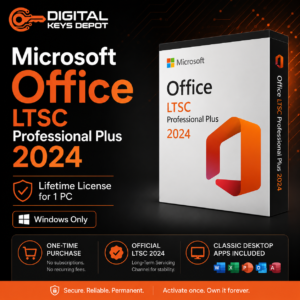
Office 2024 Product Keys are intended for users looking for the newest Office generation available in this store category. This section may include Office 2024 Home & Business for PC/Mac, Professional Plus LTSC telephone method options, and standalone app keys such as Word 2024, Excel 2024, and PowerPoint 2024.
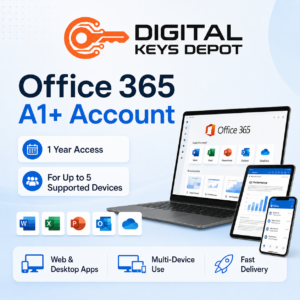
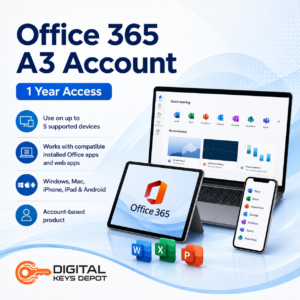
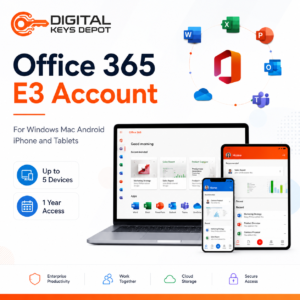
Office 365 Accounts are different from one-time desktop product key options. These products are account-based and may support use across multiple device types depending on the specific product, such as Windows, Mac, Android, iPhone, or tablets. Check each Office 365 account product page for account details, access period, device count, and storage-related notes before ordering.
Compatibility and Setup Notes
Office products can vary by platform, device count, edition, and setup method. Some products are for PC only, some are for Mac, and some account-based options may support multiple device types. You may also see different setup paths, including direct installation, telephone method products, and account-bound products. Product titles usually indicate the version, edition, device count, and setup type, so compare them carefully before checkout.
If you are setting up Office on a new or existing computer, make sure your operating system is suitable for the Office version you choose. For users who also need an operating system key, the Windows Product Keys category may be useful, especially when pairing Office with compatible Windows environments.
Related Software Categories
For productivity workflows beyond Office documents and spreadsheets, you may also want to explore Project Product Keys for scheduling, planning, timelines, and project management, or Visio Product Keys for diagrams, flowcharts, process maps, and technical visuals. If your workflow is more database-focused, the Access Product Keys category is useful for records, forms, reports, and small business data management. For email-focused users, Outlook Product Keys can help narrow your search to communication and calendar tools.
Need Help Choosing?
If you are unsure which Office version or edition fits your device, review the FAQ page or contact the support team before ordering. You can also check the delivery information page to understand how order details are provided through the web store dashboard and email notifications.