Activating Windows 10 or 11 is a crucial step to unlock all features and keep your PC secure. If you’ve just installed Windows or upgraded your hardware, you’ll need a valid product key to complete the process. Here’s a simple, up-to-date guide to help you activate your Windows system with confidence.
What is a Windows Product Key?
A Windows product key is a unique 25-character code that looks like this:
XXXXX-XXXXX-XXXXX-XXXXX-XXXXX
This code proves your copy of Windows is genuine and allows you to access all updates and features.
When Should You Enter Your Product Key?
You can enter your product key during the Windows installation process. If you skipped this step, don’t worry—you can activate Windows anytime after installation.
How to Activate Windows 10/11 After Installation
- Click the Start button on your desktop.
- Open Settings (the gear icon).
- Go to Update & Security.
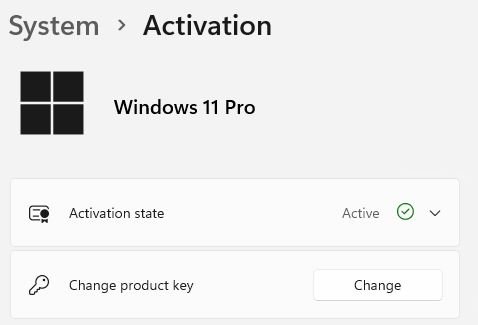
- Select Activation from the sidebar.
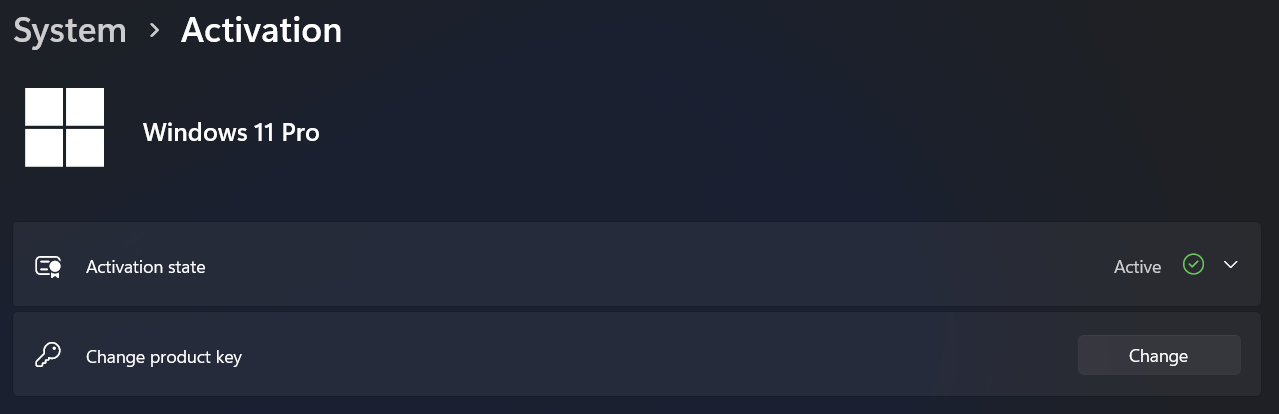
- Click Change product key.
- Enter your 25-character product key and follow the prompts.
Where to Get a Genuine Windows Product Key
For a hassle-free experience, always use a legitimate product key. You can purchase a genuine Windows 11 Pro key for instant lifetime activation at Digital Keys Depot. Your key will be delivered instantly, so you can activate your system right away.
What Happens After Activation?
Once activated, your Windows system will be fully functional and eligible for all updates. For extra security, consider linking your license to your Microsoft account. This makes it easier to reactivate Windows if you ever upgrade your hardware or reinstall the operating system.
Tips for a Smooth Activation
- Double-check your product key for typos before submitting.
- Make sure you’re connected to the internet during activation.
- If you have a digital license, signing in with your Microsoft account may activate Windows automatically.
- Keep your product key in a safe place for future reference.
Conclusion
Activating Windows 10 or 11 is quick and easy when you have a genuine product key. Follow the steps above to ensure your system is secure and fully featured. Ready to activate? Get your genuine Windows 11 Pro key here and enjoy peace of mind with lifetime activation.
If you experience problems during activation, you can read some common error codes during Windows activating here.