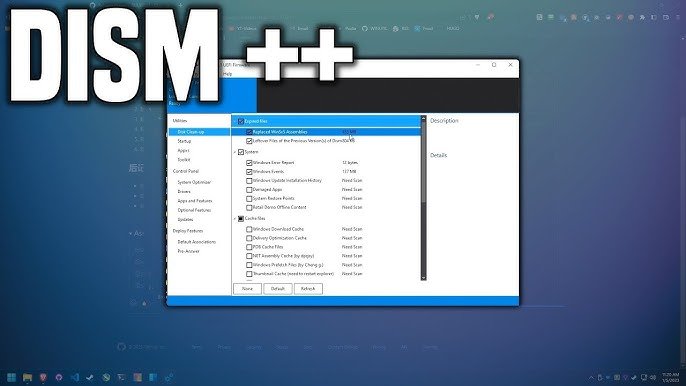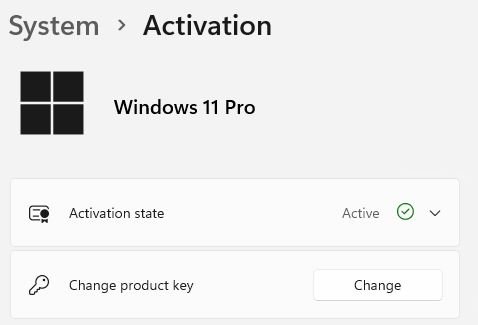
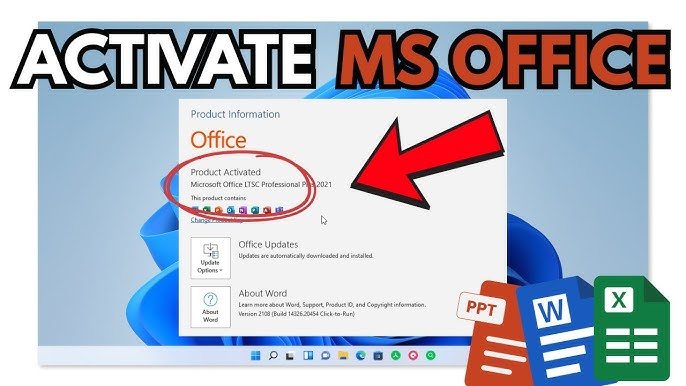
Activating Microsoft Office, Visio, Project, or Access with an Online key is a quick and straightforward process. Whether you have a license for 1 PC or multiple devices, following the right steps ensures your software is genuine and fully functional. Here’s a simple guide to help you activate your Office suite or related apps using an Online key.
Step-by-Step Activation Guide
- Open Your Office Application
Start by launching any Office program such as Word, Excel, PowerPoint, Visio, Project, or Access. - Go to the Account Section
Click on File in the top-left corner of the application window.
In the menu on the left, select Account. - Enter Your Product Key
Click on Activate Product Key or Change Product Key (the option may vary depending on your Office version).
Enter your 25-character product key in the format:XXXXX-XXXXX-XXXXX-XXXXX-XXXXX
Follow the on-screen prompts to complete the activation process. - Complete the Activation
Make sure your computer is connected to the internet during activation.
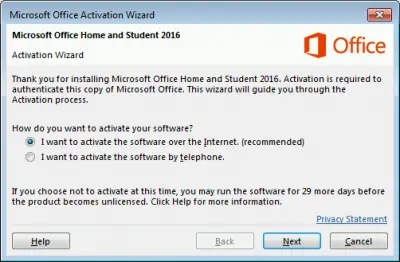
If you see a confirmation dialog after entering your key, simply click Next to finish.
Important Notes
- Internet Connection Required:
Your device must be online to validate the product key and complete activation. - Multiple Activation Methods:
Depending on your Office version, there may be different ways to activate. Choose the method that matches your software. - Backup Your License:
After successful activation, it’s a good idea to back up your license information. This ensures you can reactivate Office easily if you reinstall Windows or move to a new device.
Troubleshooting Common Activation Errors
If you encounter error codes such as 0xC004C060, 0xC004F074, 0xC004C008, 0xC004F050, don’t worry—these are common and often easy to resolve. For detailed solutions, check the troubleshooting guide here.
Pro Tip:
Always double-check that you’re entering the correct product key and that you’re using the right version of Office for your key (Retail or Volume). If you’re unsure, download Office directly from here or the official Microsoft website for compatibility.
Conclusion
Activating Office, Visio, Project, or Access using an Online key is simple when you follow these steps. With your software activated, you’ll have access to all features and updates. Remember to keep your product key and backup information safe for future use. If you run into any issues, refer to the troubleshooting guide or contact our support for help.
For activation Office, Visio, Project, Access using phone activation key, you can read how to activate Office, Visio, Project, Access using phone activation key.