
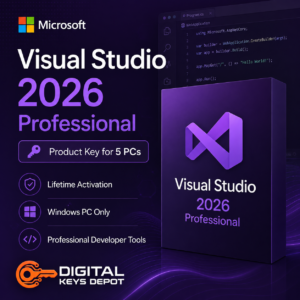
Microsoft Visual Studio 2026 Professional Product Key for 5 PCs
Microsoft Visual Studio 2026 Professional is a modern integrated development environment (IDE) built for software engineering, debugging, application testing, and collaborative coding workflows across current Windows-based development environments.
This version is commonly used by developers, software engineering teams, educational programming environments, technical departments, and organizations building desktop software, APIs, cloud-connected applications, and modern .NET-based development projects.
The 5-PC activation option is suitable for users managing multiple development workstations, collaborative coding systems, technical classrooms, software testing environments, and organizations standardizing development tools across several devices.
Organizations requiring larger enterprise engineering environments may also compare Visual Studio 2026 Enterprise, while users maintaining older compatibility-focused projects may review Visual Studio 2022 Professional.
💻 What’s Included
- 1x Microsoft Visual Studio 2026 Professional product key
- Activation for up to 5 PCs
- Same-PC reactivation support after reinstallation
- Digital delivery through your account dashboard
- Email order status notifications
- Customer support assistance
- 7-day replacement support for eligible activation-related issues
⚡ Common Development Workflows
Visual Studio 2026 Professional is commonly used for:
- C# and .NET application development
- ASP.NET web application projects
- Desktop software programming
- API and backend service development
- Cloud-connected application workflows
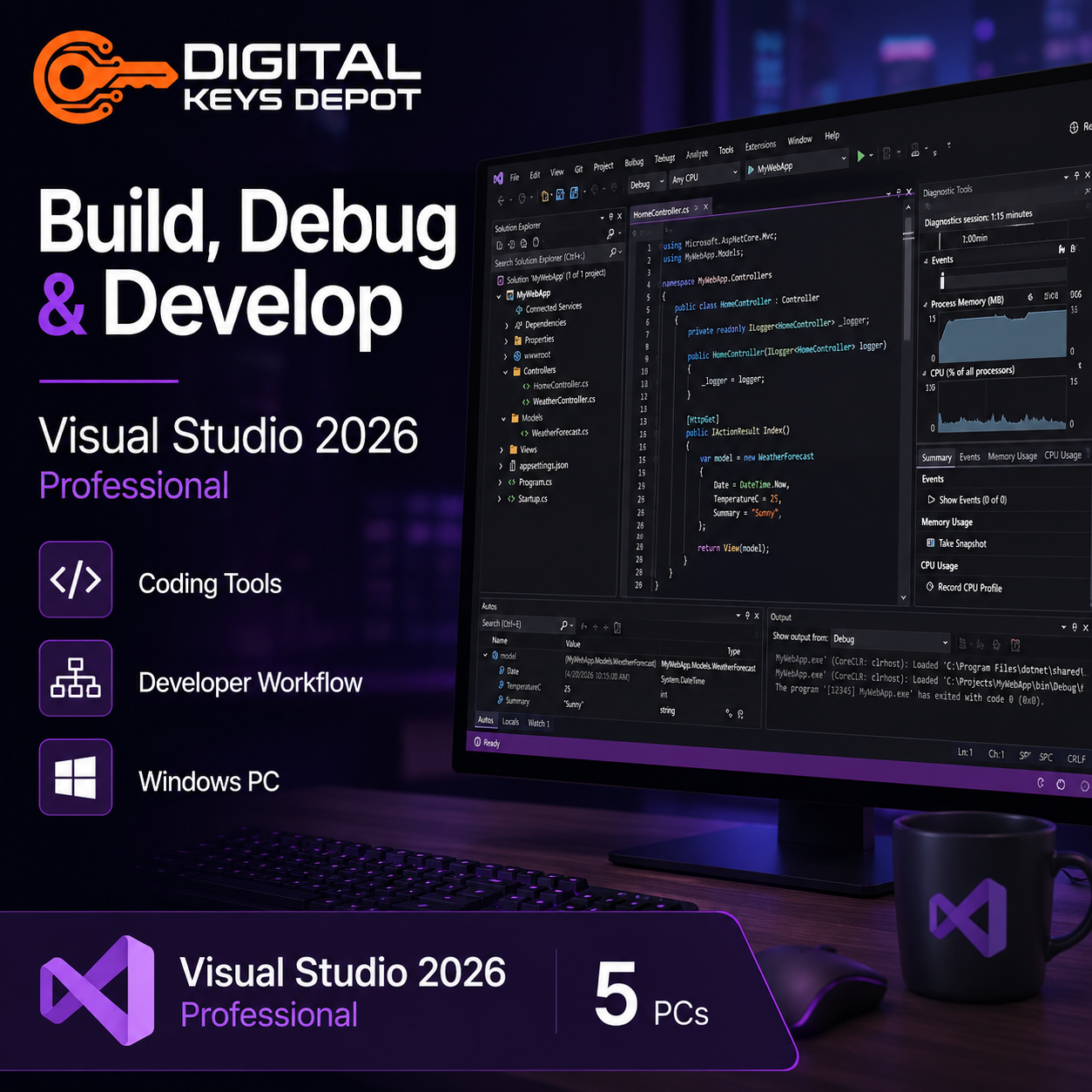
- Software debugging and testing
- Git-based collaboration workflows
- Educational programming labs
- Business application engineering
- Application modernization projects
- Multi-device development environments
- Developer team collaboration
🧩 Multi-PC Development Environment for Modern Coding Teams
The 5-PC activation option is designed for organizations and technical teams managing several development systems using the same Visual Studio environment across multiple workstations.
This may be useful for collaborative engineering teams, internal software projects, programming classrooms, developer training environments, software testing systems, and organizations maintaining dedicated development and deployment workstations.
Visual Studio 2026 Professional continues Microsoft’s modern development ecosystem with updated coding tools, improved project handling, optimized debugging workflows, enhanced Git integration, and support for current Microsoft development technologies.
Teams building data-driven applications may also integrate workflows with SQL Server Product Keys for backend infrastructure and enterprise database environments.
🚀 Professional IDE for Current Development Ecosystems
Professional editions are commonly selected for software engineering workflows requiring advanced coding tools, debugging systems, project management environments, source control integration, and collaborative development workflows without the larger enterprise management infrastructure included in Enterprise editions.
This version is suitable for:
- Software development teams
- Educational programming environments
- Business application developers
- Technical training systems
- Cloud-connected development projects
- Modern application modernization workflows
- Multi-workstation coding environments
Organizations requiring enterprise-scale diagnostics, architecture validation tools, advanced testing systems, and enterprise collaboration environments may also compare Visual Studio Enterprise editions.
🔍 Optimized for Modern Microsoft Development Workflows
Visual Studio 2026 Professional is optimized for modern Microsoft development ecosystems including current .NET environments, APIs, cloud-connected software, scalable business applications, and collaborative Git-based engineering workflows.
This version is especially suitable for organizations modernizing older coding environments or standardizing developer workflows across multiple systems and technical teams.
🔄 Same-PC Reactivation Support
This product key supports reactivation on the same activated systems after operating system reinstallation or Visual Studio reinstallation.
This may be useful for rebuilding development systems, replacing storage devices, upgrading hardware, or maintaining long-term development environments across multiple workstations.
⚙️ System Requirements
- Operating System: Windows 10 or Windows 11
- Processor: 1.8 GHz or faster processor
- Memory: 4 GB RAM minimum
- Storage: Available disk space required for installation
- Display: 720p or higher resolution recommended
- Internet Connection: Required for activation and selected online features
⚠️ Compatibility Information
This software is designed for Windows environments only and is not compatible with Mac systems.
This purchase includes Microsoft Visual Studio 2026 Professional only. It does not include Windows operating systems, SQL Server, Azure subscriptions, Microsoft Office applications, or third-party development frameworks.
Users preparing development workstations may also explore compatible Windows Product Keys for deployment, testing, and software engineering environments.
❓ Frequently Asked Questions
What is Visual Studio 2026 Professional mainly used for?
It is commonly used for software development, .NET programming, debugging, API development, cloud-connected applications, testing environments, and collaborative coding workflows.
Why choose the 5-PC version?
The 5-PC option is suitable for software teams, technical classrooms, organizations, and users managing multiple development workstations using the same development environment.
What are the advantages of Visual Studio 2026?
Visual Studio 2026 provides updated development tooling, improved project scalability, optimized debugging environments, enhanced collaboration workflows, and support for modern Microsoft development ecosystems.
Can I reactivate after reinstalling Windows?
Yes. The key supports same-device reactivation after reinstalling Windows or reinstalling Visual Studio on previously activated systems.
What is the difference between Professional and Enterprise editions?
Professional editions focus on standard software development workflows, while Enterprise editions add advanced diagnostics, architecture validation tools, enterprise collaboration systems, and larger-scale testing environments.
📚 Additional Information
Please review our Delivery Information and FAQ pages for additional setup and order-related information.
You can also browse our Visual Studio Product Keys category to compare Professional and Enterprise editions across multiple Visual Studio generations.
Reviews
There are no reviews yet.