
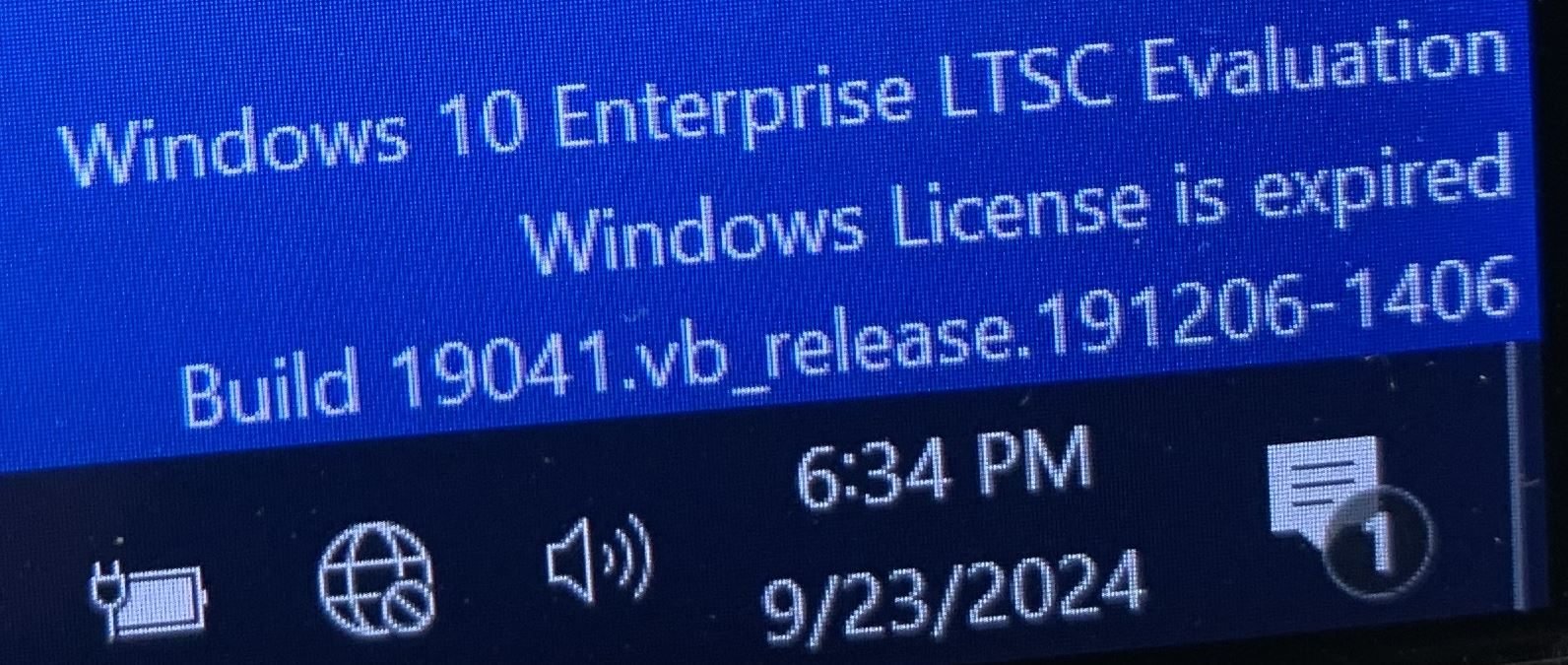
Are you using Windows 10 Enterprise LTSC 2021 Evaluation and want to unlock the full version? Many users find that the standard DISM upgrade commands don’t work for Evaluation editions. Fortunately, there’s a special method you can use to convert Windows 10 Enterprise LTSC evaluation to full version—no need to reinstall your system!
Why Convert Your Evaluation Edition?
The Evaluation edition is meant for testing and will expire after a limited period. Converting to the full version allows you to activate Windows permanently with a genuine product key, ensuring you have uninterrupted access to all features and updates.
Step-by-Step Guide: Convert Windows 10 Enterprise LTSC Evaluation to Full Version
1. Download the Required SKUs Files
Download the Windows 10 Enterprise LTSC 2021 SKUs file from here:
Extract the downloaded archive to a folder on your computer.
2. Replace the SKUs Folder
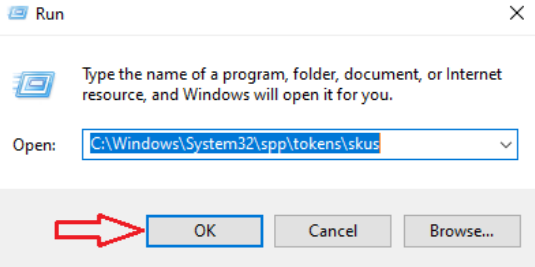
Press Windows + R to open the Run dialog. Type:
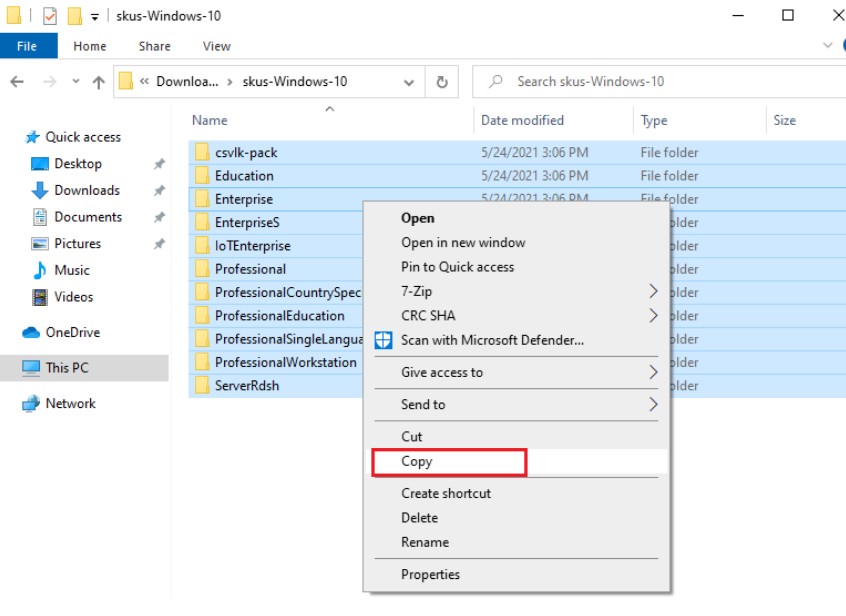
C:\Windows\System32\spp\tokens\skusand press Enter. Copy all the extracted files from the SKUs archive. Paste them into the skus folder you just opened. If prompted, choose to replace the existing files.
3. Run Activation Commands
Open Command Prompt as Administrator: Click Start, type cmd, right-click on Command Prompt, and select Run as administrator. Enter the following commands one by one, pressing Enter after each line. Replace XXXXX-XXXXX-XXXXX-XXXXX-XXXXX with your valid Windows 10 Enterprise LTSC product key:
cscript.exe %windir%\system32\slmgr.vbs /rilc
cscript.exe %windir%\system32\slmgr.vbs /upk >nul 2>&1
cscript.exe %windir%\system32\slmgr.vbs /ckms >nul 2>&1
cscript.exe %windir%\system32\slmgr.vbs /cpky >nul 2>&1
cscript.exe %windir%\system32\slmgr.vbs /ipk XXXXX-XXXXX-XXXXX-XXXXX-XXXXX
sc config LicenseManager start= auto & net start LicenseManager
sc config wuauserv start= auto & net start wuauserv
clipup -v -o -altto c:\
echo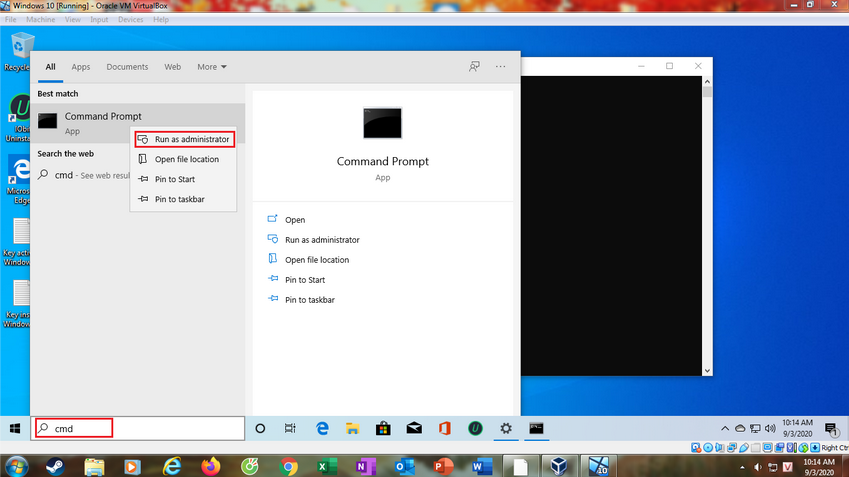
4. Restart Your Computer
After running all the commands, restart your PC to complete the conversion process.
Troubleshooting
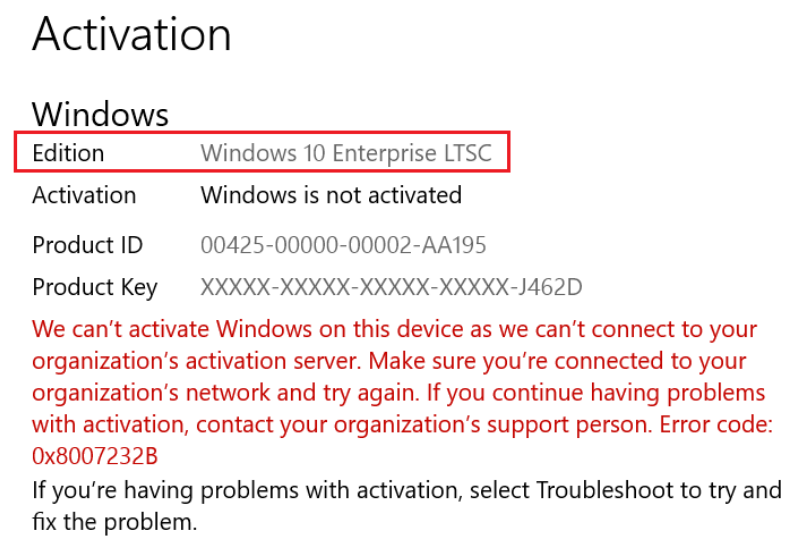
If activation fails, double-check your product key and ensure you have replaced the SKUs files correctly. Or you can click Troubleshoot in the activation screen. In some cases, a clean installation using a full version ISO may be required if the conversion does not work.
Where to Buy a Genuine Windows 10 Enterprise LTSC Key
Need a genuine product key? Purchase your Windows 10 Enterprise LTSC 2021 Product Key at our store:
👉 Buy Windows 10 Enterprise LTSC 2021 Key – DigitalKeysDepot.com
Disclaimer: Always use genuine software and product keys to ensure security and compliance. This guide is for educational purposes and assumes you have a valid license for Windows 10 Enterprise LTSC.
By following these steps, you can easily convert Windows 10 Enterprise LTSC evaluation to full version and activate it with your purchased key. If you need further assistance, feel free to contact our support team!