

If you are using Windows 11 IoT Enterprise LTSC 2024 Evaluation and want to unlock the full features, you need to convert it to the Full Version using a genuine product key. This guide will walk you through the process step by step, ensuring your system is fully licensed and activated.
Before you begin, make sure you have purchased a genuine Windows 11 IoT Enterprise LTSC 2024 product key. If you don’t have one yet, you can get a reliable key here: Buy Windows 11 IoT Enterprise LTSC 2024 Product Key
Step 1: Download the Required Files
Download the IoTEnterpriseS.zip file from here:
After downloading, extract the contents of the zip file.
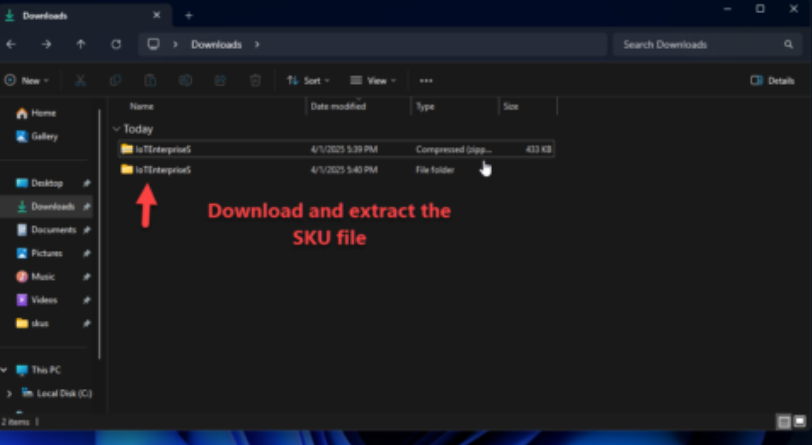
Step 2: Copy the Extracted Folder
Right-click on the extracted IoTEnterpriseS folder and select Copy.
Step 3: Open the SKUs Folder
Press WIN+R on your keyboard to open the Run dialog and type this command and press Enter:
C:\Windows\System32\spp\tokens\skus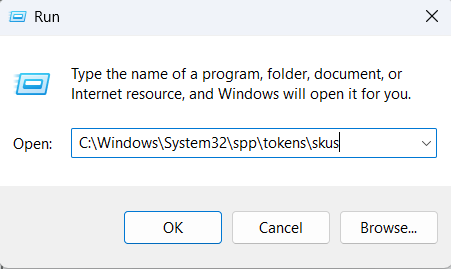
Step 4: Paste the Folder
Paste (CTRL+V) the IoTEnterpriseS folder you copied earlier into the SKUs folder that you just opened.
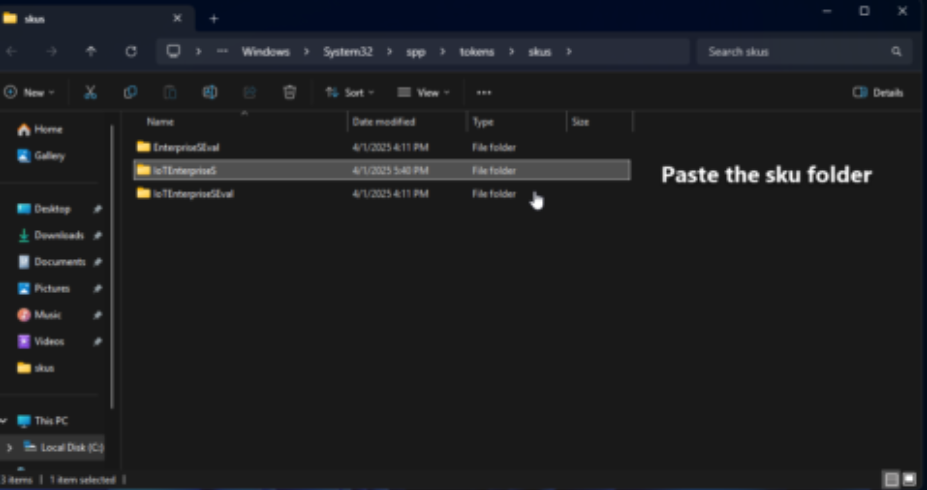
Step 5: Run Command Prompt as Administrator
Click the Start button, type CMD, right-click on Command Prompt, and select Run as administrator. This step is mandatory.
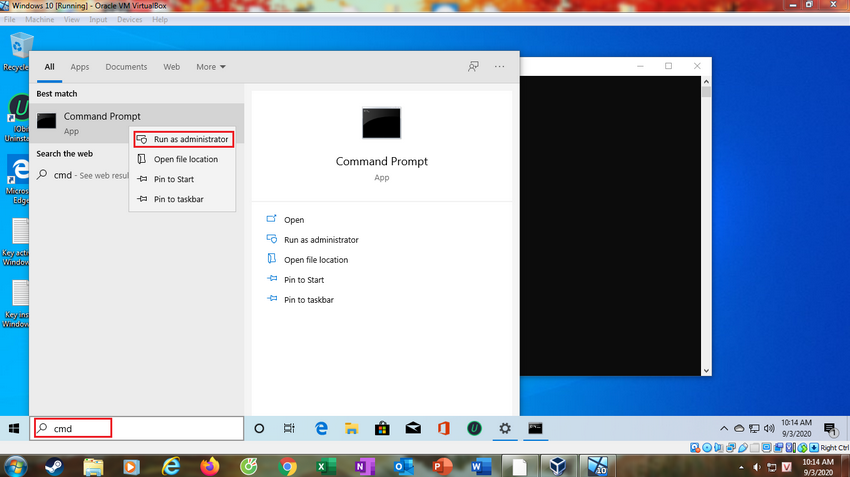
Step 6: Enter the Conversion Commands
Type the following commands one by one, pressing ENTER after each line. Replace XXXXX-XXXXX-XXXXX-XXXXX-XXXXX with your genuine product key.
cd C:\Windows\System32\spp\tokens\skus
cscript.exe %windir%\system32\slmgr.vbs /rilc
cscript.exe %windir%\system32\slmgr.vbs /upk >nul 2>&1
cscript.exe %windir%\system32\slmgr.vbs /ckms >nul 2>&1
cscript.exe %windir%\system32\slmgr.vbs /cpky >nul 2>&1
cscript.exe %windir%\system32\slmgr.vbs /ipk XXXXX-XXXXX-XXXXX-XXXXX-XXXXX
sc config LicenseManager start= auto & net start LicenseManager
sc config wuauserv start= auto & net start wuauserv
This process will convert your Windows 11 IoT Enterprise LTSC 2024 Evaluation to the Full Version, but your Windows will not be activated yet.

Step 7: Activate Windows
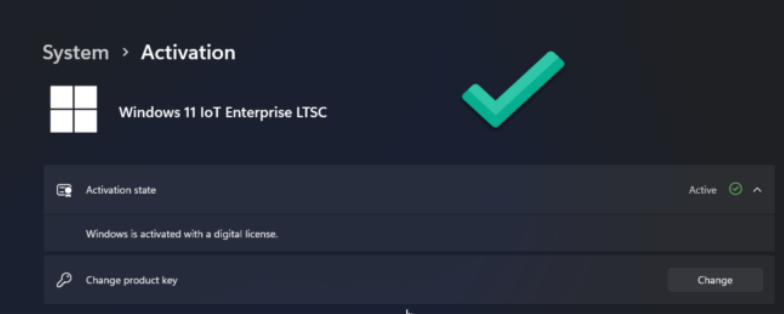
Go to Start > Settings > System > Activation
Click Change Product Key and enter your Windows 11 IoT Enterprise LTSC 2024 product key.
Follow the on-screen instructions to complete the activation.
Once these steps are completed, your Windows 11 IoT Enterprise LTSC 2024 Evaluation will be fully converted and activated as the Full Version.
Note:
If you encounter activation issues after conversion, it is recommended to reinstall Windows using the official ISO installer provided by your key supplier.
For a hassle-free experience and guaranteed activation, always use a genuine product key from a trusted source.