
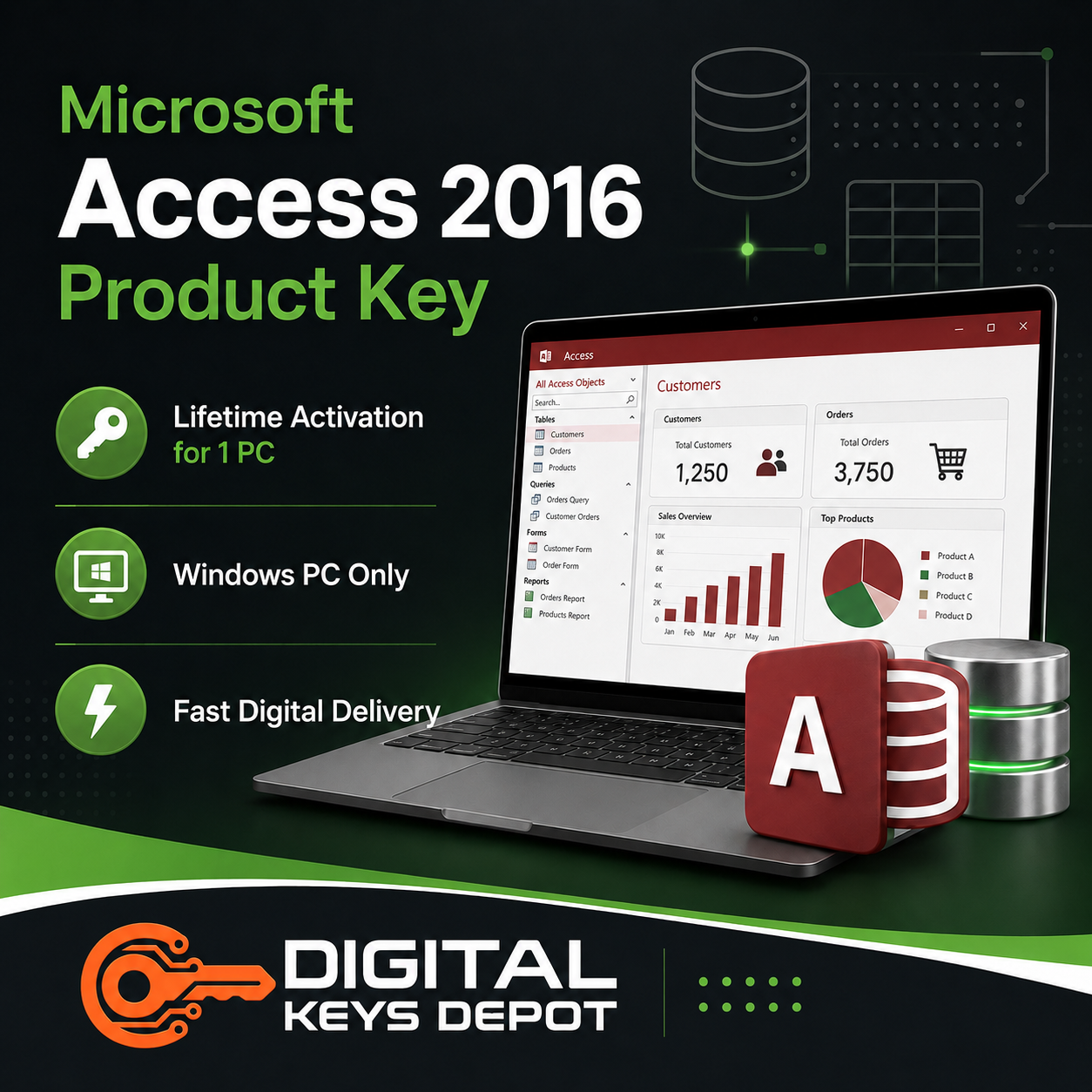
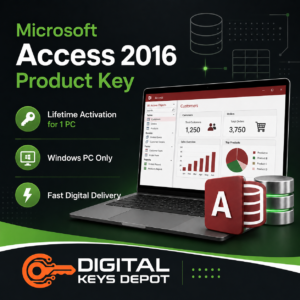
Microsoft Access 2016 Product Key for 1 Windows PC
Microsoft Access 2016 is a desktop database management application developed for users who need an organized way to handle structured information, business records, forms, and office data workflows on Windows PCs.
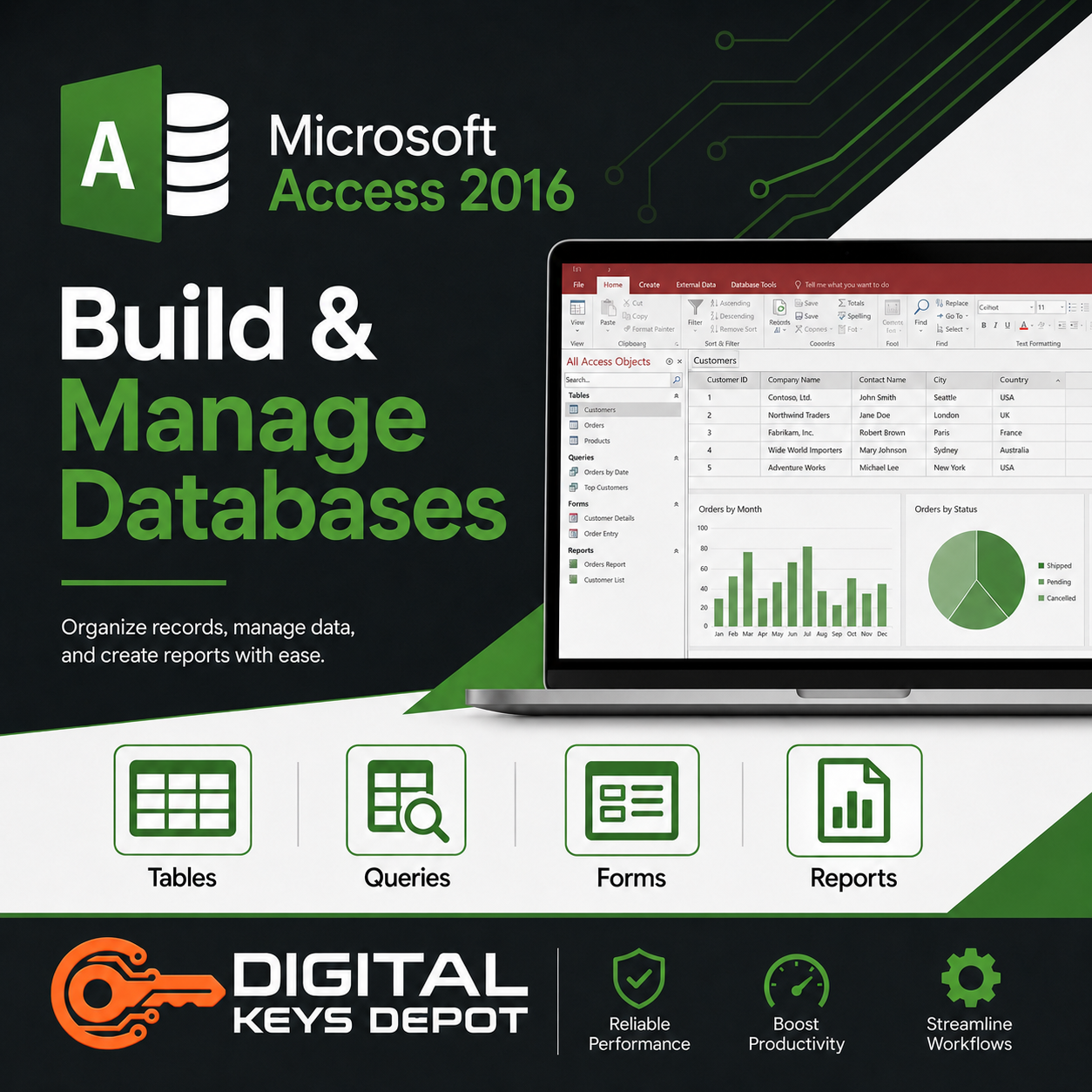
Unlike spreadsheet-focused workflows, Access allows users to build interconnected databases with searchable records, structured tables, and printable reports that simplify daily data management tasks. It remains useful for inventory tracking, customer management, and lightweight database projects requiring local desktop workflows instead of cloud-only systems.
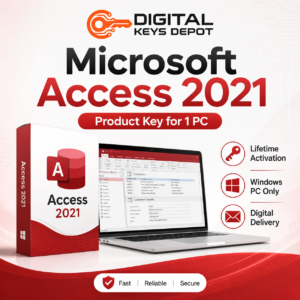
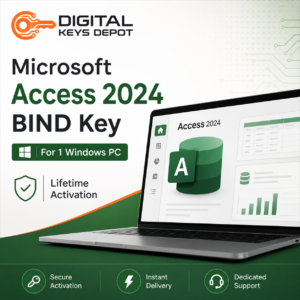
Users looking for newer database workflow features may also consider upgrading to Microsoft Access 2021 Product Key or Microsoft Access 2024 Bind Key.
💻 What’s Included in Your Purchase?
- 1x Product Key for Microsoft Access 2016
- Activation for 1 Windows PC
- Lifetime activation support
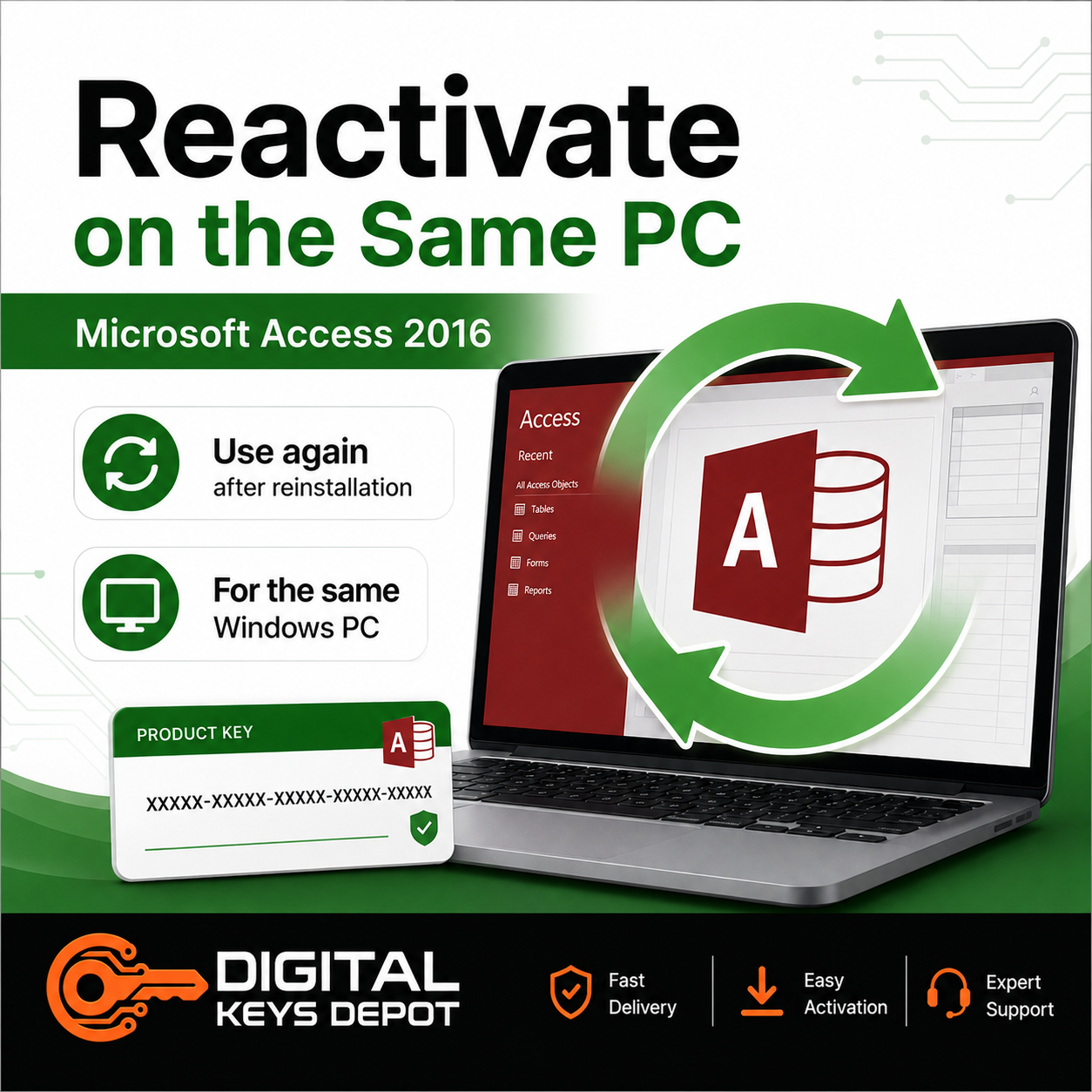
- Same-PC reactivation after reinstallation
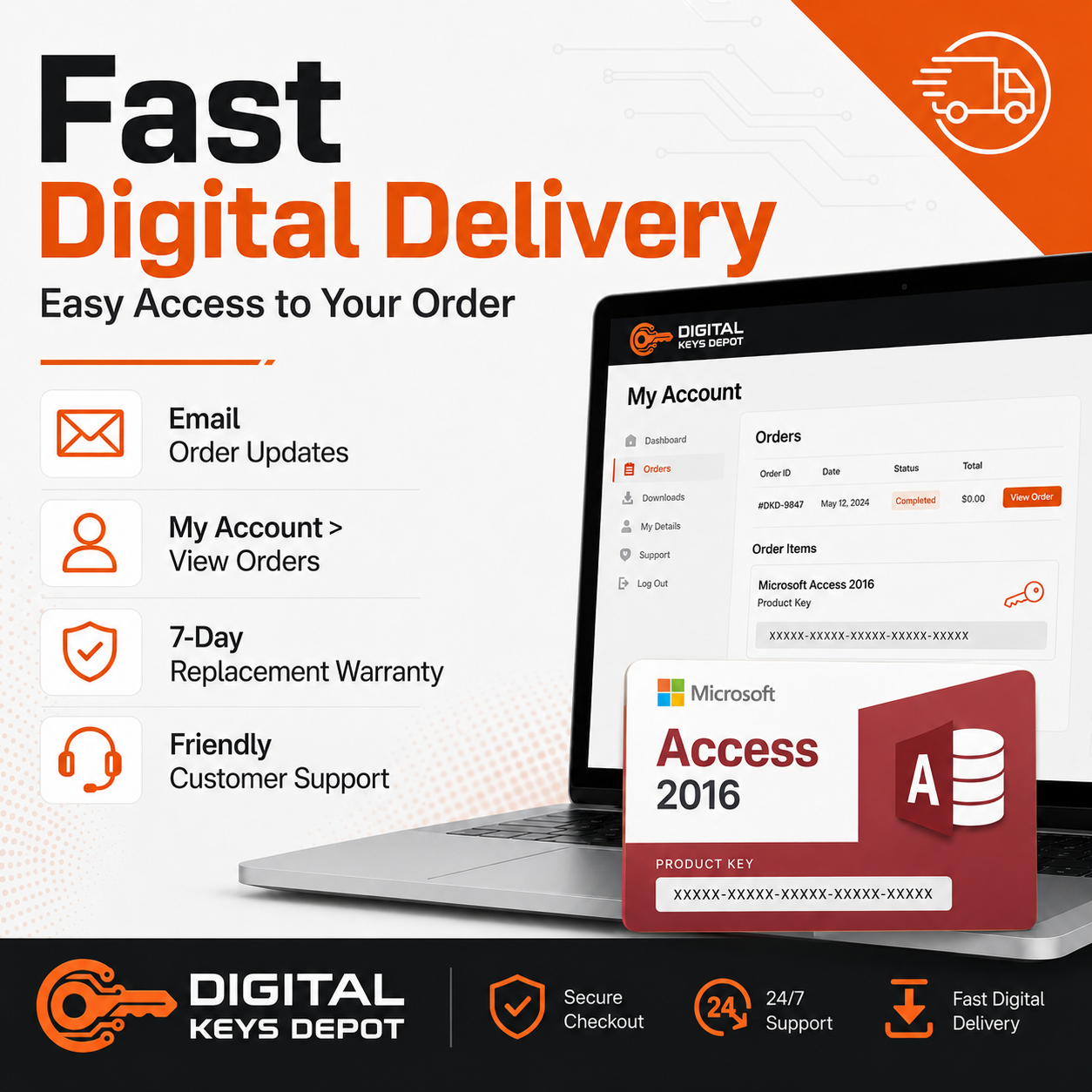
- Digital product delivery through your account dashboard
- Order notification by email
- Friendly customer support assistance
- 7-day replacement warranty for eligible activation issues
🚀 What Can Microsoft Access 2016 Be Used For?
Microsoft Access 2016 is commonly used for creating and managing structured databases in business, education, and administrative environments.
Common real-world use cases include:
- Inventory management systems
- Product tracking databases
- Customer record management
- Contact management databases
- Administrative office workflows
- School or education databases
- Internal reporting systems
- Data entry forms
- Printable business reports
- Local business database projects
Access 2016 is suitable for users who prefer a Windows-based desktop database solution for managing information locally.
⚡ Desktop Database Solution for Windows Workflows
Access helps users organize large amounts of information into structured systems that are easier to search, edit, filter, and review.
This can improve workflows involving:
- Repetitive office tasks
- Internal business records
- Inventory monitoring
- Customer information management
- Administrative reporting
- Structured office documentation
- Local database storage
It remains a practical solution for creating lightweight database systems without requiring enterprise-level server infrastructure like SQL Server.
Users who need additional productivity applications can also browse our Office Product Keys collection.
⚙️ System Requirements
- OS: Windows 10, Windows 8.1, or Windows 7
- Processor: 1 GHz or faster x86-bit or x64-bit processor
- RAM: 2 GB RAM
- Storage: 3 GB available disk space
- Display: 1024 × 768 screen resolution
- Internet connection may be required for activation
⚠️ Compatibility & Purchase Notice
This is a standalone digital product that includes Microsoft Access 2016 only.
This purchase does NOT include:
- Microsoft Office Suite
- Word
- Excel
- PowerPoint
- Outlook
- Visio
- Project
- SQL Server
- Additional Microsoft software products
This software is designed for Windows environments and is not compatible with Mac, Chromebook, or mobile devices.
Please make sure you purchase the correct version, edition, and PC count for your requirements before completing your order.
For additional information, please review our Delivery Information, Refund Policy, and FAQ pages before purchasing.
Users looking for operating system licenses can also browse our Windows Product Keys category.
❓ Frequently Asked Questions
Is this compatible with Mac?
No. This software is designed exclusively for Windows PCs.
Can I reactivate after reinstalling Windows?
Yes. The product key supports same-PC reactivation, allowing reuse on the same previously activated device after reinstallation.
What is Microsoft Access 2016 mainly used for?
It is commonly used for creating databases, forms, reports, inventory systems, customer records, and office administration workflows.
Does this include the full Microsoft Office suite?
No. This purchase includes Microsoft Access 2016 only. Users looking for additional Microsoft productivity software can browse our Office Product Keys category.
Is Microsoft Access 2016 suitable for small businesses?
Yes. Many small businesses use Access for local databases, internal reporting systems, office administration, and inventory management workflows.
How will I receive my product?
Your product information and activation details will be delivered digitally through your account dashboard after order completion.
If you need assistance before purchasing, please visit our Contact Us page.

Reviews
There are no reviews yet.