
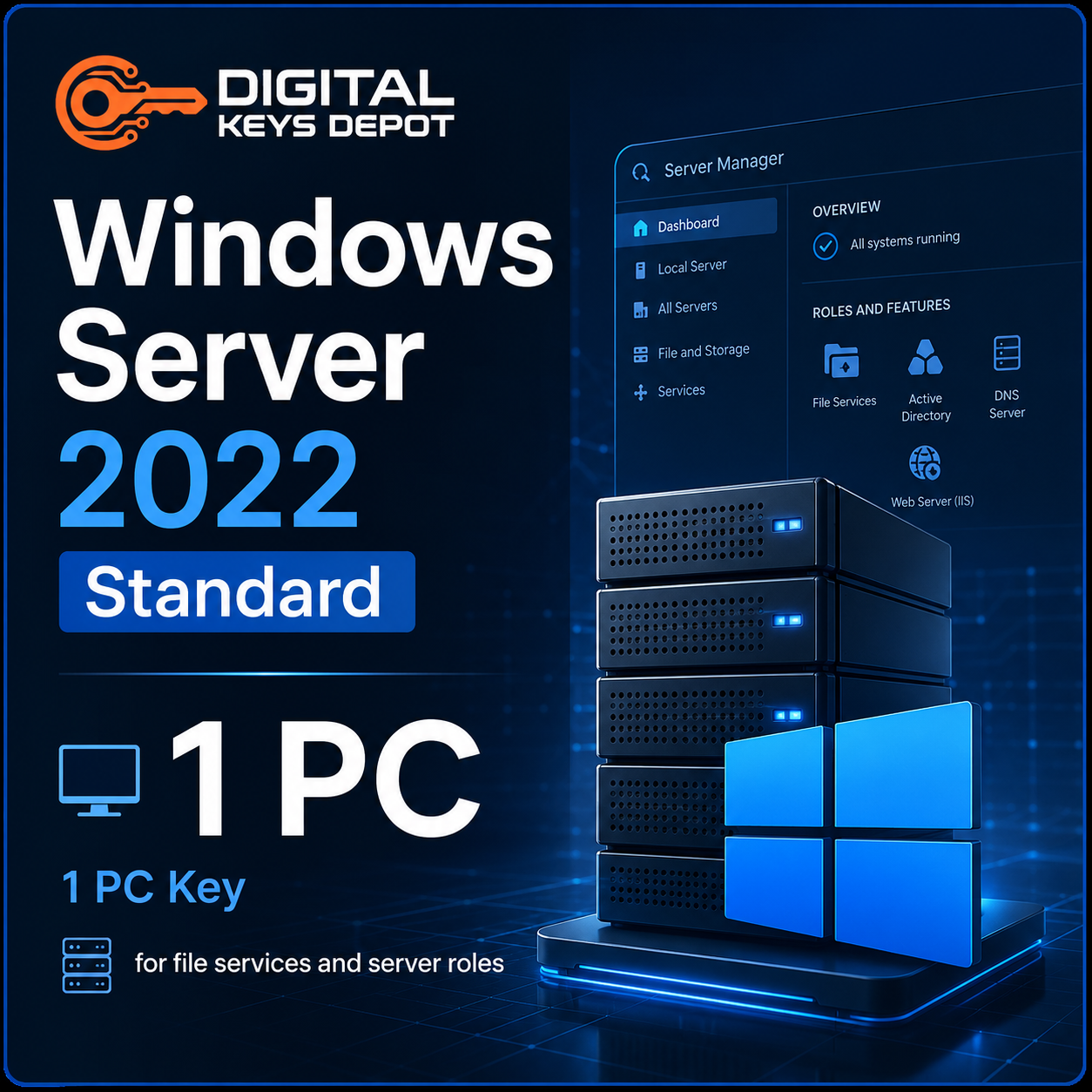
Microsoft Windows Server 2022 Standard Product Key for 1 PC
Microsoft Windows Server 2022 Standard is a modern server operating system built for business infrastructure, centralized administration, file services, identity management, virtualization, application hosting, and network services. This product includes one Windows Server 2022 Standard product key for activating one compatible PC or server installation.
This edition is a practical choice for small to medium business environments, branch offices, IT labs, local application servers, Hyper-V hosts, and organizations upgrading from older Windows Server versions. It provides a stable server foundation for common roles such as Active Directory Domain Services, DNS, DHCP, File and Storage Services, IIS, Group Policy, Remote Server Administration, and Hyper-V virtualization.
If you are planning a newer infrastructure setup but do not need the advanced data center features of the Datacenter edition, Windows Server 2022 Standard is often the right balance. You can also browse the Windows Server product keys category to compare other server versions and editions.
What’s Included
- 1x Windows Server 2022 Standard product key
- Activation for 1 PC/server installation
- Can be used again on the same PC/server after reinstallation
- Compatible with Windows Server 2022 Standard Full Edition
- Support assistance for product key and activation-related questions
- 7-day one-to-one replacement warranty for eligible activation issues
Common Use Cases
- Active Directory environments: manage users, groups, computers, authentication, and domain-based access.
- File and storage services: centralize shared folders, business documents, access permissions, and office storage.
- Hyper-V virtualization: create a server host for virtual machines, testing environments, and separated workloads.
- Web and application hosting: run IIS, internal dashboards, business apps, and lightweight server-hosted tools.
- Network services: configure DNS, DHCP, Group Policy, print services, and server administration workflows.
- Upgrade planning: move from older server versions to a newer platform for modern business infrastructure.
Built for Modern Business Server Workflows
Windows Server 2022 Standard helps businesses organize critical infrastructure into a more centralized and manageable environment. Instead of relying on separate desktop computers for shared folders, permissions, and internal tools, a dedicated server allows administrators to manage access, storage, users, and workloads from one server platform.
For IT teams, this edition supports familiar Windows Server administration through Server Manager, Windows Admin Center compatibility, PowerShell, Event Viewer, Group Policy, Active Directory tools, and remote management workflows. It is useful for organizations that need a server operating system for both daily office services and structured IT maintenance.
Windows Server 2022 Standard is also a strong fit for businesses that want a newer server platform than Windows Server 2019 while keeping deployment practical. It can support file sharing, domain services, local apps, virtual machines, web services, and network roles without requiring the larger feature set of Datacenter.
Windows Server 2022 Standard vs 2019 Standard
Windows Server 2019 Standard remains useful for many existing environments, but Windows Server 2022 Standard is better suited for newer infrastructure planning. It builds on the Windows Server 2019 foundation with improvements focused on security, hybrid management, networking, application platform updates, and modern server administration.
Choose Windows Server 2022 Standard if you are building a fresh server environment, upgrading older infrastructure, or preparing a server that needs to support current business workloads for a longer period. If your environment is already built around 2019 and does not need a newer platform, you may compare it with Windows Server 2019 Standard Product Key.
If your workload involves heavier virtualization, software-defined infrastructure, or more advanced data center planning, compare this product with Windows Server 2022 Datacenter Product Key.
Activation Information
This listing provides one product key for Windows Server 2022 Standard on one PC/server installation. The key can be used again on the same PC/server after reinstalling the matching Windows Server 2022 Standard edition.
After your order has been processed, your product details can be accessed through your Digital Keys Depot account. You will receive order status updates by email, then you can log in and go to My Account > View Orders to view your purchased product. For more information about product access, please review the delivery information page.
If you are unsure whether Windows Server 2022 Standard is the correct edition for your server, please contact us before placing an order. This helps you confirm the right version, edition, and PC count for your environment.
Important: Evaluation Edition Conversion
If your current installation says Windows Server 2022 Standard Evaluation, entering a purchased product key directly may not work until the server is converted to the full Standard edition. Follow the steps below before activating with your purchased key.
- Open Command Prompt or Windows PowerShell as Administrator.
Right-click the Start button, then select Command Prompt (Admin) or Windows PowerShell (Admin). - Run the Windows Server 2022 Standard conversion command using the generic product key (VDYBN-27WPP-V4HQT-9VMD4-VMK7H):
dism /online /set-edition:ServerStandard /productkey:VDYBN-27WPP-V4HQT-9VMD4-VMK7H /accepteula
The generic key in this command is used for edition conversion only. It is not your final activation key. - Restart the server.
Follow the restart prompt and allow Windows Server to complete the edition conversion process. After the restart, the system should be converted to the full Standard edition, but it will still need activation. - Enter your purchased product key for activation.
Click Start, type Activation Settings, open it, click Change Product Key, enter your purchased activation key, then click Activate.
System Requirements
- Processor: 1.4 GHz 64-bit processor or faster
- Architecture: x64-compatible processor
- CPU features: NX, DEP, CMPXCHG16b, LAHF/SAHF, PrefetchW, SLAT, SSE4.2, and POPCNT support
- RAM: minimum requirements depend on installation mode; more memory is recommended for production workloads
- Storage: at least 32 GB available disk space for the system partition
- Network: Ethernet adapter capable of at least 1 gigabit per second
- Firmware and security: UEFI, Secure Boot, and TPM may be required for certain security features
- Internet: required for online activation and updates
Actual hardware needs depend on installed server roles, number of users, virtual machines, database activity, file storage volume, backup schedule, and network traffic. For production use, plan resources above the minimum installation requirement.
Compatibility & Purchase Notice
- This product is for Windows Server 2022 Standard.
- It is not for Windows Server 2022 Datacenter, Windows Server 2019, Windows Server 2025, or desktop editions of Windows.
- It does not include Remote Desktop Services CALs.
- It does not include SQL Server, Microsoft Office, Visual Studio, or other separate applications.
- Please confirm your version, edition, and PC count before ordering.
If your deployment requires Remote Desktop Session Host access for multiple users or devices, Windows Server activation alone is not enough. Depending on your access model, you may also need Windows Server 2022 RDS Device CAL – 50 Devices or Windows Server 2022 RDS User CAL – 50 Users.
If your server will host database workloads, Windows Server provides the operating system layer while SQL Server is a separate product. For database-focused environments, browse the SQL Server product keys category.
Because this is a digital product, please review the product details carefully before purchase. General store questions are available on the FAQ page, and digital product terms can be reviewed on the refund policy page.
Product-Specific FAQ
Is this product key for Windows Server 2022 Standard only?
Yes. This product is for Windows Server 2022 Standard. It is not intended for Datacenter, Windows Server 2019, Windows Server 2025, Windows 10, or Windows 11.
Who should choose Windows Server 2022 Standard?
This edition is suitable for businesses that need a modern server operating system for Active Directory, file sharing, Hyper-V, IIS, DNS, DHCP, Group Policy, and general infrastructure roles.
Can I use this key again after reinstalling?
Yes. The key can be used again on the same PC/server after reinstalling Windows Server 2022 Standard.
Does this include Remote Desktop Services CALs?
No. This product activates the Windows Server 2022 Standard operating system only. RDS CALs are separate and may be required if multiple users or devices connect through Remote Desktop Services.
Should I choose Standard or Datacenter?
Standard is usually suitable for general business infrastructure, file services, domain services, and moderate virtualization. Datacenter is more appropriate for heavier virtualization, software-defined infrastructure, and advanced data center workloads.
What should I do if my server is on Evaluation Edition?
You should convert the Evaluation installation to the full Standard edition first using the DISM command provided above. After the server restarts, enter your purchased product key through Activation Settings.
Does this product include SQL Server?
No. SQL Server is a separate database product. Windows Server 2022 Standard provides the operating system foundation, while database software must be selected separately if needed.
Related Products You May Need
If you are comparing Windows Server generations, review Windows Server 2019 Standard Product Key for older 2019-based environments or Windows Server 2025 Standard Product Key for newer server planning.
For advanced virtualization and data center workloads, compare this product with Windows Server 2022 Datacenter Product Key. For remote desktop deployments, review the correct Windows Server 2022 RDS CAL option before purchase.
You can also browse the full Windows Server product keys category to compare server editions, RDS CALs, and related infrastructure products.
Reviews
There are no reviews yet.