
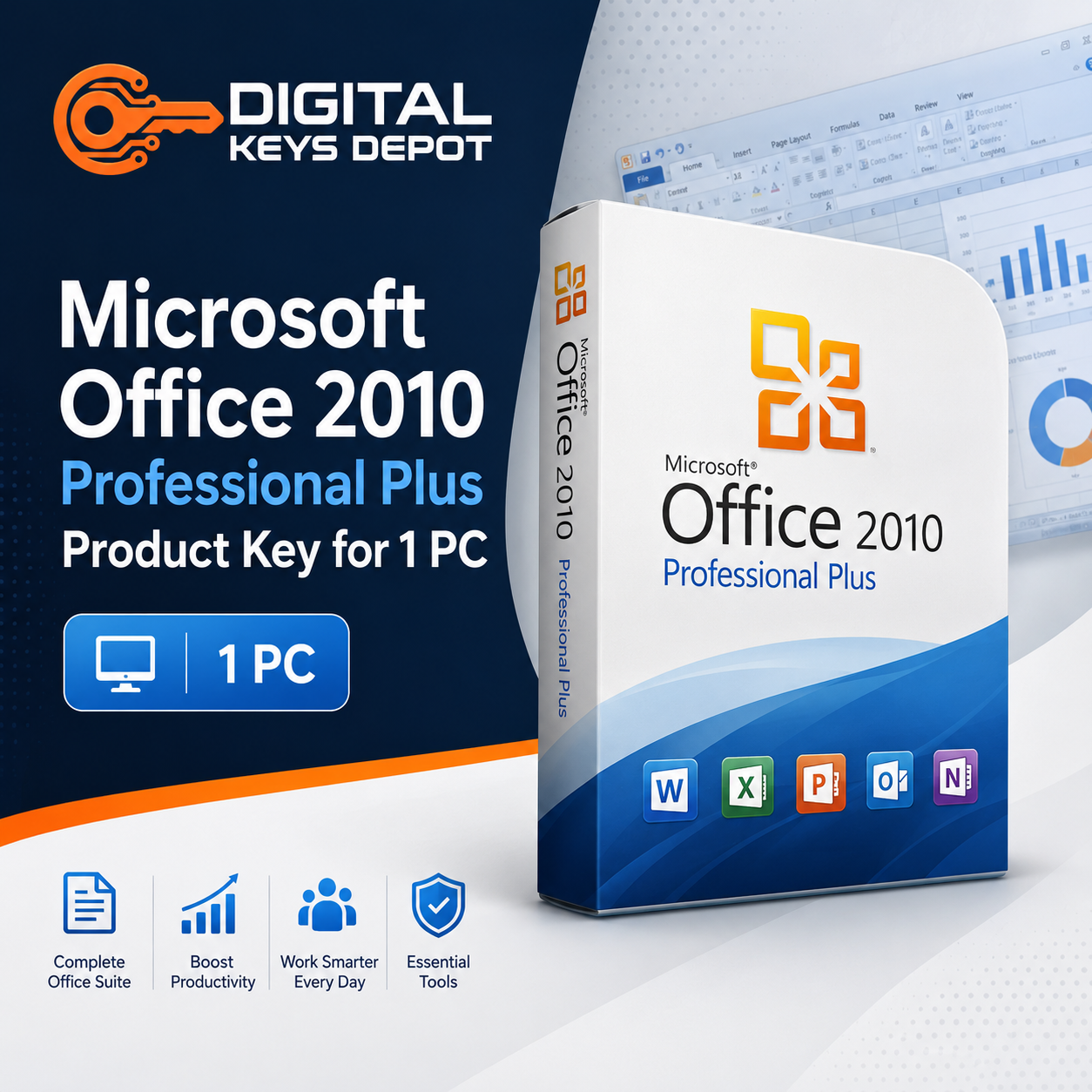
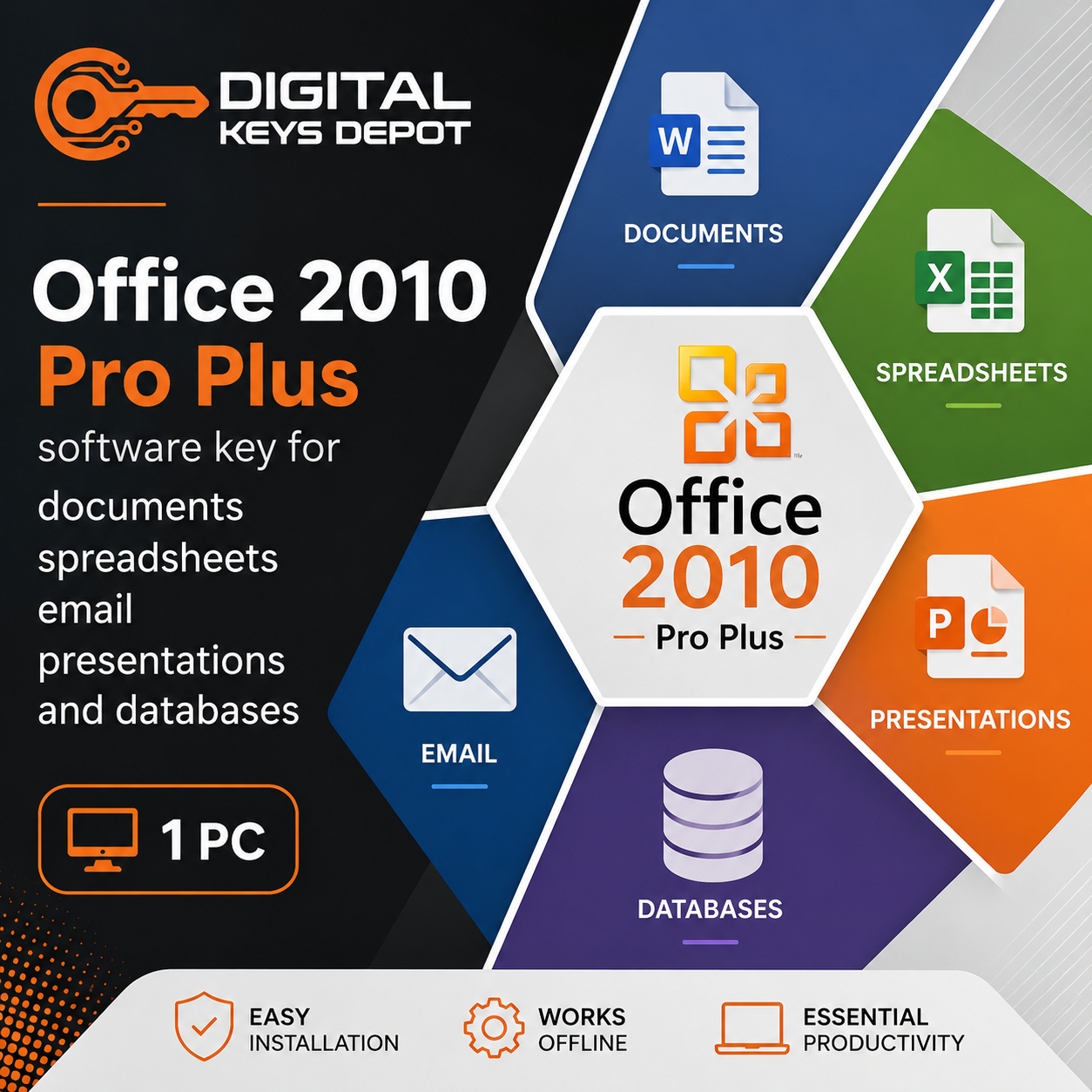
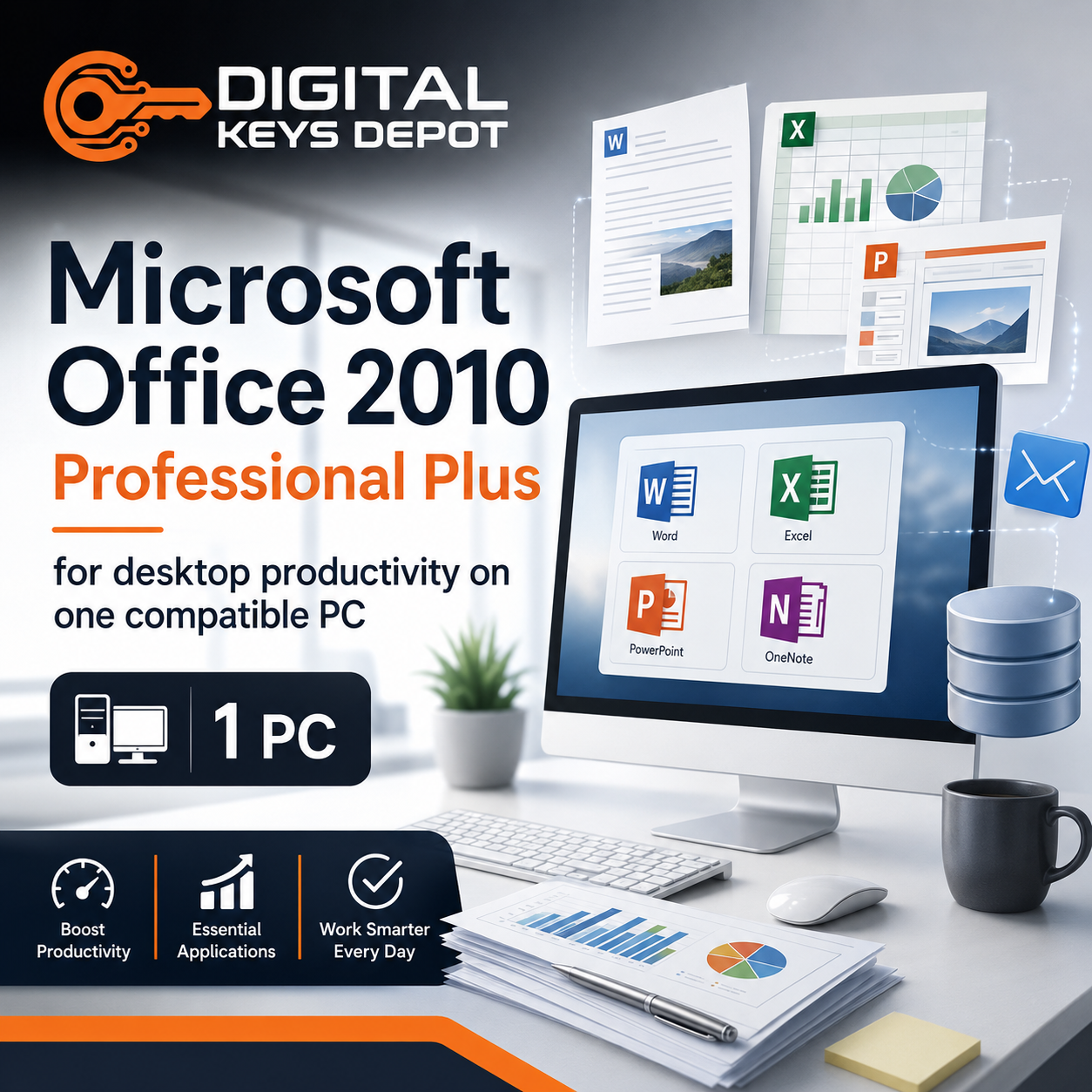
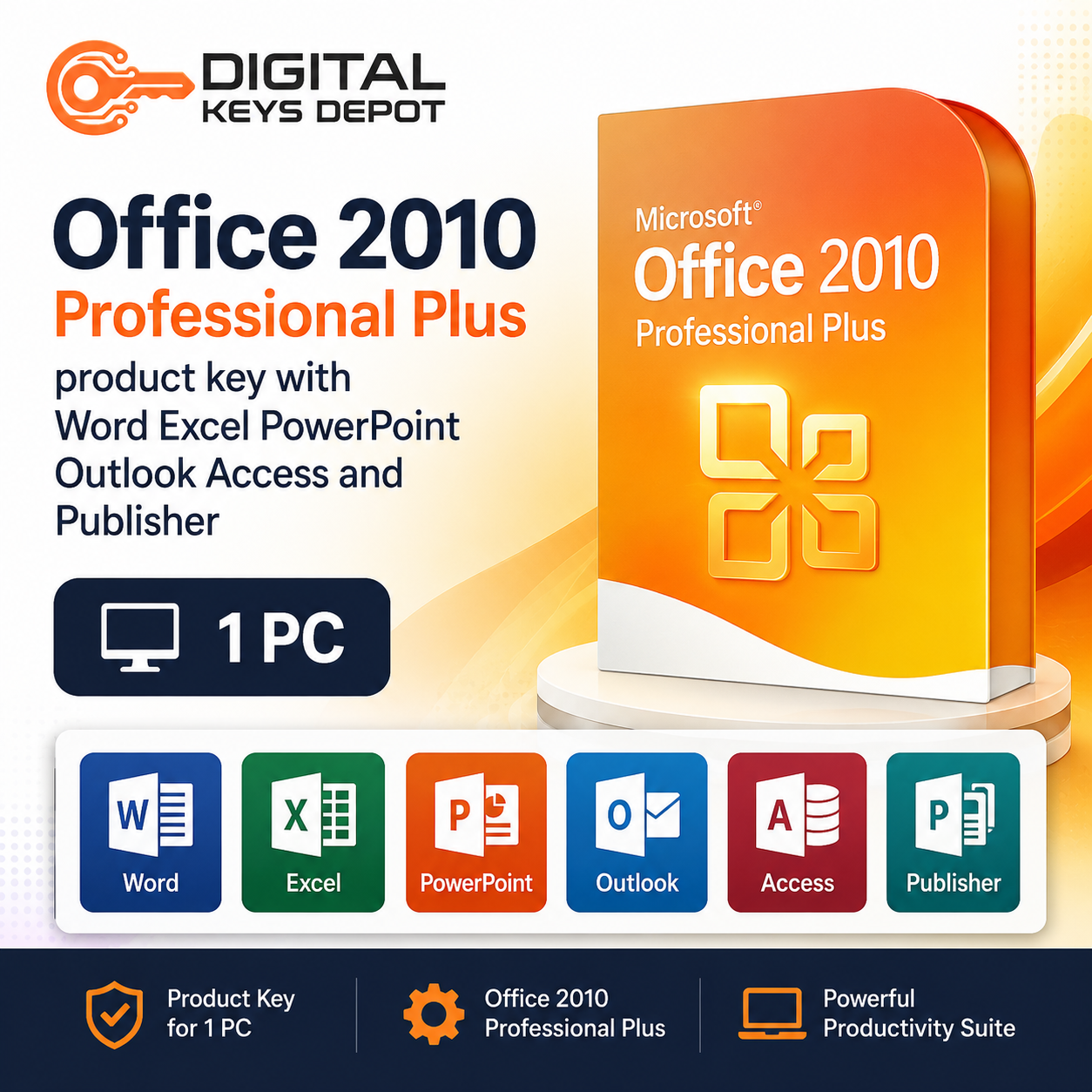
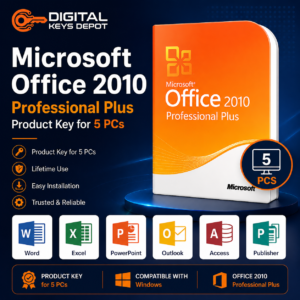
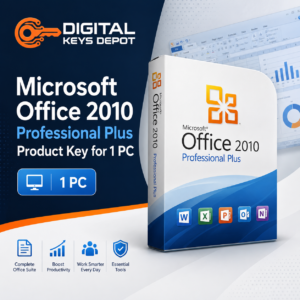
Microsoft Office 2010 Professional Plus Product Key for 1 PC
Microsoft Office 2010 Professional Plus is a classic desktop productivity suite for users who need familiar Office applications for documents, spreadsheets, presentations, email, notes, databases, and publishing tasks. It includes widely used applications such as Word, Excel, PowerPoint, Outlook, OneNote, Access, and Publisher.
This 1-PC option is suitable for individual users, home office setups, students, small business workstations, administrative users, and legacy office environments that still depend on Office 2010 workflows. It is a practical choice when you need this specific Office release installed on one compatible PC.
Office 2010 Professional Plus is useful for users who prefer the classic Office interface, work with older file templates, or maintain productivity setups that are already aligned with Office 2010 applications.
What’s Included
- 1x Microsoft Office 2010 Professional Plus product key
- Activation for 1 compatible PC
- Direct activation through the Office 2010 installation
- Not an account-bound or BIND Key product
- Suitable for Microsoft Office 2010 Professional Plus edition
- Customer support assistance for order and activation guidance
- Product access through your Digital Keys Depot account dashboard
Included Office Applications
- Microsoft Word for documents, letters, reports, and formatting workflows
- Microsoft Excel for spreadsheets, formulas, tables, and data organization
- Microsoft PowerPoint for presentations, slides, and visual communication
- Microsoft Outlook for email, calendar, contacts, and communication workflows
- Microsoft OneNote for notes, meeting records, and information organization
- Microsoft Access for databases, forms, records, and simple data management
- Microsoft Publisher for flyers, labels, brochures, and desktop publishing tasks
Common Use Cases
- Writing business documents, letters, reports, and forms in Word
- Managing budgets, tables, calculations, and lists in Excel
- Creating presentation slides for meetings, classes, or client updates
- Using Outlook for email, calendars, contacts, and daily communication
- Organizing meeting notes, research, and reference material in OneNote
- Building basic Access databases for records, forms, and internal tracking
- Designing simple newsletters, flyers, labels, and printed materials in Publisher
- Maintaining older Office files, templates, and desktop productivity workflows
- Setting up Office 2010 Professional Plus on one compatible PC
Single-PC Office Productivity Workflow
The 1-PC version is best suited for users who manage Office work from one main device. This may be a home office desktop, a school laptop, an admin workstation, a small business computer, or a dedicated device used for document and spreadsheet tasks.
For document workflows, Word supports letters, reports, proposals, templates, and formatted business files. Excel helps organize numbers, tables, calculations, budgets, inventory lists, and operational records. PowerPoint supports slide decks for meetings, training, and presentations.
Outlook is useful for email communication, calendar scheduling, contacts, and daily coordination. OneNote helps organize notes and reference material, while Access and Publisher provide extra flexibility for database-style records and simple design layouts.
This product is especially suitable for users who need a familiar Office 2010 desktop environment instead of a newer Office release. It can be a good match for older workflows, legacy templates, established business documents, or devices that are already set up around the Office 2010 generation.
Professional Plus Edition Suitability
Professional Plus is a broader Office edition for users who need more than basic document editing. It includes applications for documents, spreadsheets, presentations, email, notes, databases, and desktop publishing, making it useful for both productivity and administrative workflows.
If you need this Office 2010 edition for several compatible computers, compare the Microsoft Office 2010 Professional Plus Product Key for 5 PCs. If you prefer a newer Office Professional Plus release for one device, review Office 2013 Professional Plus for 1 PC or Office 2016 Professional Plus for 1 PC.
Activation Information
- Activation type: lifetime activation
- PC count: 1 compatible PC
- Activates directly through the Office 2010 installation
- Cannot be bound to a Microsoft account
- Not for Mac
- Designed for Office 2010 Professional Plus only
- Internet access may be required during setup or activation
After your order is processed, product details are available through your Digital Keys Depot account area. You will receive order status notifications by email, then you can visit the Delivery Information page to understand how product access works through the web store dashboard and order section.
System Requirements
- Compatible PC environment
- 500 MHz or faster processor recommended
- 256 MB RAM minimum, higher recommended for smoother use
- At least 3 GB available disk space recommended
- 1024 x 576 screen resolution or higher recommended
- Administrative permission for installation
- Internet connection may be needed for activation or updates
Compatibility & Purchase Notice
Please confirm the correct Office version, edition, activation format, and PC count before placing your order. This product is for Microsoft Office 2010 Professional Plus and is intended for 1 compatible PC only.
Office 2010 is an older desktop release. It may be suitable for users who need legacy Office workflows, older templates, familiar menus, or compatibility with an existing workstation setup. If you are comparing Office versions by release year, browse the Office 2010 Product Keys category or the main Office Product Keys category.
If you are preparing an older or replacement workstation, you may also need a compatible operating system from the Windows Product Keys category.
Digital software orders should be checked carefully before delivery. If you are unsure whether this edition, version, or PC count matches your setup, review the store purchase policy and FAQ page before ordering.
FAQ
What is Microsoft Office 2010 Professional Plus used for?
It is used for desktop productivity workflows such as documents, spreadsheets, presentations, email, calendars, notes, databases, and desktop publishing tasks.
Who should choose the 1-PC option?
The 1-PC option is suitable for an individual user, home office device, student computer, admin workstation, or small business PC that needs Office 2010 Professional Plus on one compatible device.
Is this product for Mac?
No. This product is intended for compatible PC environments only and is not for Mac.
Can this product be linked to a Microsoft account?
No. This product activates directly through the Office 2010 installation and is not an account-bound or BIND Key product.
What apps are included in Office 2010 Professional Plus?
This edition includes Word, Excel, PowerPoint, Outlook, OneNote, Access, Publisher, and other Office productivity components used for business and administrative workflows.
Is Office 2010 Professional Plus suitable for older documents?
Yes. It is suitable for users who need to continue working with older Office files, legacy templates, and classic desktop Office workflows.
Can I use this product on multiple computers?
No. This option is intended for 1 compatible PC only. If you need Office 2010 Professional Plus for several devices, choose the 5-PC version instead.
Should I choose Office 2010 or a newer Office version?
Choose Office 2010 if your setup specifically needs this older release. Choose a newer version such as Office 2013, 2016, 2019, 2021, or 2024 if you prefer a more recent Office environment.
Related Microsoft Software
If you need this same Office 2010 edition for several compatible computers, compare Office 2010 Professional Plus for 5 PCs. For users who want a newer 1-PC productivity suite, Office 2013 Professional Plus for 1 PC and Office 2016 Professional Plus for 1 PC are natural comparison options.
You can also browse the full Office Product Keys category to compare Office versions, editions, activation formats, and PC counts.
Reviews
There are no reviews yet.