
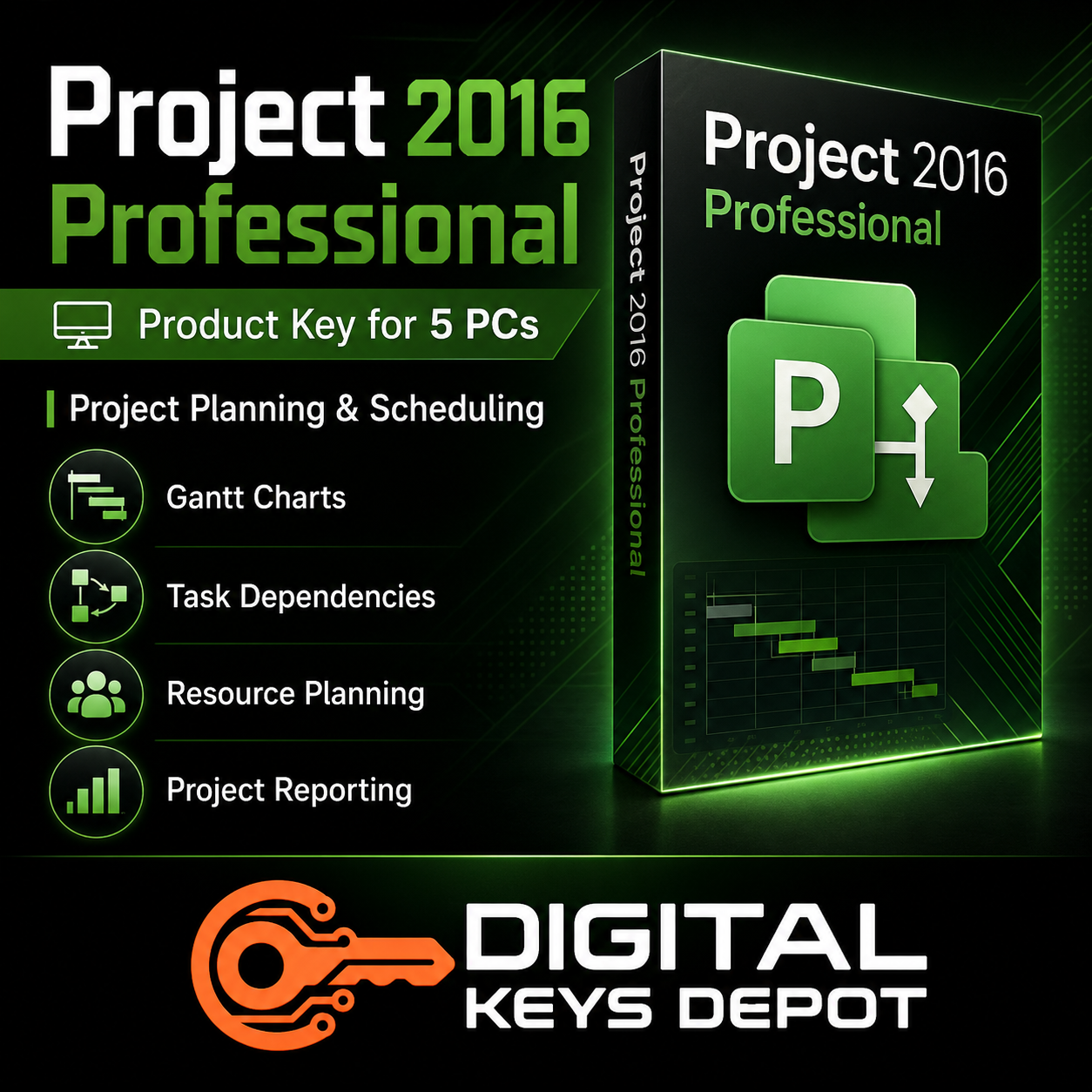
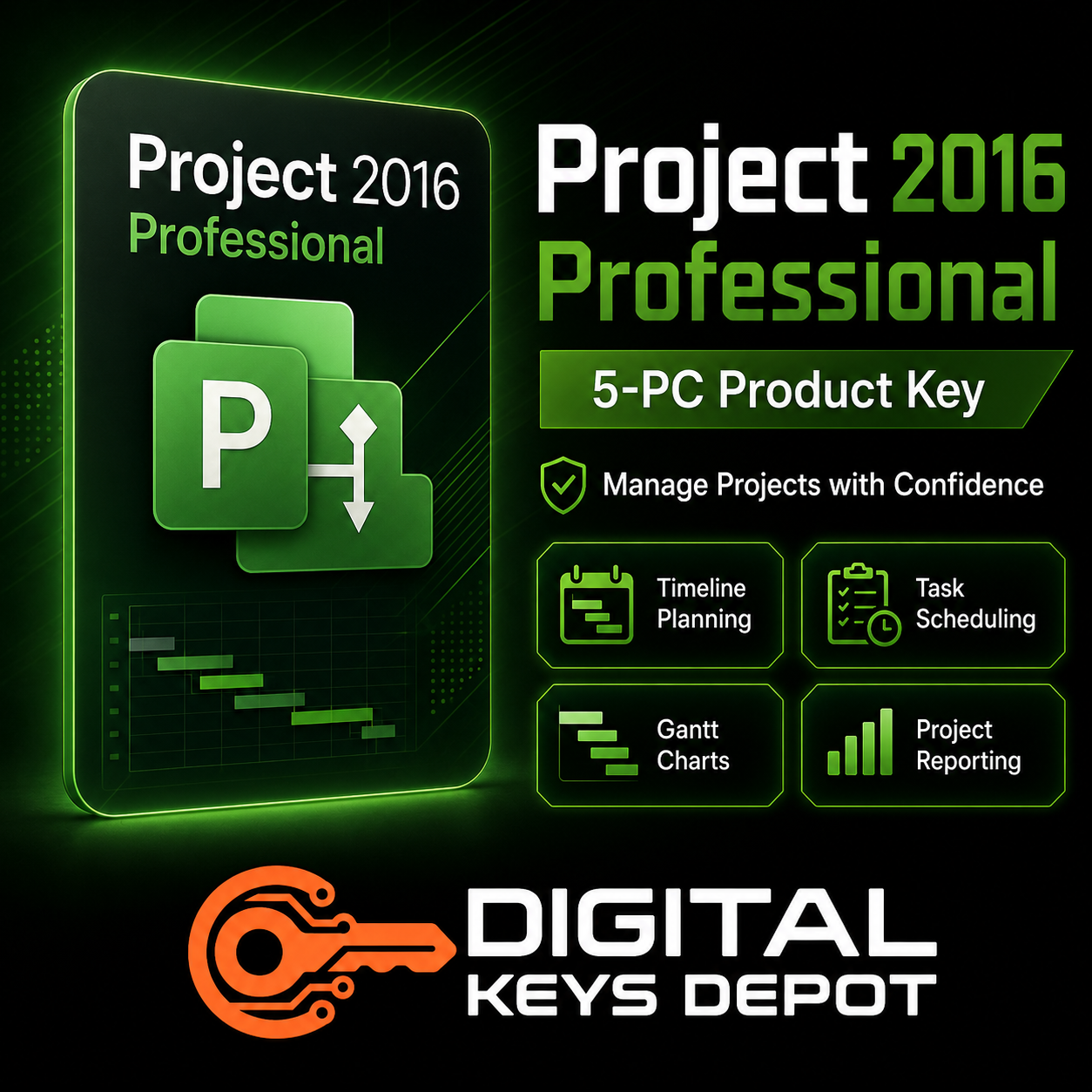
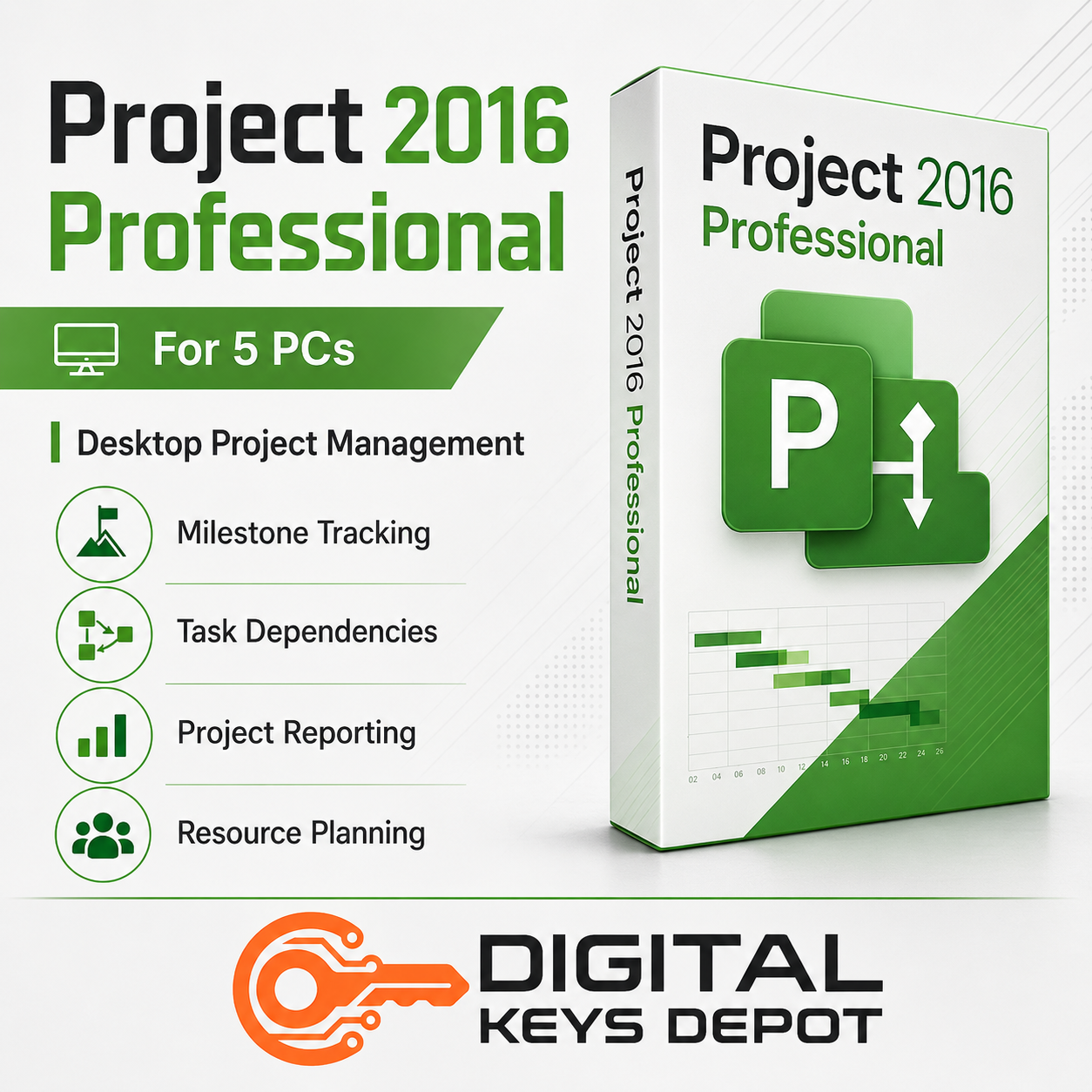
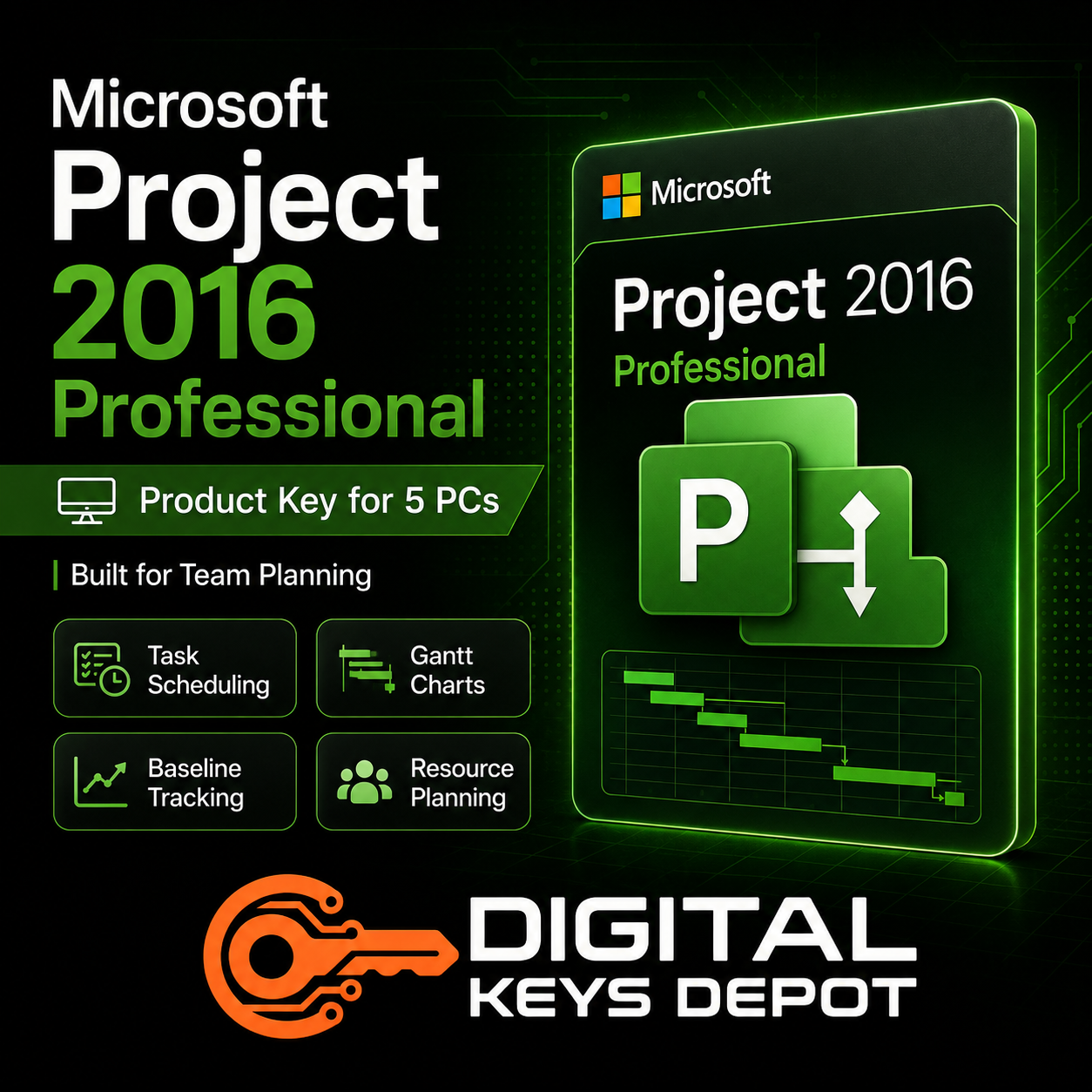
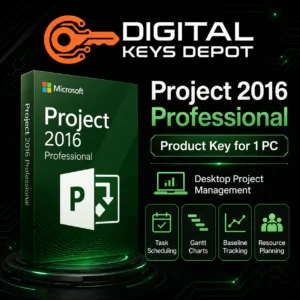
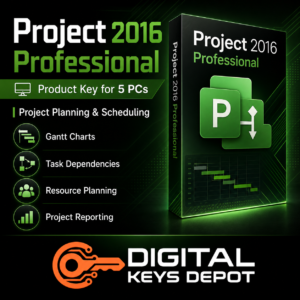
Microsoft Project 2016 Professional Product Key for 5 PCs
Microsoft Project 2016 Professional is desktop project management software designed for users who need a structured way to plan, schedule, track, and report project work. It helps teams organize tasks, build Gantt charts, manage dependencies, set milestones, review timelines, and coordinate resources across project phases.
This 5-PC option is suitable for small teams, departments, project offices, consultants, agencies, and business users who need Project 2016 Professional installed on multiple compatible PCs. It is a practical choice for users who want a familiar desktop planning environment with stronger workflow suitability than older project management releases.
Project 2016 Professional is especially useful when project work involves multiple tasks, schedule changes, deadlines, assigned resources, reporting cycles, and progress reviews. It gives users a dedicated planning workspace instead of relying only on spreadsheets, shared notes, or manual task lists.
What’s Included
- 1x Microsoft Project 2016 Professional product key
- Activation for up to 5 compatible PCs
- Can be used again on the same PCs after compatible reinstallation
- Suitable for Microsoft Project 2016 Professional edition
- Customer support assistance for order and activation guidance
- Product access through your Digital Keys Depot account dashboard
Common Use Cases
- Creating structured project schedules for teams and departments
- Building Gantt charts for timeline visibility
- Managing task dependencies, phases, deadlines, and deliverables
- Tracking milestones and project progress
- Using baselines to compare planned work against actual progress
- Planning resource allocation and workload distribution
- Preparing project reports for internal meetings or client updates
- Coordinating IT, operations, construction, consulting, and implementation projects
- Managing desktop-based project workflows across multiple PCs
Team Planning Workflow Across Multiple PCs
Project 2016 Professional fits workflows where more than one user needs access to a consistent project planning tool. A project manager may build the master schedule, a coordinator may update tasks, an operations lead may review resource planning, and a reporting user may prepare progress summaries from another compatible device.
The 5-PC activation count is useful for teams that work from several office computers, shared department devices, or dedicated project management workstations. It supports a more organized planning environment for businesses that need schedule control without moving every user to a newer Project release.
For business teams, this software can support office relocation plans, marketing rollouts, client onboarding timelines, product launch schedules, training programs, maintenance projects, and operational planning. For technical users, it can help organize software deployment phases, infrastructure upgrades, migration timelines, testing schedules, and implementation roadmaps.
Project 2016 Professional is also suitable for users who need practical project controls such as task sequencing, milestone reviews, resource visibility, baseline comparison, and reporting. These features help teams understand how changes in timing, staffing, or scope affect the overall schedule.
Professional Edition Suitability
Project Professional is generally selected when the workflow requires more than a simple task tracker. It is a better fit for users who manage detailed schedules, resource assignments, progress updates, dependencies, and reporting needs.
If you only need this software for one device, compare the Microsoft Project 2016 Professional Product Key for 1 PC. If your workflow depends on an older Project environment, you may also review Project 2013 Professional for 5 PCs. For a newer Professional edition, compare Project 2019 Professional for 5 PCs.
Activation Information
- Activation type: lifetime activation
- PC count: up to 5 compatible PCs
- Not for Mac
- Designed for Microsoft Project 2016 Professional only
- Internet access may be required during setup or activation
After your order is processed, product details are available through your Digital Keys Depot account area. You will receive order status notifications by email, then you can visit the Delivery Information page to understand how product access works through the web store dashboard and order section.
System Requirements
- Compatible PC environment
- 1 GHz or faster processor recommended
- 2 GB RAM recommended
- At least 3 GB available disk space
- Administrative permission for installation
- Internet connection may be needed for activation or updates
Compatibility & Purchase Notice
Please confirm the correct version, edition, and PC count before placing your order. This product is for Microsoft Project 2016 Professional and supports up to 5 compatible PCs.
Project 2016 Professional is a desktop release that may be suitable for users who want a familiar project management interface, compatibility with established planning workflows, and practical scheduling tools for team-based project control.
If you are comparing different Project editions and release years, browse the Project Product Keys category. Users preparing multiple devices for project work may also need a compatible operating system from the Windows Product Keys category.
Project schedules often need supporting documents, spreadsheets, presentations, and meeting notes. For those workflows, the Office Product Keys section may help complete your productivity setup.
Digital software orders should be checked carefully before delivery. If you are unsure whether this edition, version, or PC count matches your setup, review the store purchase policy and FAQ page before ordering.
FAQ
What is Microsoft Project 2016 Professional used for?
It is used for project scheduling, Gantt charts, task dependencies, milestones, baselines, timelines, resource planning, progress tracking, and project reporting.
Who should choose the 5-PC option?
The 5-PC option is suitable for teams, departments, agencies, consultants, training rooms, and businesses that need Project 2016 Professional on several compatible PCs.
Is this product for Mac?
No. This product is intended for compatible PC environments only and is not for Mac.
Can I use this key for only one PC?
Yes, but this option supports up to 5 compatible PCs. If you only need one device, the 1-PC version may be a better match.
Can it be used again after reinstalling?
Yes. It can be used again on the same PCs after compatible reinstallation, as long as the edition and device environment remain suitable.
What makes Project 2016 Professional useful for teams?
It supports structured scheduling, dependency planning, resource coordination, progress tracking, baselines, and reporting, which are useful when several users need to manage or review project plans.
Should I choose Project 2016 or Project 2013?
Project 2016 is generally the better option if you want a newer desktop planning environment than Project 2013 while keeping a familiar project management workflow.
Should I choose Project Professional or Project Standard?
Project Professional is better suited for more detailed project management workflows, especially when resource planning, reporting, and team-based schedule control are important. Project Standard is usually better for simpler planning needs.
Related Microsoft Software
For users comparing versions, Project 2019 Professional for 5 PCs is a useful option if you want a newer Professional edition. If your team needs a simpler planning product, compare Project 2019 Standard for 5 PCs.
You can also browse the full Project Product Keys category to compare different Project versions, PC counts, and editions.
Reviews
There are no reviews yet.