
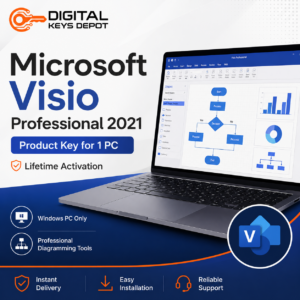
Microsoft Visio Professional 2021 for Advanced Business Diagramming & Workflow Planning
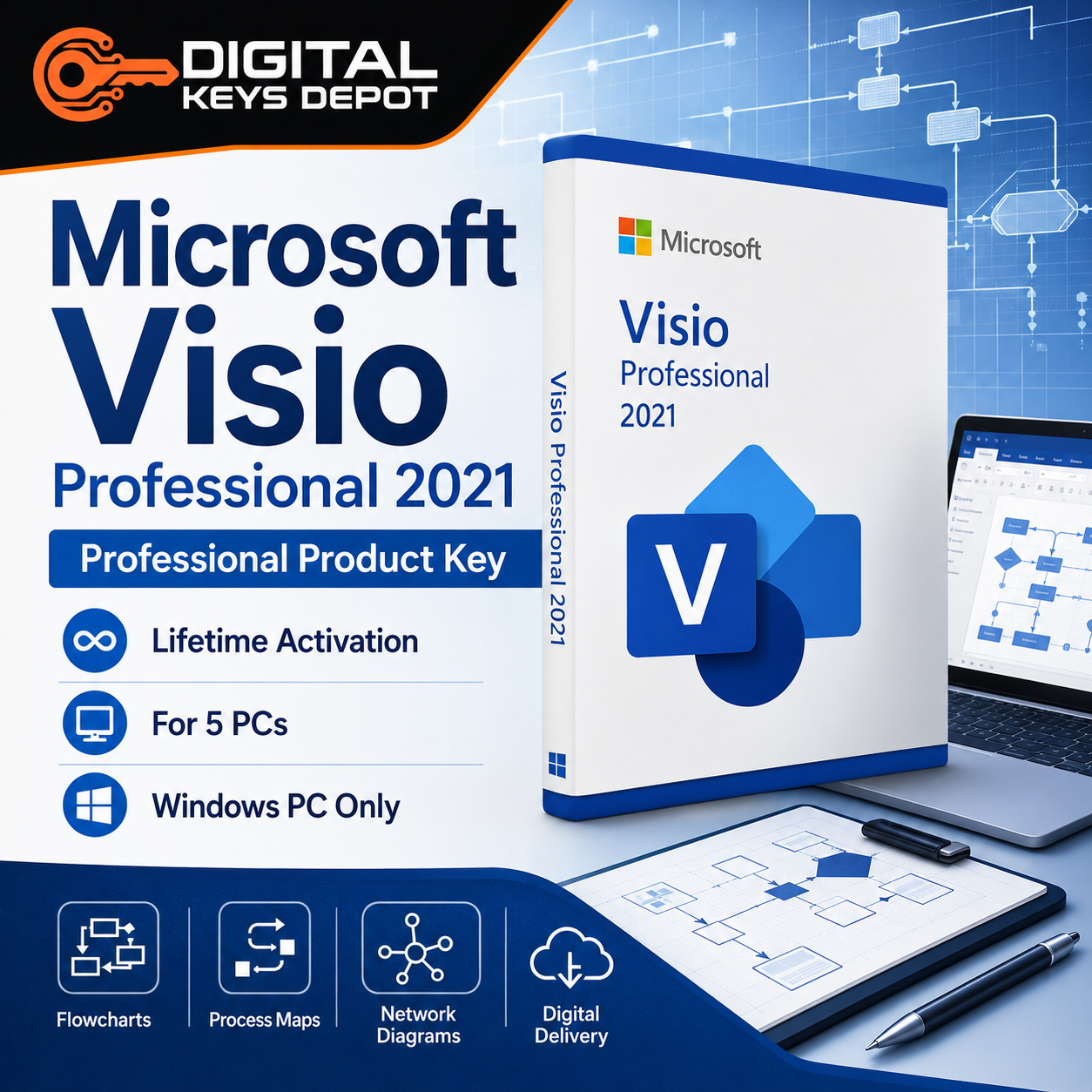
Microsoft Visio Professional 2021 is a modern diagramming and visual planning application designed for organizations and professionals that need structured workflow visualization, technical documentation, operational mapping, and collaborative process planning.
This Professional edition is ideal for businesses that work with infrastructure diagrams, business process flows, organizational structures, IT system layouts, engineering planning, and operational documentation across multiple workstations.
The 2021 release introduces a more refined visual workspace, improved collaboration support, updated diagram templates, and enhanced compatibility with modern Microsoft productivity environments.
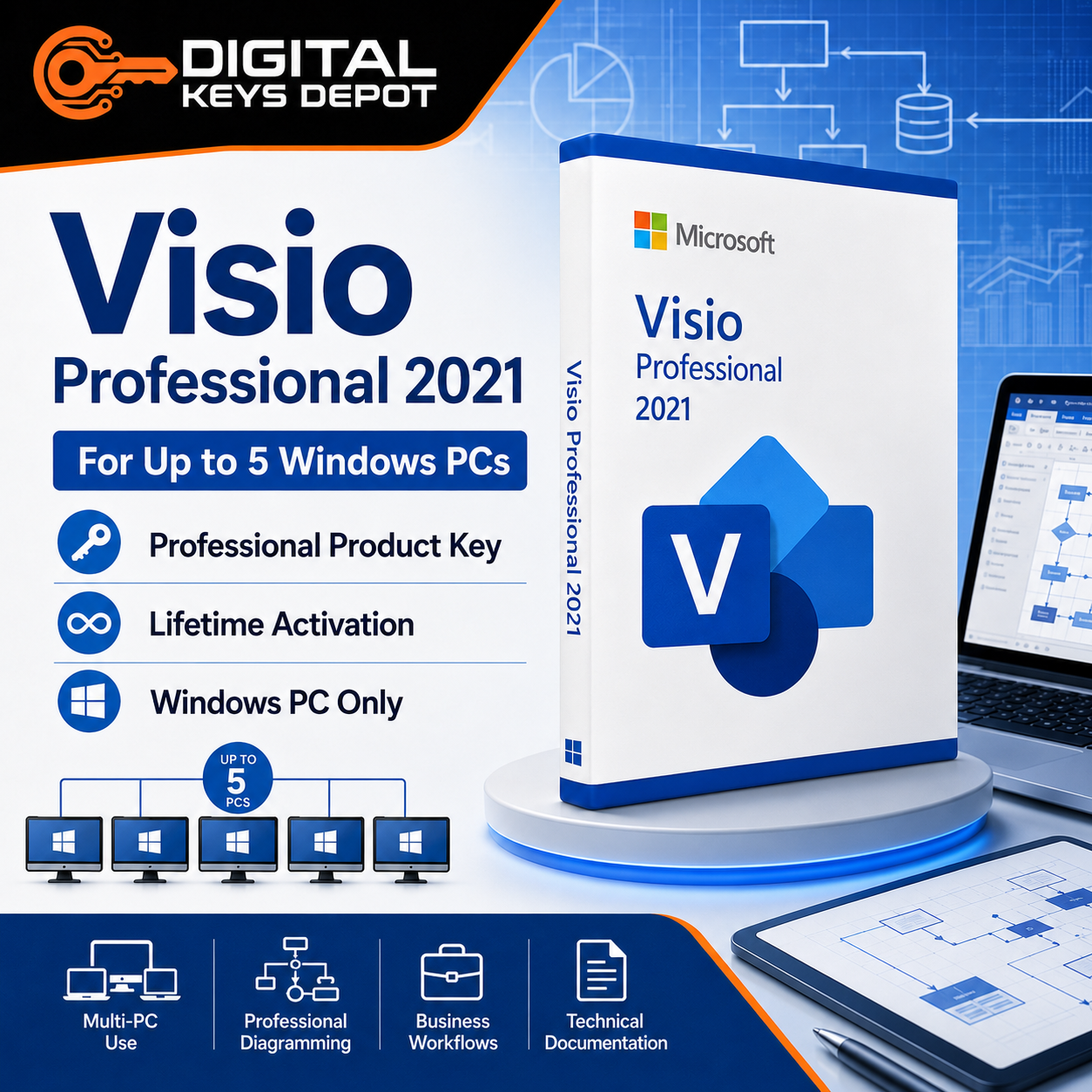
This package supports activation for up to 5 PCs, making it suitable for teams, departments, offices, and multi-user business environments.
What’s Included
- 1x Microsoft Visio Professional 2021 product key
- Activation support for 5 PCs
- Professional edition features
- Reactivation support after reinstallation on the same PCs
- Compatible with PC only
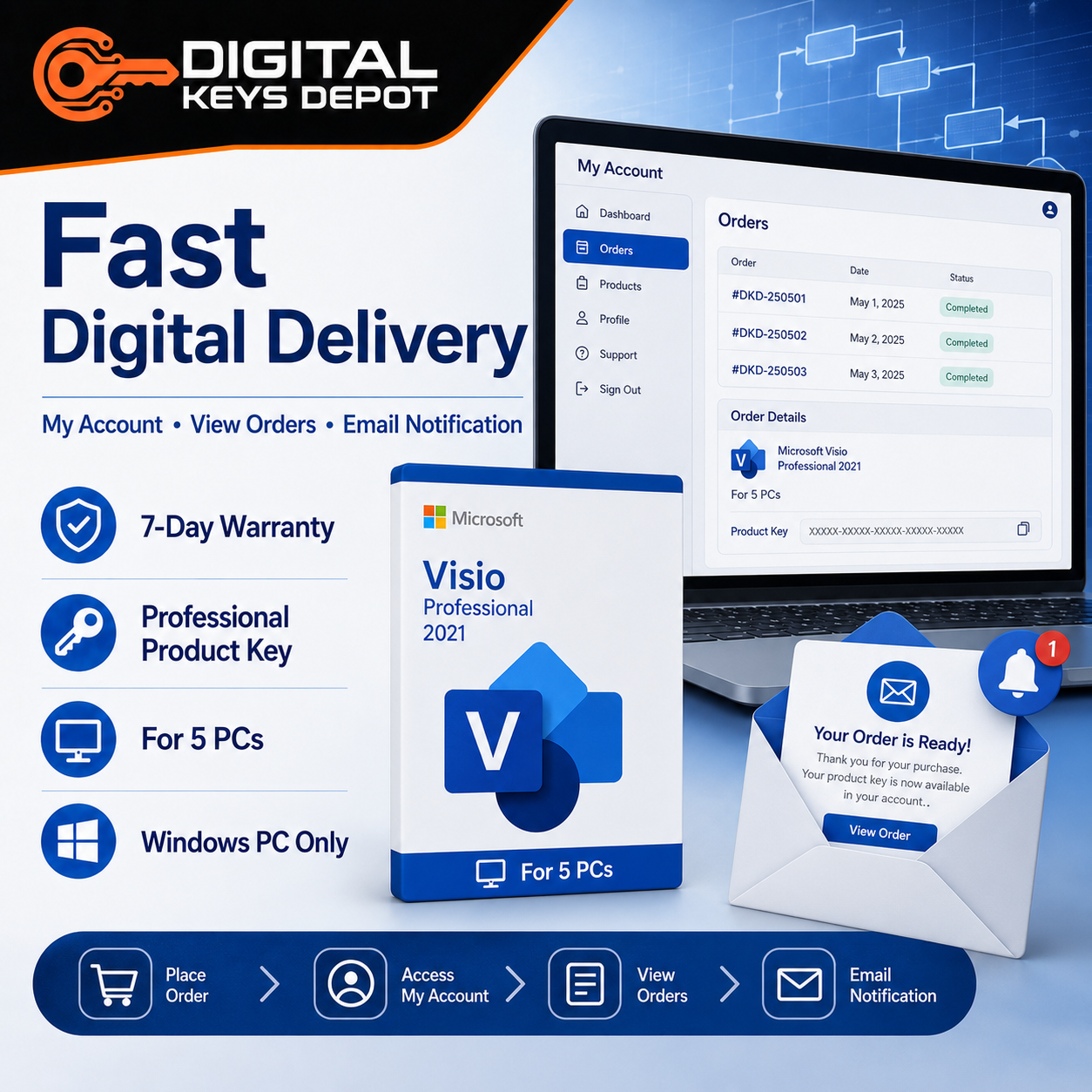
- Access through customer dashboard
- Email order notifications
- Professional customer support assistance
Common Use Cases
- Business process mapping
- Workflow visualization
- Infrastructure planning diagrams
- IT network topology documentation
- Engineering layouts
- Operational planning charts
- Project workflow documentation
- Data flow diagrams
- Facility management mapping
- Organizational charts
- Technical process documentation
- Cross-team collaboration planning
Designed for Modern Professional Workflows
Visio Professional 2021 helps businesses transform complex systems and operational processes into structured visual diagrams that improve communication, planning, and execution.
Business analysts can document workflows and standard operating procedures more efficiently, while IT teams can map infrastructure environments and system architecture using professional-grade visualization tools.
Engineering and operations teams also benefit from Visio’s ability to simplify technical information into diagrams that are easier to manage, review, and share across departments.
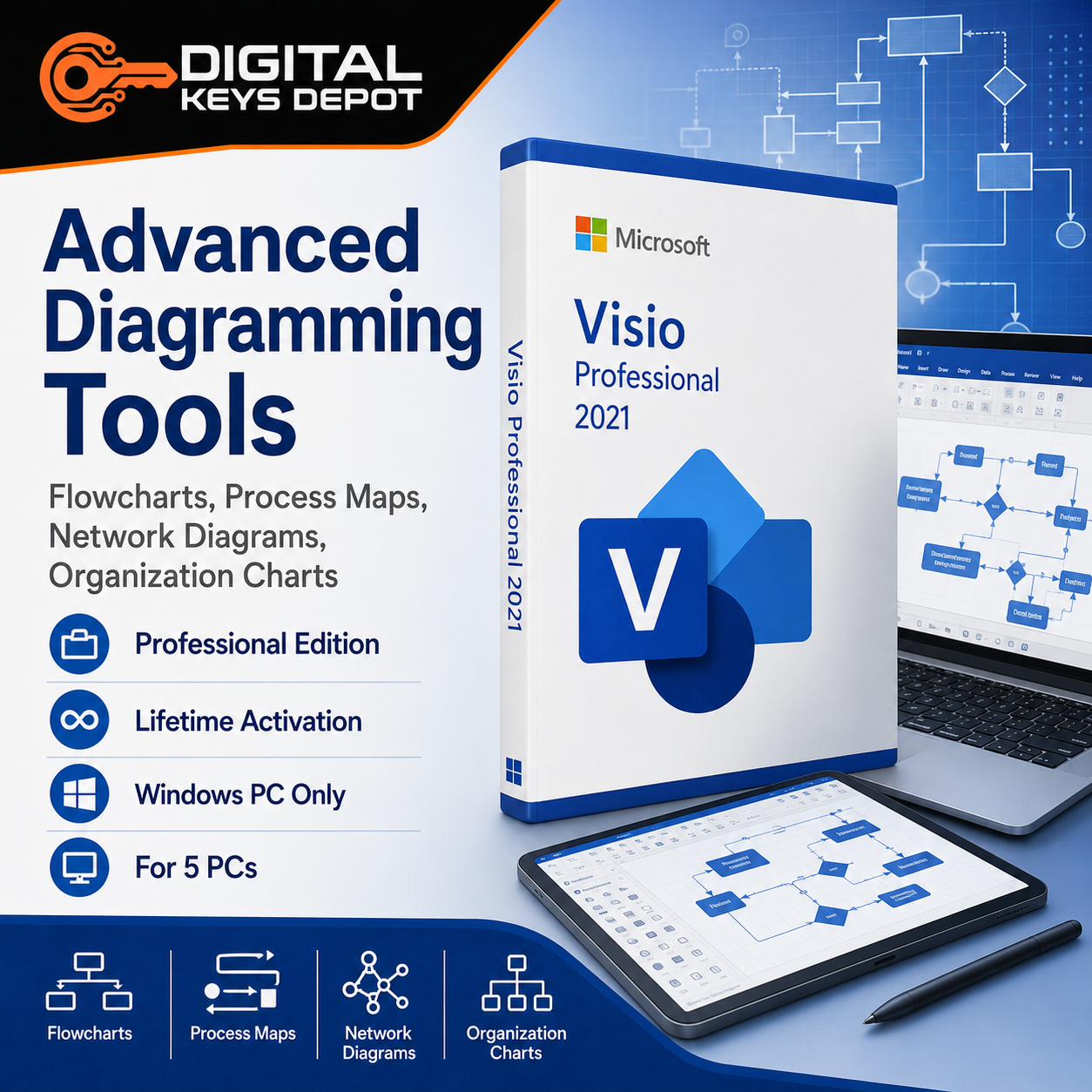
The Professional edition includes advanced diagramming capabilities and expanded template libraries designed for organizations that require more than basic flowchart functionality.
Professional Edition Advantages
Compared to Standard editions, the Professional version includes broader business and technical diagram support for enterprise-oriented workflows.
- Advanced diagram templates
- Enhanced workflow visualization tools
- Business process modeling support
- Professional infrastructure mapping
- Expanded organizational chart features
- Improved operational documentation tools
- Scalable diagram environments for teams
If you need a smaller deployment option for individual use, you may also consider the Microsoft Visio Professional 2021 Product Key for 1 PC.
Multi-PC Productivity Environment
The 5 PC activation option is suitable for:
- Business departments
- Operations teams
- Engineering offices
- IT management teams
- Educational labs
- Administrative environments
- Collaborative planning teams
Organizations using multiple workstations can standardize diagramming workflows across users while maintaining consistent documentation structures.
Business Process & Technical Visualization
Visio Professional 2021 supports a wide variety of visual workflow environments used in modern organizations.
Examples include:
- Process improvement planning
- Network architecture visualization
- Operational flowcharting
- Infrastructure documentation
- Workflow optimization mapping
- Department structure planning
- Technical reporting diagrams
For users who primarily need lightweight diagramming functionality, the Microsoft Visio Standard 2019 Product Key for 5 PCs may also be worth considering.
Microsoft Productivity Ecosystem Integration
Visio Professional 2021 integrates naturally with Microsoft productivity environments where documentation, reporting, planning, and collaboration workflows are part of daily operations.
Organizations frequently combine Visio with tools from the Project Product Keys category for workflow planning and project coordination.
Additional productivity applications are available in the Office Product Keys collection.
Activation Information
- Supports activation for up to 5 PCs
- Keys can reactivate on the same PCs after reinstallation
- Designed for PC systems only
- Not compatible with Mac devices
- Internet connection may be required during activation
System Requirements
- Supported Windows operating system
- 4 GB RAM or higher recommended
- Available storage space for installation
- Internet access for activation
- Microsoft account may be required depending on setup configuration
Compatibility & Purchase Notes
Visio Professional 2021 is recommended for users who require modern diagramming tools with advanced business and technical workflow capabilities.
If you are exploring newer releases with updated long-term deployment options, you may also view:
Browse additional diagramming software in the Visio Product Keys category.
Frequently Asked Questions
What is Microsoft Visio Professional 2021 used for?
It is commonly used for creating business process maps, flowcharts, infrastructure diagrams, organizational charts, technical workflows, and operational documentation.
How many PCs can this product activate?
This package supports activation for up to 5 PCs.
Can I reinstall the software later?
Yes. The keys can be reused to reactivate on the same PCs after reinstallation.
What is the difference between Standard and Professional editions?
The Professional edition includes additional templates, advanced diagramming capabilities, and enhanced tools for business and technical visualization workflows.
Is this compatible with Mac?
No. This product is designed for PC systems only.
Who should use the 5 PC version?
The 5 PC option is suitable for offices, departments, businesses, and teams that require diagramming software across multiple workstations.
Additional Information
For additional details regarding product delivery and account access, please visit our FAQ page and Delivery Information section.
Reviews
There are no reviews yet.